24
Operation
Programs Key
Press this key to choose the programs for irrigation,
chemigation, set sequence overrides, and retracted
psi. To view the program menu, do the following:
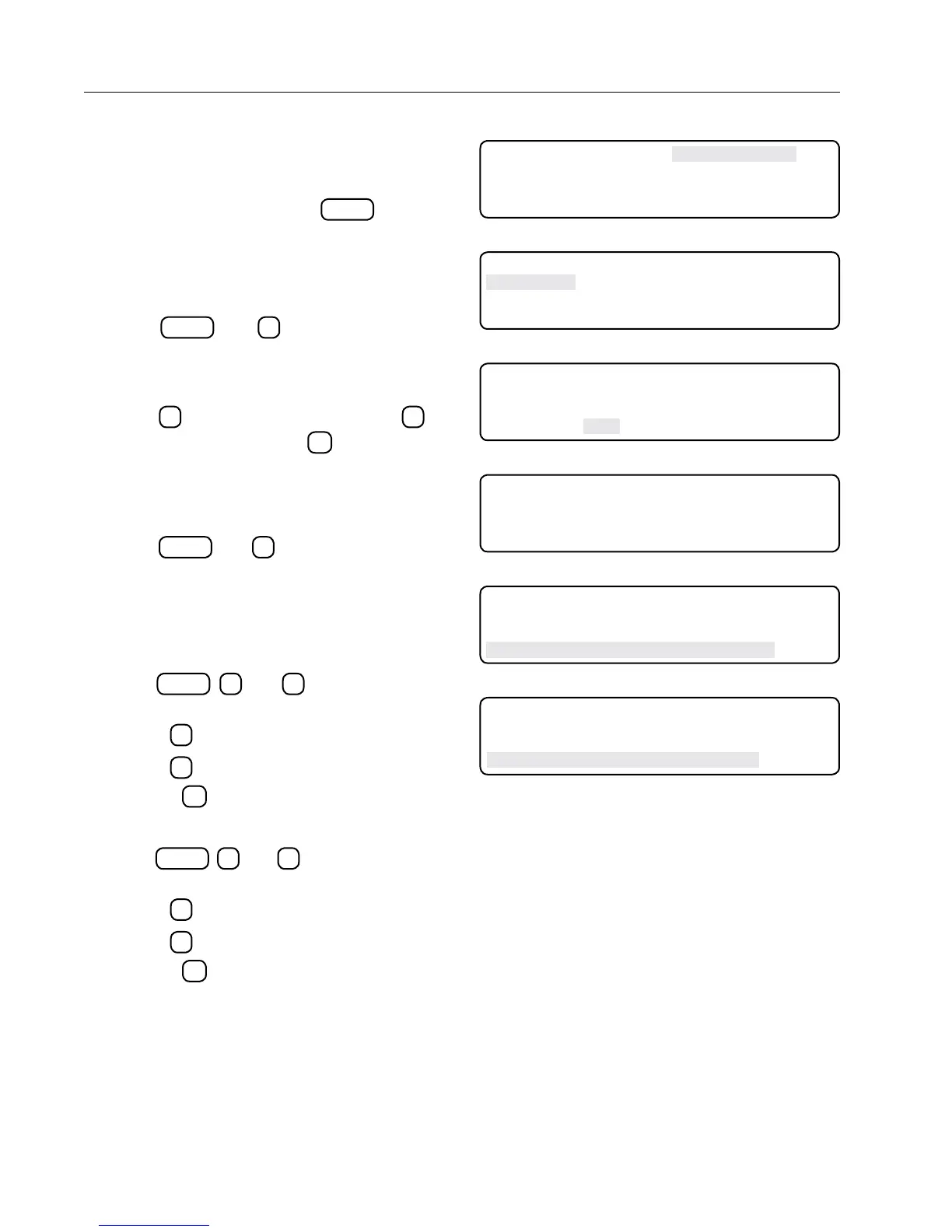
1. From the home screen, press
PROGRAMS
to display
programs main menu. While in this screen if the
pressures regulators are selected it will be dis-
played like Figure 24-1.
Irr/Chem
2. Press
PROGRAMS
and
1
to display IRR/CHEM
screen. This screen allows selection of irrigate or
chemigate mode. Irrigate mode is the DEFAULT
setting. See Figure 24-2.
3. Press
1
to select IRRIGATE or press
2
to
select CHEMIGATE. Press
ESC
to exit to diag-
nostics screen. See Figure 24-3.
Seq Overrides
To view the Seq Overrides screen, do the following:
4. Press
PROGRAMS
and
2
to display SEQ OVER-
RIDES screen. This screen allows changes to
be made in the following options screens: Corner
Angle, Position, Corner Angles, and Machine
Angles. See Figure 24-4.
Crnr Angle
5. Press
PROGRAMS
,
2
, and
1
to select the CRNR
ANGLE option. See Figure 24-5.
• Press
1
to Enable.
• Press
0
to Disable.
6. Press the
ESC
to return to the previous screen.
Position
7. Press
PROGRAMS
,
2
, and
2
to select the Position
option. See Figure 24-6.
• Press
1
to Enable position overrides.
• Press
0
to Disable position overrides.
8. Press the
ESC
to return to the previous screen.
0 EXIT 3 RETRACTED PSI
1 IRR/CHEM
2 SEQ OVERRIDES
PRESS NUMBER >
Figure 24-1
0 EXIT 3 RETRACTED PSI
1 IRR/CHEM
2 SEQ OVERRIDES
PRESS NUMBER >
Figure 24-2
0 EXIT
1 IRRIGATE
2 CHEMIGATE
SELECT MODE (IRR) >
Figure 24-3
0 EXIT
1 CRNR ANGLE DISABLED 3 CORNER ANGLES
2 POSITION ENABLED 4 MACHINE ANGLES
PRESS NUMBER >
Figure 24-4
0 EXIT
1 CRNR ANGLE DISABLED 3 CORNER ANGLES
2 POSITION ENABLED 4 MACHINE ANGLES
ANGLE MODE 1. . ENABLE 0 . . DISABLE (1) >
Figure 24-5
0 EXIT
1 CRNR ANGLE DISABLED 3 CORNER ANGLES
2 POSITION ENABLED 4 MACHINE ANGLES
POS MODE 1. . ENABLE 0 . . DISABLE (1) >
Figure 24-6



 To Next Page