34
Diagnostics
Modules
Module is another name for a relay. The machine is
monitored and controlled by a series of relays located
in the control panel. Each relay will be closed (ON) or
open (OFF) as the machine is operating.
Enter a module number in the Review Modules
screen and the module number and its status appear
in the upper right-hand corner of the Modules screen.
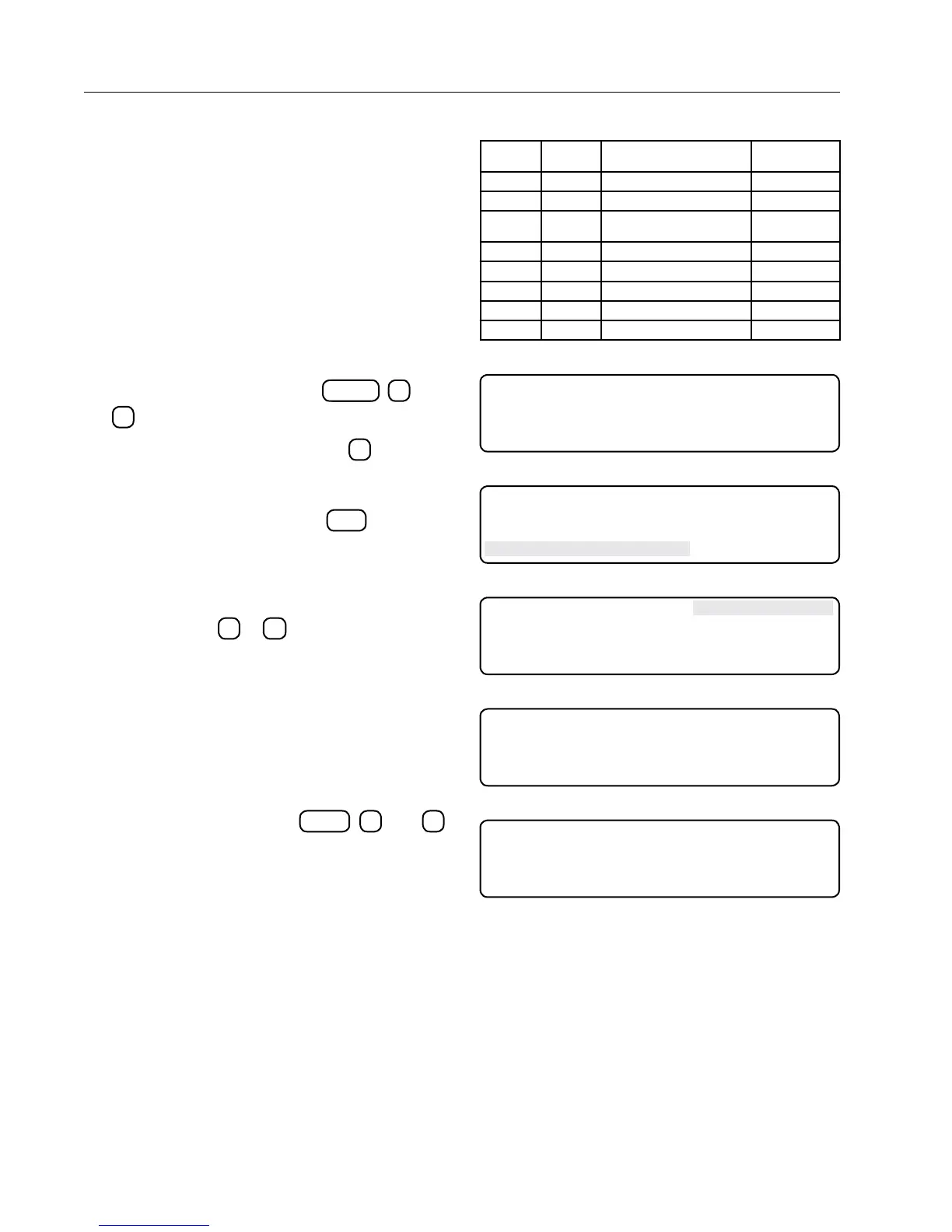
A list of the module numbers and their corresponding
relays is shown in Figure 34-1.
Reviewing Modules
To review module relays, do the following:
1. From the Status screen, press
SYSTEMDIAGNOSTICS
,
4
, and
2
to display the Modules screen.
2. From the Modules screen, press
1
to display
the Modules Request screen. See Figure 34-2.
3. From the Modules Request screen, press the
desired module number and
ENTER
to display
the selected module ("22" in this example) in the
upper right-hand corner. See Figures 34-3 and
34-4.
4. Repeat steps 2 and 3 to display other module
relays or press
0
or
ESC
to exit this screen.
GPS
The Navigation screens inform you of the machine's
current position and how far it has deviated from
its intended path. This read-only information is in
degrees and meters. You can not adjust a machine's
path with these screens.
Reviewing GPS
From the Status screen, press
SYSTEMDIAGNOSTICS
,
2
, and
3
to display the GPS screen. See Figures 34-5 and
34-6.
Press any key to exit this screen.
MODULE
NUMBER
RELAY
NUMBER
FUNCTION DESCRIPTION RELAY BOARD
TERMINAL
0 K1 Safety Out J5-1
1 K2 LRDU Enable J5-2
5 K9 12 VDC for GGS Computer and
GPS
J6-1, 2, 3
6 K12 Steer In Output J7-1, 2
7 K13 Steer Out Output J7-3, 4
19 K15 Reverse Sense J7-7, 8
20 K14 Steer Enable Input J7-5, 6
23 K5 Safety Input Sense J5-7
Figure 34-1
0 EXIT MODULE 0 OFF
1 MODULE
PRESS NUMBER > 1
Figure 34-2
0 EXIT MODULE 0 OFF
1 MODULE
ENTER MODULE NUMBER > 22
Figure 34-3
0 EXIT MODULE 22 ON
1 MODULE
PRESS NUMBER >
Figure 34-4
GPS FIX TYPE: STANDARD
LAT: - 12.3456789 DEG ALT: -- 234.56 M
LON: - 123.4567890 DEG
PRESS ANY KEY >
Figure 34-5 With GPS Screen
GPS FIX TYPE: - - - - -
LAT: - - - - - DEG ALT: - - - - - M
LON: - - - - - DEG
PRESS ANY KEY >
Figure 34-6 Without GPS Screen



 To Next Page