25
Operation
Corner Angles
This table allows the user to make changes that
control each solenoid valve allowing different
functions during different corner angles.
9. Press
PROGRAMS
,
2
, and
3
to display the Corner
Angles table.
• (Retrying) will only be displayed as shown in
Figure 25-1 if reading the table failed and is
being retried.
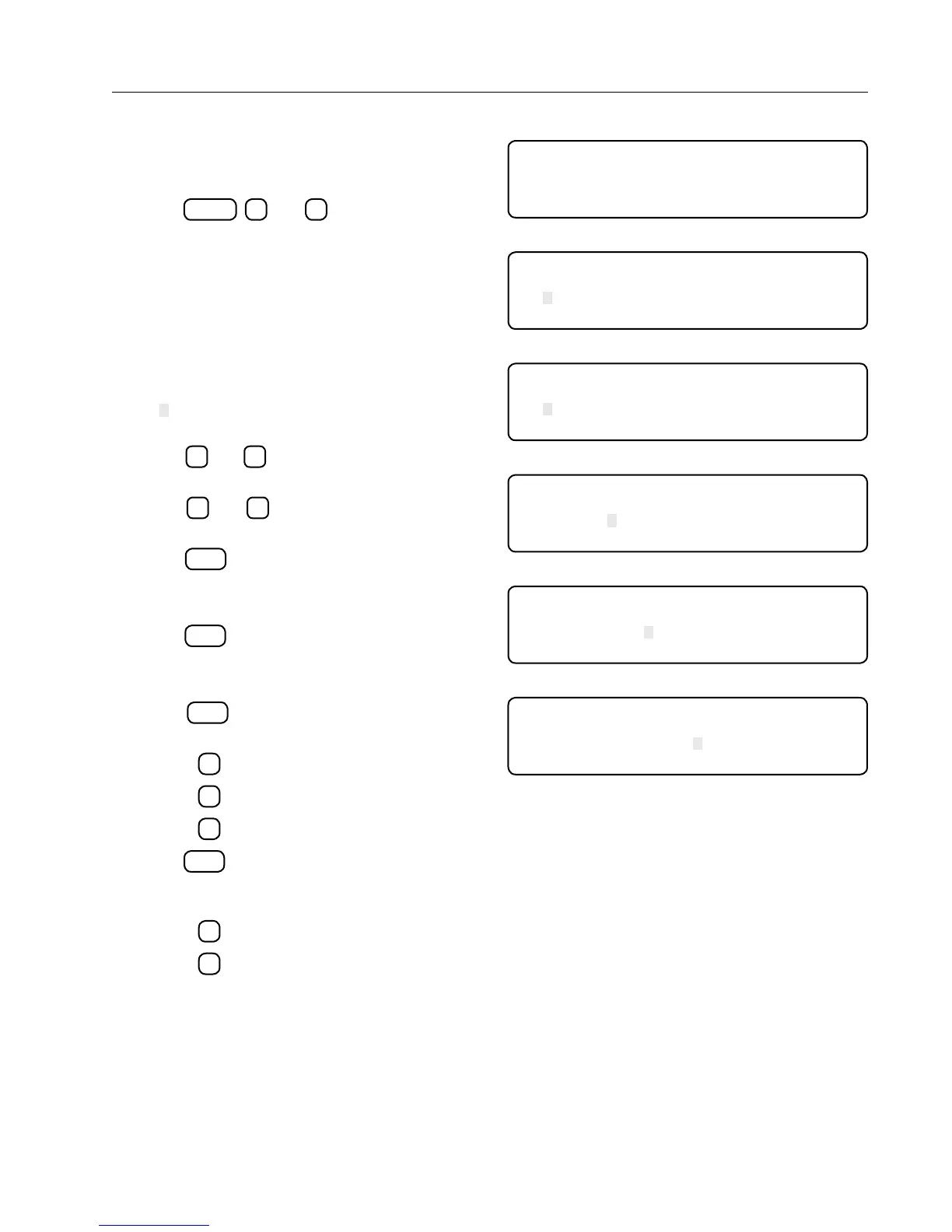
10. After the table has been read from the STB Fig-
ure 25-2 will be displayed.
• The entry closest to the current corner angle
will be the selected entry.
• " " is the cursor position it will blink allowing
the user to see the data being covered.
• The
and
arrow keys will move the cur-
sor to the next or previous field.
• The
and
arrow keys will scroll the list
up or down.
11. Press
ENTER
with cursor located in the CSTART
column to enter start angle. See Figure 25-3.
• Enter start angle: input 60 to 180
12. Press
ENTER
with cursor located in the END col-
umn to enter end angle. See Figure 25-4.
• Enter end angle: input 60 to 180
13. Press
ENTER
with cursor located in the STATE
column to enter corner state. See Figure 25-5.
• Press
1
to select Extension. (EXT)
• Press
2
to select Retraction. (RET)
• Press
3
to select No Change. (NOC)
14. Press
ENTER
to select the 1/0 column. 1/0 is used
to override sequences in the list on (1) or off (0).
See Figure 25-6.
• Press
1
to turn ON.
• Press
2
to turn OFF.
READING TABLE FROM SMART TOWER BOARD
(RETRYING)
100%
Figure 25-1
CSTART END S TAT E 1/0 SOL# TEN+
136.5 138.2 EXT 1 123456 1
140. 145.2 EXT 1 1234567 12
139.7 135.0 EXT 0 34 3
Figure 25-2
CSTART END S TAT E 1/0 SOL# TEN+
136.5 138.2 EXT 1 123456 1
140. 145.2 EXT 1 1234567 12
ENTER START ANGLE >
Figure 25-3
CSTART END S TAT E 1/0 SOL# TEN+
136.5 138.2 EXT 1 123456 1
140.0 145.2 EXT 1 1234567 12
ENTER END ANGLE >
Figure 25-4
CSTART END S TAT E 1/0 SOL# TEN+
136.5 138.2 EXT 1 123456 1
140.0 145.2 EXT 1 1234567 12
PRESS 1 . . EXT 2 . . RET 3 . . NOC >
Figure 25-5
CSTART END S TAT E 1/0 SOL# TEN+
136.5 138.2 EXT 1 123456 1
140.0 145.2 EXT 1 1234567 12
PRESS 1 . . ON 2 . . OFF >
Figure 25-6



 To Next Page