53
9.4.3 CHANGING OF THE TIME
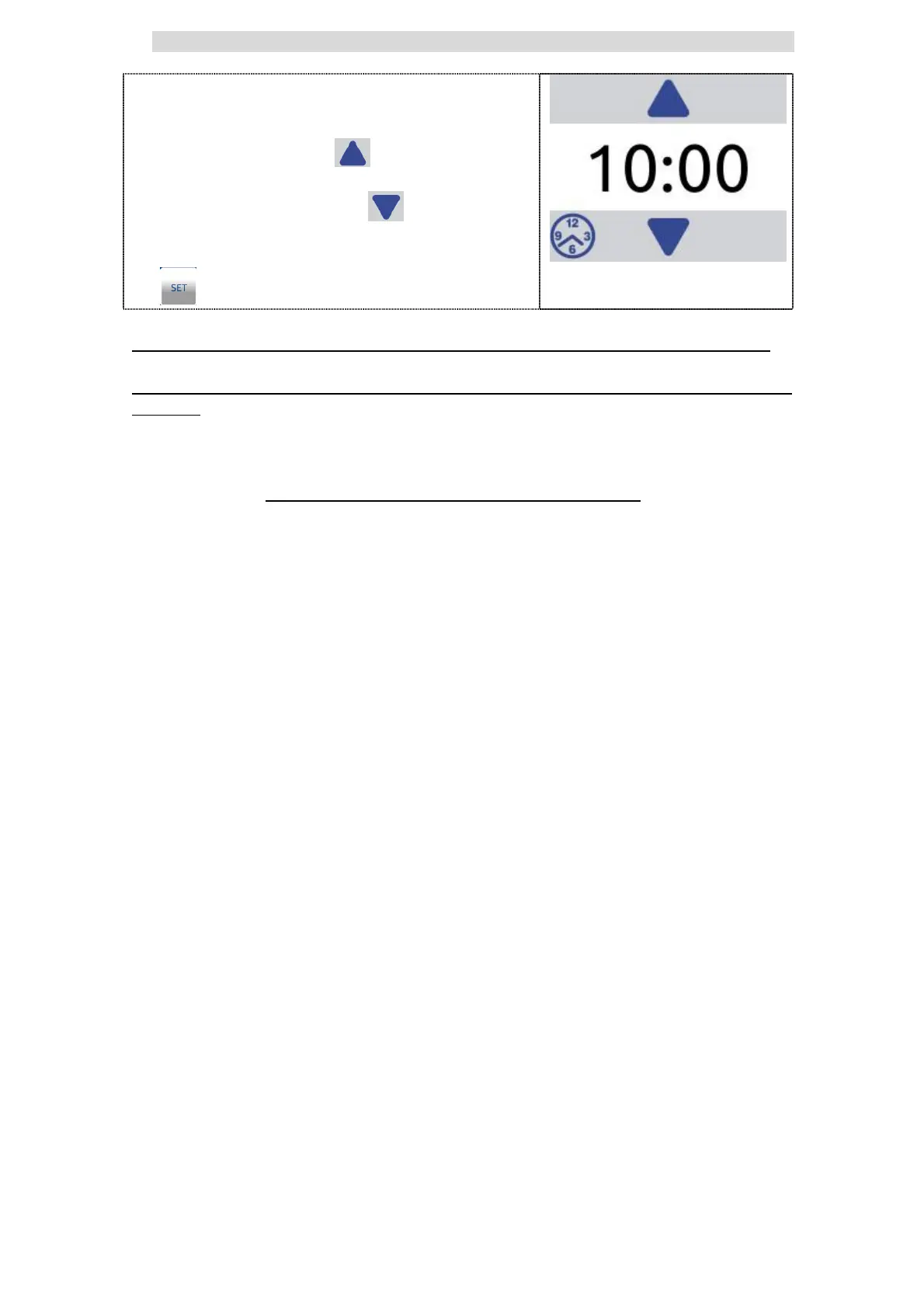
When in actual step the desired temperature
is reach you can change maintenance time.
For this you can use two buttons.
If you press the UP - button you
increase the actual maintenance time.
If you press the DOWN - button you
decrease the actual maintenance time.
For confirming the new value press the SET
button.
If the UP button is grey the increasing of the maintenance time is not allowed.
If the DOWN button is grey the decreasing of the maintenance time is not
allowed.
In the most programs the permeted changing of the maintenance time is saved.
See the relevant program info to check whether changes are stored. If changes
are NOT stored they will be valid only for the running program!
The new parameter is valid and used during the running program and will be
valid and used when running the program in future.


 To Next Page