18
POWER
HOME SCORE
GUEST SCOREBASEBALL / SOFTBALL
ENTER
BALL
STRIKE INNING
EDIT
.,!? A B CD E F
G H I
RESETUNDO
J K LM N O
P Q R ST U V
_
W X Y Z
PC1PC1
1 1
ERRORHIT
OPTION
1
SECOND
PC
RESET
NEW BAT.
AT BAT
EDIT
PC1PC1
1 1
ERRORHIT
PC
RESET
NEW BAT.
AT BAT
OUT
ON
123
456
78
0
9
OFF
CLOCK
START
LCD
HOLD
TIME
OUT
SET
CLOCK
CONTRAST
STOP
SYSTEM SETTINGS
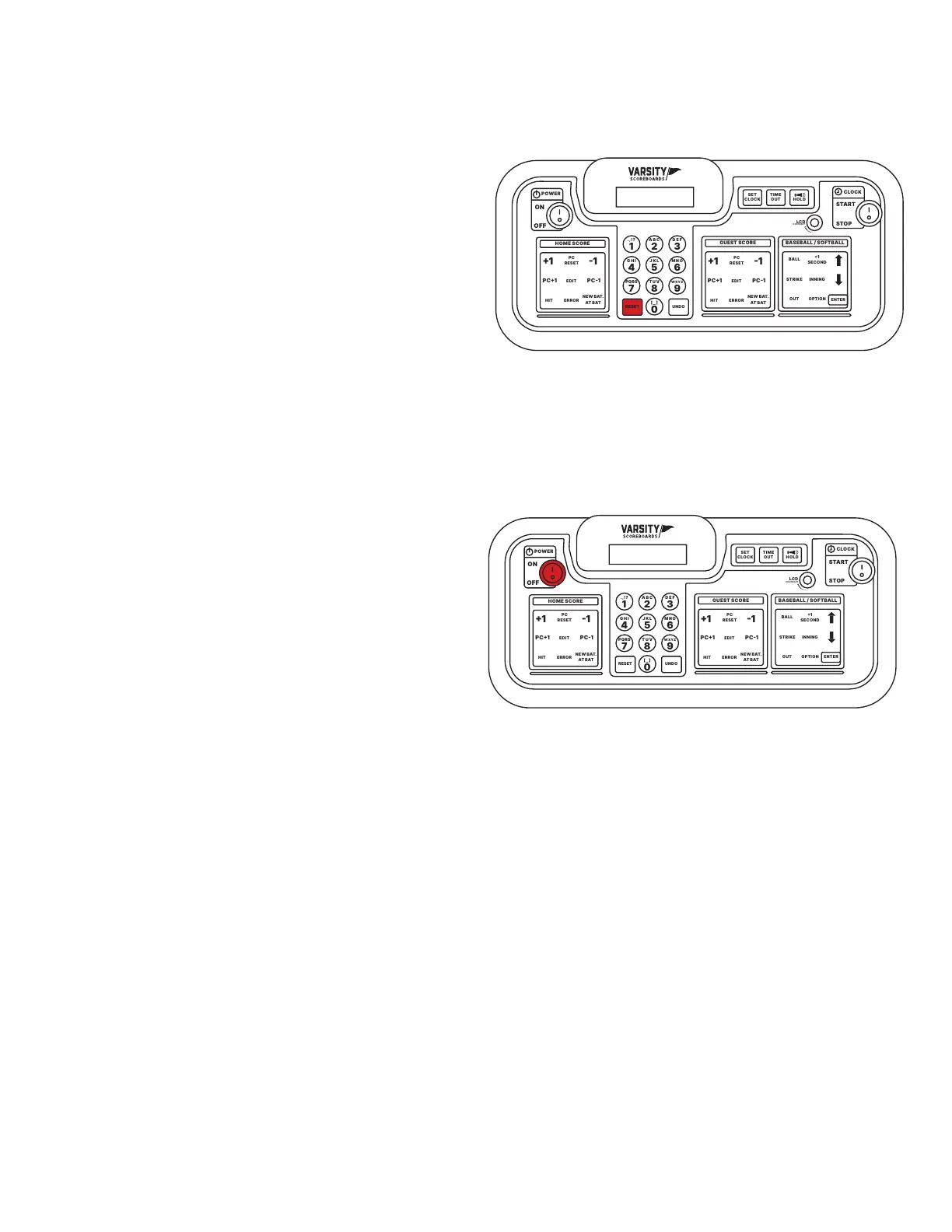
Reset for Another Game
To reset the scoreboard to prepare for another
game, press and hold Reset for three seconds.
All scoring information on both the Controller’s
LCD and the scoreboard will be cleared, while all
option settings will be saved.
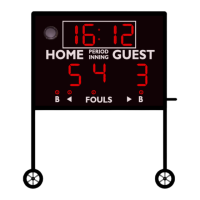
Shut Down
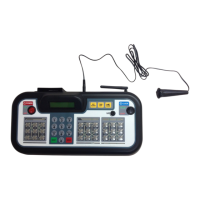
After the last game, turn the Controller’s Power
switch Off. All scoring information and option
settings will be saved and may be retrieved
when the Controller is turned back on by
pressing Enter.
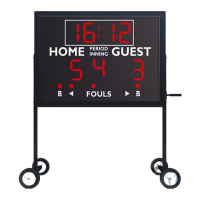
Shortly after the Controller is turned off, the
Period/Inning digit on the scoreboard will
begin to ash and will continue to do so until
power to the scoreboard has been shut off at
the scoreboard’s power disconnect switch or
circuit breaker.
Store the Controller and all accessories in a
secure, dry location after each use.
POWER
HOME SCORE
GUEST SCOREBASEBALL / SOFTBALL
ENTER
BALL
STRIKE INNING
EDIT
.,!? A B CD E F
G H I
RESETUNDO
J K LM N O
P Q R ST U V
_
W X Y Z
PC1PC1
1 1
ERRORHIT
OPTION
1
SECOND
PC
RESET
NEW BAT.
AT BAT
EDIT
PC1PC1
1 1
ERRORHIT
PC
RESET
NEW BAT.
AT BAT
OUT
ON
123
456
78
0
9
OFF
CLOCK
START
LCD
HOLD
TIME
OUT
SET
CLOCK
CONTRAST
STOP
Important Power Note
After each use power to the scoreboard must be
turned off at the scoreboard’s power disconnect
switch or circuit breaker.
Failure to do so will result in unnecessary
power consumption and shorten the life of
the displays and other electronic components.
Battery Maintenance
To maintain the life of the Controller in between
games or seasons, store it in a place where you
can keep the adapter plugged in year-round to
help regulate the battery voltage.


 To Next Page