10
1 / Out of Network Mode
The rst setting changes what the device does when it is
Game Mode but not in the current network. For example,
a wrestling scoreboard during a basketball game. There are
three options: Lights Off, Time of Day, and Flashing 8s.
Select one and press Enter.
2 / Out of Network Mode
Next, you will be prompted to set the Date, followed by the Time
of Day. Once these are set, press Enter to leave the Scoreboard
Default menu.
POWER
HOME SCORE
GUEST SCOREBASEBALL / SOFTBALL
ENTER
BALL
STRIKE INNING
EDIT
.,!? A B CD E F
G H I
RESETUNDO
J K LM N O
P Q R ST U V
_
W X Y Z
PC1PC1
1 1
ERRORHIT
OPTION
1
SECOND
PC
RESET
NEW BAT.
AT BAT
EDIT
PC1PC1
1 1
ERRORHIT
PC
RESET
NEW BAT.
AT BAT
OUT
ON
123
456
78
0
9
OFF
CLOCK
START
LCD
HOLD
TIME
OUT
SET
CLOCK
CONTRAST
STOP
OPERATIONS MANUAL
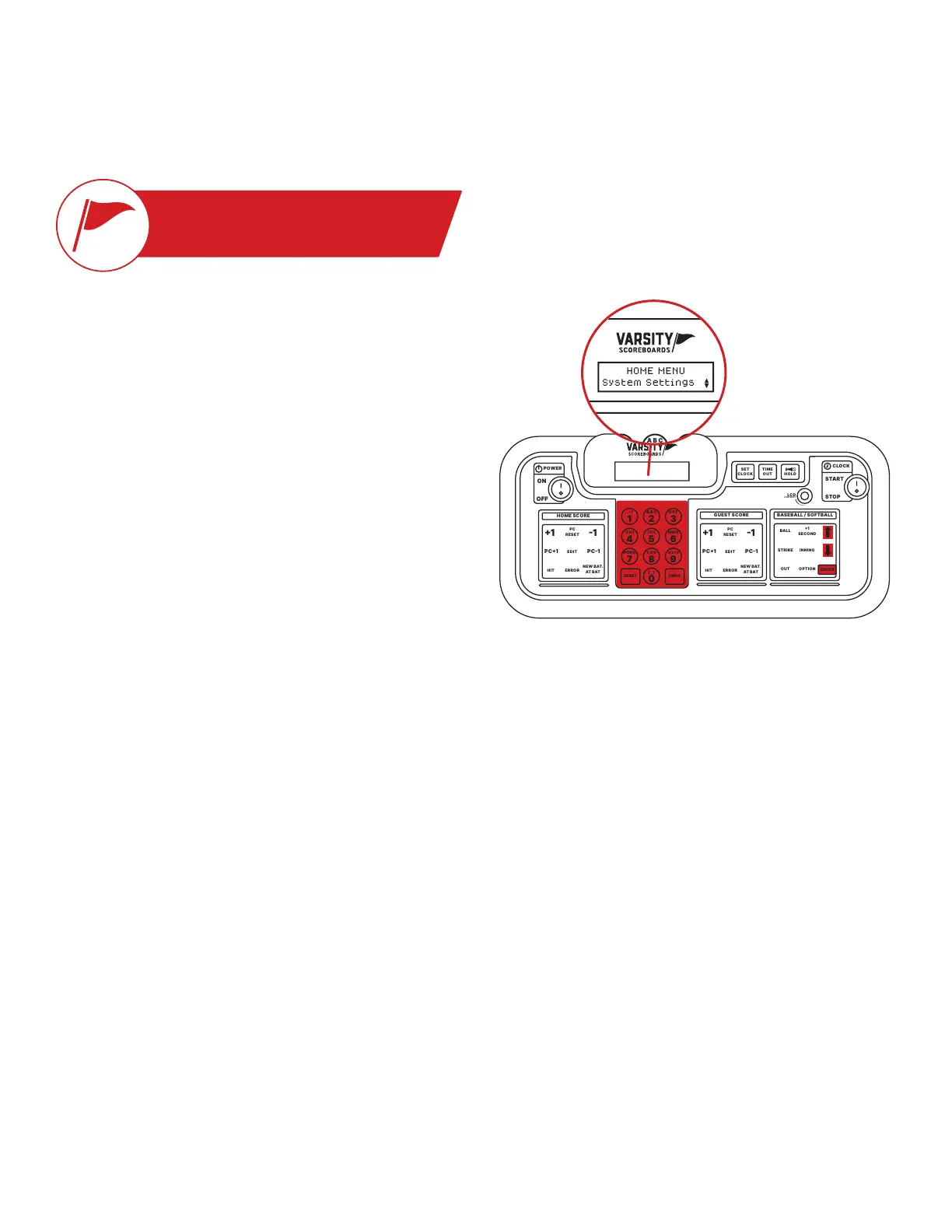
SYSTEM SETTINGS
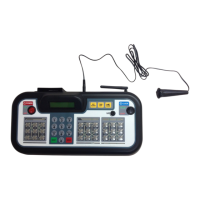
System Settings is accessed by pressing and
holding Undo while turning the controller on.
Here, you may Change Scoreboard Settings
for any individual device, Add Network,
Edit Network, or Delete Network.
SCOREBOARD DEFAULT
The rst option will display as Scoreboard Default.
To change any of the settings on any of your devices, press Enter.
The LCD Screen will display the serial number for one of your powered-on devices, and the matching
device will begin ashing “0” to visually indicate that it is the device you will be editing. When you
have cycled through to the device you want, press Enter.
POWER
HOME SCORE
GUEST SCORE BASEBALL / SOFTBALL
ENTER
BALL
STRIKE INNING
EDIT
.,!? A B CD E F
G H I
RESETUNDO
J K LM N O
P Q R ST U V
_
W X Y Z
PC1PC1
1 1
ERRORHIT
OPTION
1
SECOND
PC
RESET
NEW BAT.
AT BAT
EDIT
PC1PC1
1 1
ERRORHIT
PC
RESET
NEW BAT.
AT BAT
OUT
ON
123
456
78
0
9
OFF
CLOCK
START
LCD
HOLD
TIME
OUT
SET
CLOCK
CONTRAST
STOP
HOME MENU
System Settings


 To Next Page