7
POWER
HOME SCORE
GUEST SCOREBASEBALL / SOFTBALL
ENTER
BALL
STRIKE INNING
EDIT
.,!? A B CD E F
G H I
RESETUNDO
J K LM N O
P Q R ST U V
_
W X Y Z
PC1PC1
1 1
ERRORHIT
OPTION
1
SECOND
PC
RESET
NEW BAT.
AT BAT
EDIT
PC1PC1
1 1
ERRORHIT
PC
RESET
NEW BAT.
AT BAT
OUT
ON
123
456
78
0
9
OFF
CLOCK
START
LCD
HOLD
TIME
OUT
SET
CLOCK
CONTRAST
STOP
POWER
HOME SCORE
GUEST SCORE BASEBALL / SOFTBALL
ENTER
BALL
STRIKE INNING
EDIT
.,!? A B CD E F
G H I
RESETUNDO
J K LM N O
P Q R ST U V
_
W X Y Z
PC1PC1
1 1
ERRORHIT
OPTION
1
SECOND
PC
RESET
NEW BAT.
AT BAT
EDIT
PC1PC1
1 1
ERRORHIT
PC
RESET
NEW BAT.
AT BAT
OUT
ON
123
456
78
0
9
OFF
CLOCK
START
LCD
HOLD
TIME
OUT
SET
CLOCK
CONTRAST
STOP
Power-On Devices
– Enter when Ready
POWER
HOME SCORE
GUEST SCORE BASEBALL / SOFTBALL
ENTER
BALL
STRIKE INNING
EDIT
.,!? A B CD E F
G H I
RESETUNDO
J K LM N O
P Q R ST U V
_
W X Y Z
PC1PC1
1 1
ERRORHIT
OPTION
1
SECOND
PC
RESET
NEW BAT.
AT BAT
EDIT
PC1PC1
1 1
ERRORHIT
PC
RESET
NEW BAT.
AT BAT
OUT
ON
123
456
78
0
9
OFF
CLOCK
START
LCD
HOLD
TIME
OUT
SET
CLOCK
CONTRAST
STOP
No Networks
POWER
HOME SCORE
GUEST SCORE BASEBALL / SOFTBALL
ENTER
BALL
STRIKE INNING
EDIT
.,!? A B CD E F
G H I
RESETUNDO
J K LM N O
P Q R ST U V
_
W X Y Z
PC1PC1
1 1
ERRORHIT
OPTION
1
SECOND
PC
RESET
NEW BAT.
AT BAT
EDIT
PC1PC1
1 1
ERRORHIT
PC
RESET
NEW BAT.
AT BAT
OUT
ON
123
456
78
0
9
OFF
CLOCK
START
LCD
HOLD
TIME
OUT
SET
CLOCK
CONTRAST
STOP
End of Discovery:
X Devices
4 /
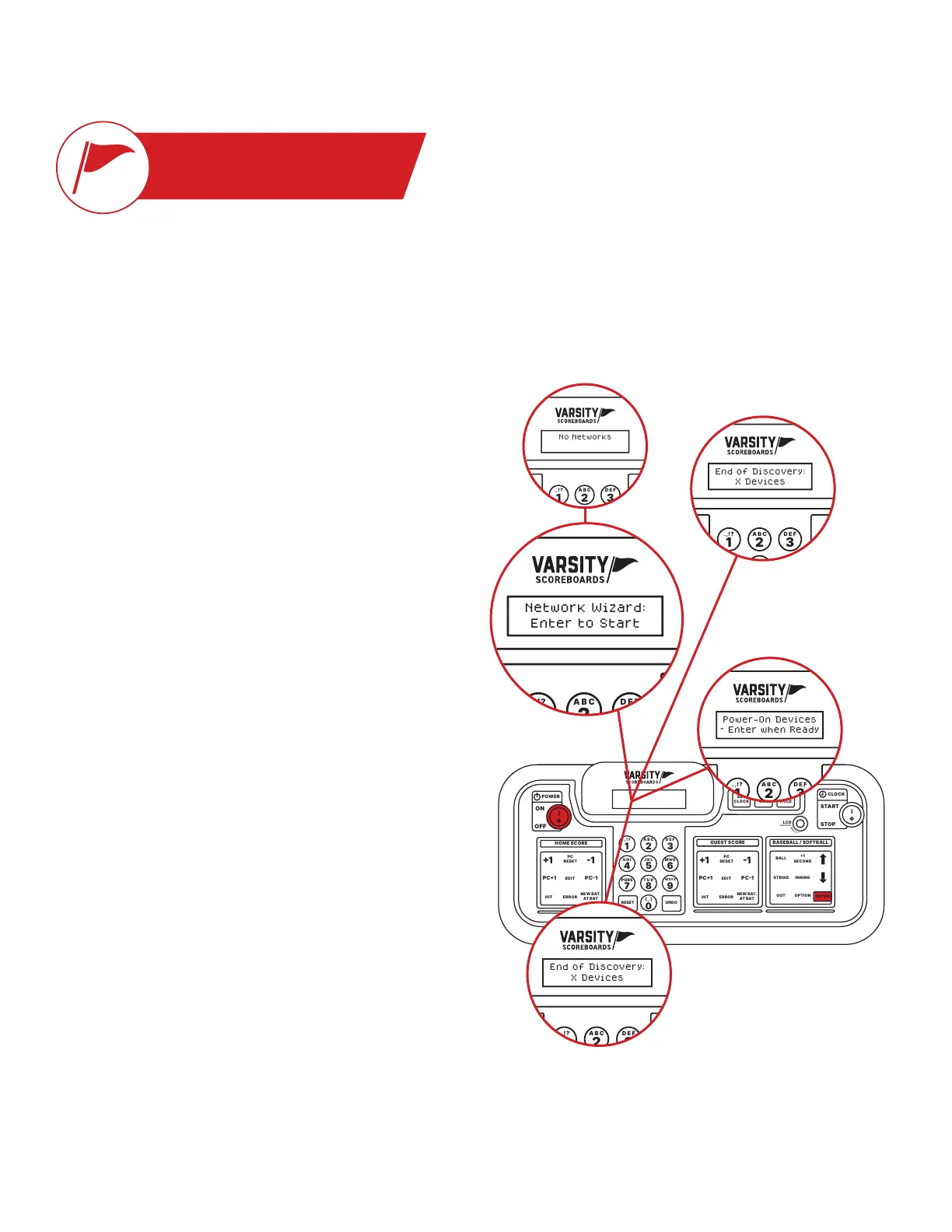
The keyboard Controller will automatically run a startup
process and display No Networks followed by Network Wizard –
Enter to Start.
5 /
Press the Enter key. The LCD screen will display Power-On
Devices – Enter When Ready.
6 /
Press the Enter key again. The keyboard Controller will verify
the number of devices powered on by again displaying End of
Discovery – X Devices and then automatically proceed to the
Select Sport screen.
POWER
HOME SCORE
GUEST SCORE BASEBALL / SOFTBALL
ENTER
BALL
STRIKE INNING
EDIT
.,!? A B CD E F
G H I
RESETUNDO
J K LM N O
P Q R ST U V
_
W X Y Z
PC1PC1
1 1
ERRORHIT
OPTION
1
SECOND
PC
RESET
NEW BAT.
AT BAT
EDIT
PC1PC1
1 1
ERRORHIT
PC
RESET
NEW BAT.
AT BAT
OUT
ON
123
456
78
0
9
OFF
CLOCK
START
LCD
HOLD
TIME
OUT
SET
CLOCK
CONTRAST
STOP
Network Wizard:
Enter to Start
4B
4A
3
5
6
NETWORK WIZARD
Here we’ll show you how to set up one or multiple scoreboards and link them to a single Controller,
as well as create easy-to-use presets for different sports.
POWER
HOME SCORE
GUEST SCORE BASEBALL / SOFTBALL
ENTER
BALL
STRIKE INNING
EDIT
.,!? A B CD E F
G H I
RESETUNDO
J K LM N O
P Q R ST U V
_
W X Y Z
PC1PC1
1 1
ERRORHIT
OPTION
1
SECOND
PC
RESET
NEW BAT.
AT BAT
EDIT
PC1PC1
1 1
ERRORHIT
PC
RESET
NEW BAT.
AT BAT
OUT
ON
123
456
78
0
9
OFF
CLOCK
START
LCD
HOLD
TIME
OUT
SET
CLOCK
CONTRAST
STOP
End of Discovery:
X Devices
1 /
Make sure all scoring and timing equipment such as scoreboards,
shot clocks, pitch count, delay of game clocks, locker room
clocks, etc. are powered on.
2 /
Turn on your Controller.
3 /
The LCD screen will display the total number of scoring and
timing equipment it detects and display the following message,
where X is the number of devices detected: End of Discovery
– X Devices.
Note: This should be the same number of scoring equipment you
have turned on.


 To Next Page