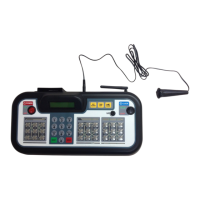
8
POWER
HOME SCORE
GUEST SCOREBASEBALL / SOFTBALL
ENTER
BALL
STRIKE INNING
EDIT
.,!? A B CD E F
G H I
RESETUNDO
J K LM N O
P Q R ST U V
_
W X Y Z
PC1PC1
1 1
ERRORHIT
OPTION
1
SECOND
PC
RESET
NEW BAT.
AT BAT
EDIT
PC1PC1
1 1
ERRORHIT
PC
RESET
NEW BAT.
AT BAT
OUT
ON
123
456
78
0
9
OFF
CLOCK
START
LCD
HOLD
TIME
OUT
SET
CLOCK
CONTRAST
STOP
POWER
HOME SCORE
GUEST SCORE BASEBALL / SOFTBALL
ENTER
BALL
STRIKE INNING
EDIT
.,!? A B CD E F
G H I
RESETUNDO
J K LM N O
P Q R ST U V
_
W X Y Z
PC1PC1
1 1
ERRORHIT
OPTION
1
SECOND
PC
RESET
NEW BAT.
AT BAT
EDIT
PC1PC1
1 1
ERRORHIT
PC
RESET
NEW BAT.
AT BAT
OUT
ON
123
456
78
0
9
OFF
CLOCK
START
LCD
HOLD
TIME
OUT
SET
CLOCK
CONTRAST
STOP
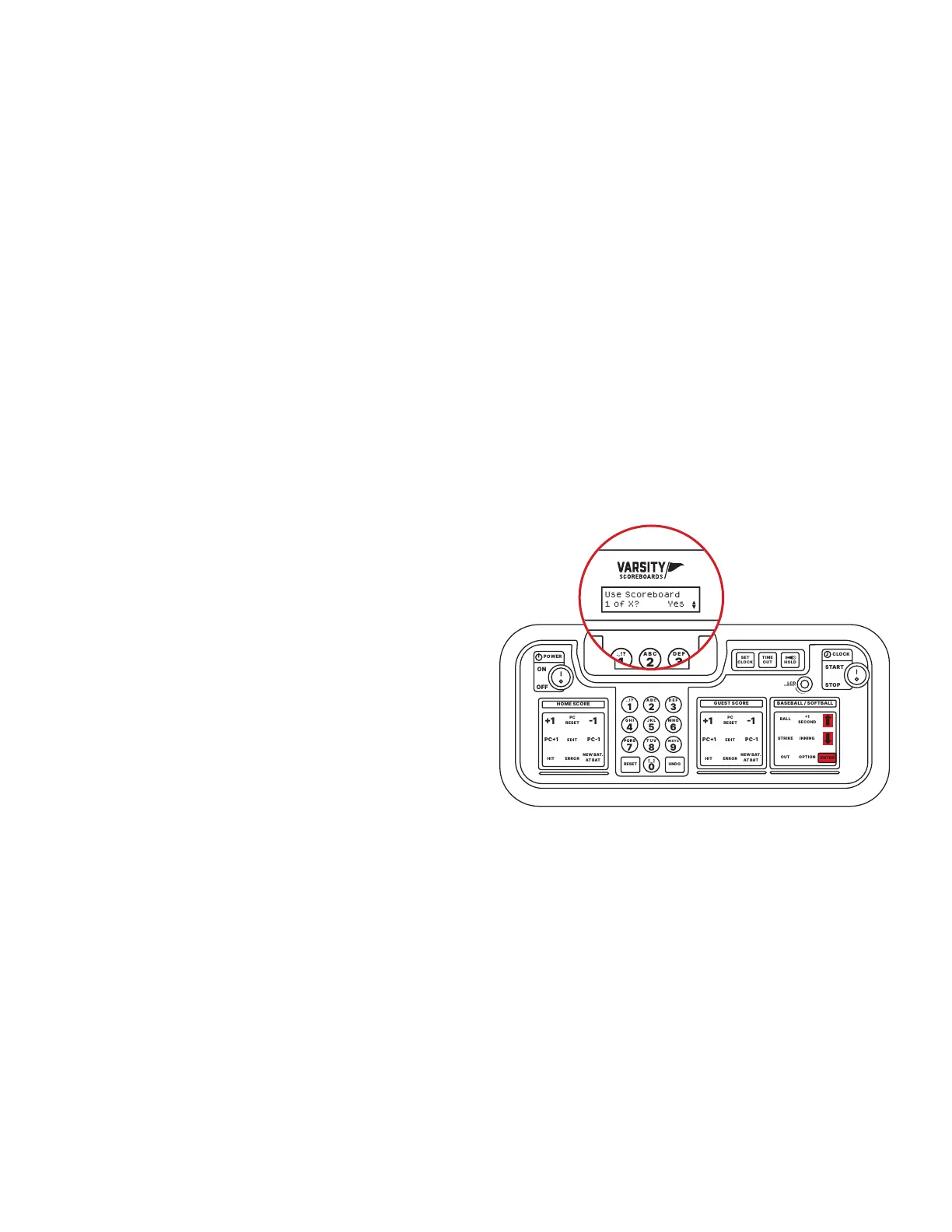
Use Scoreboard
1 of X? Yes
1 /
Use the Up and Down arrows to select the sport you would like to
set up rst and press Enter.
3 /
Repeat this process for all available devices.
2 /
The LCD screen will display Use Scoreboard 1 of X, where X is
the total number of scoreboards available.
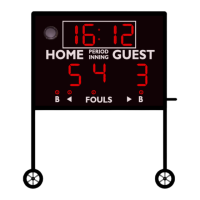
One of the scoreboards available will begin ashing “1s.” This is
to indicate that it is the scoreboard the Controller is referencing.
If you want this device to be a part of this sport network, press
Enter to select Yes. Otherwise, use the Up and Down arrows to
choose No. Press Enter to make your selection.
THE SELECT SPORT SCREEN
The sports available on your keyboard Controller will depend on the scoreboard you have purchased.
You will have the option to set up other sports after you complete the rst.


 To Next Page