7.2.5 Manual colour settings
This setting is only relevant if the device is not controlled via a DMX controller.
1.
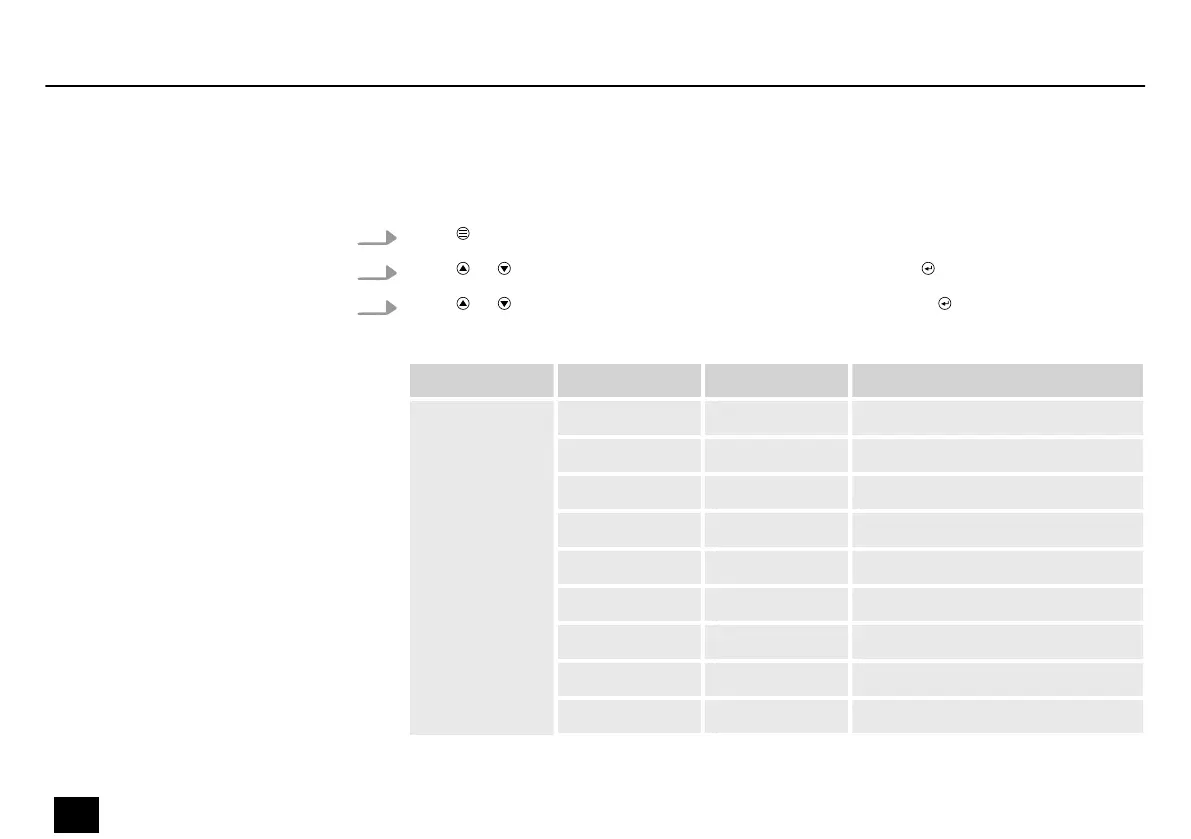
Press to activate the main menu.
2.
Press or until the display shows ‘Mode’ and conrm with .
3.
Press or until the display shows ‘Manual’ and conrm with .
The following table shows the setting options.
Menu level 2 Menu level 3 Menu level 4 Function
‘Manual’ ‘Dimmer’ ‘000’ … ‘255’ Overall brightness
‘Red’ ‘000’ …‘255’ Intensity red (0 % to 100 %)
‘Green’ ‘000’ … ‘255’ Intensity green (0 % to 100 %)
‘Blue’ ‘000’ … ‘255’ Intensity blue (0 % to 100 %)
‘White’ ‘000’ …‘255’ Intensity white (0 % to 100 %)
‘35 Show’ ‘000’ … ‘255’ Brightness strobe LEDs
‘35 Sp’ ‘000’ … ‘255’ Running speed strobe LEDs
‘35’Str’ ‘000’ … ‘255’ Flash rate strobe LEDs
‘50 Show’ ‘000’ … ‘255’ Brightness ambient LEDs
Operating
28
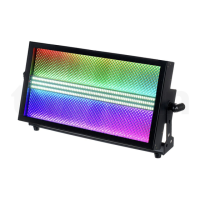
Blitz Bar 240
Stroboscope


 To Next Page