3.
When the display shows the desired value, conrm with .
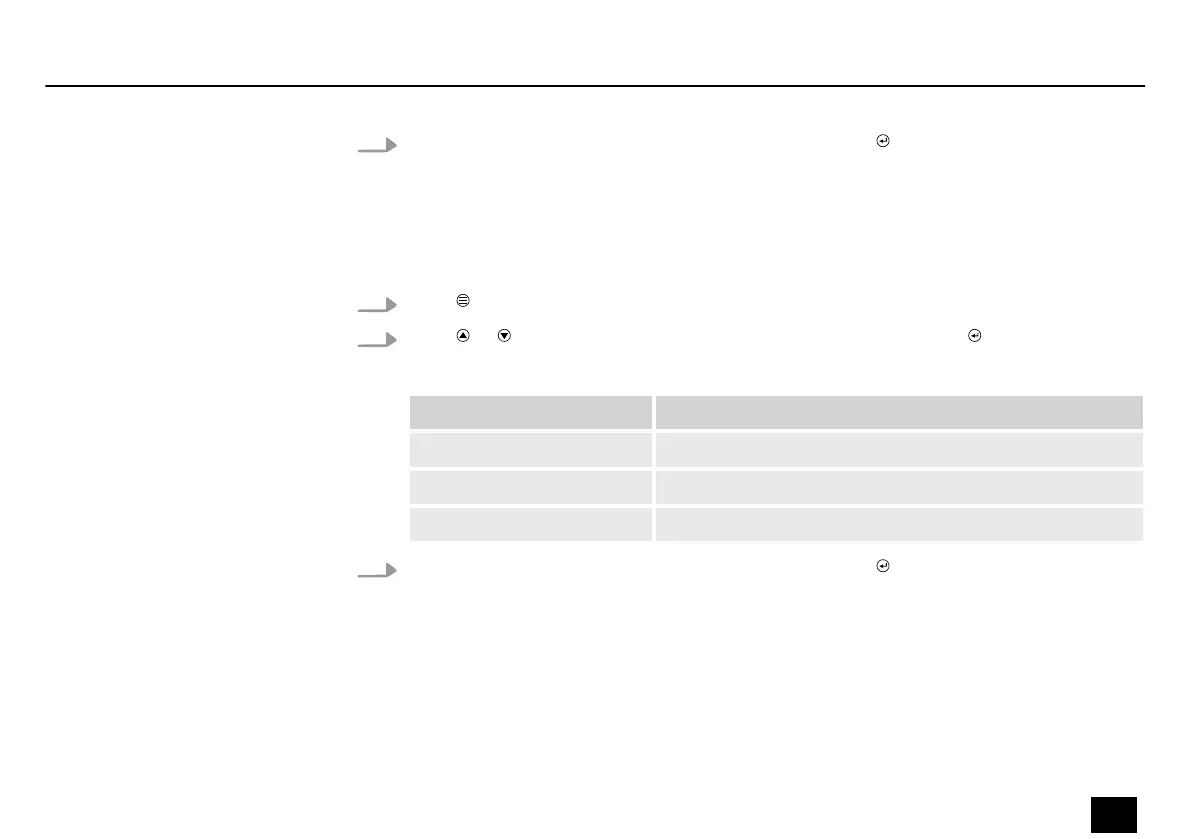
7.4 System information
1.
Press to activate the main menu.
2.
Press or until the display shows ‘System Info’ and conrm with .
The following table shows the setting options.
Menu level 2 Function
‘Firm Ware’ Displays the current rmware version.
‘Time Info’ Displays the total running time of the device.
‘Temperature’ Displays the current temperature of the device.
3.
When the display shows the desired value, conrm with .
Operating
Blitz Bar 240
31
Stroboscope


 To Next Page