12
Choose the phrase that interests you and tap the line with it. You
will see its translation.
Tap
to listen to the translated phrase.
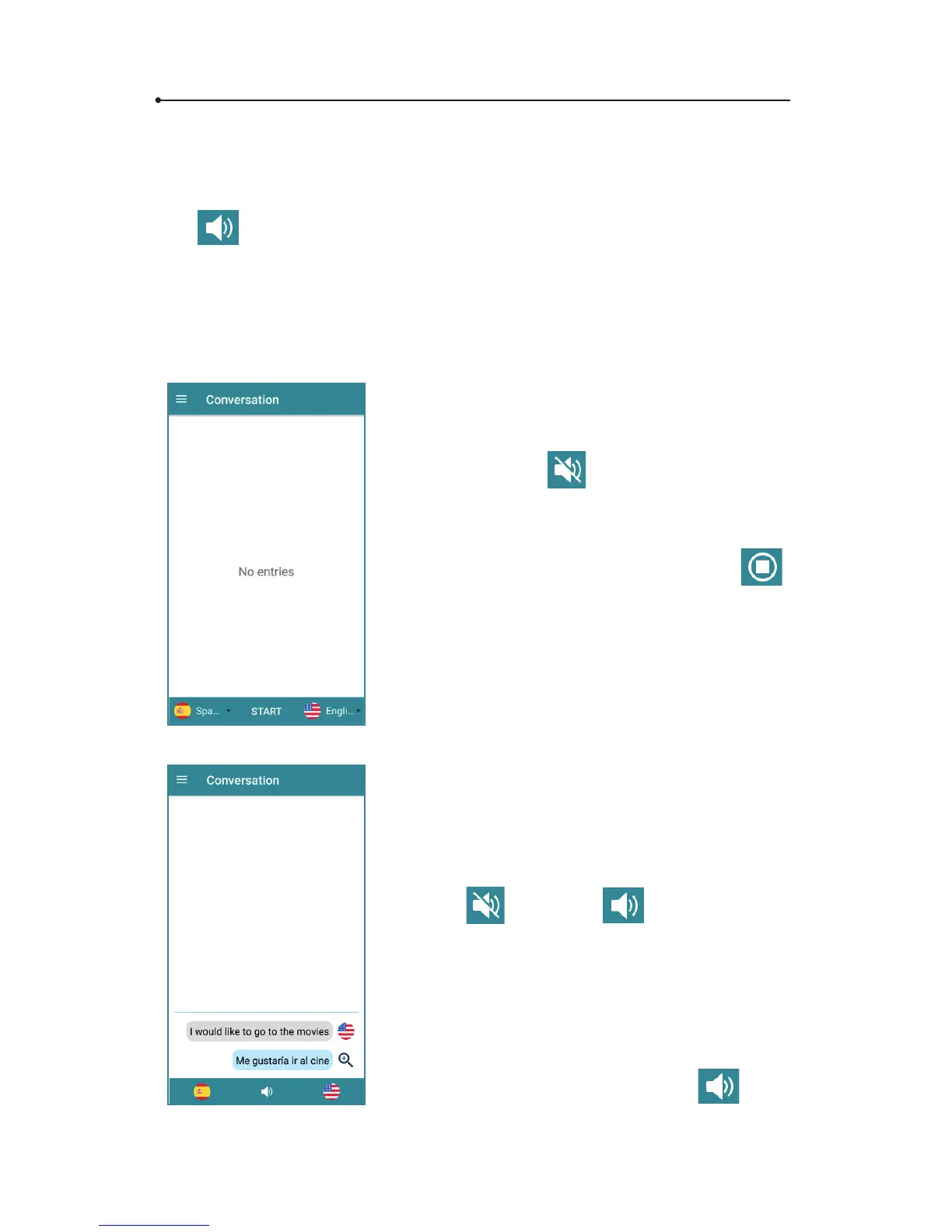
2.6.5 Conversation
The “Conversation” allows you to hold a conversation in a foreign
language.
Tap the ags to set the language pair.
Tap « START » to begin the conversation.
You will see the
icon on the bottom
of the screen.
Tap the selected ag and say what you
want. At this time, you will see the
icon instead of the ag icon.
The translation should take about two
seconds. You will see both the recognized
and translated text on the screen.
The pronunciation starts automatically and
the icon
turns into .
Tap the selected ag again to continue the
conversation.
To enlarge the chosen translation, just tap
the magnifying glass icon.
To listen to the last sentence, tap
icon
again or the line with the text.



 To Next Page