5
1.1 Function keys
Power
• Device turned o: hold this key for 5 seconds to turn the device on.
• Working device:
• push this key to block the screen, push again to unblock
• push and hold the key for 2 seconds and tap “Power o” to turn the
device o
• push and hold the key for 2 seconds and tap “Reboot” to reboot
the device
• push and hold the key for 2 seconds and tap “airplane mode” to acti-
vate ight mode; ight mode disconnects GSM and WiFi; repeat the
steps to deactivate ight mode
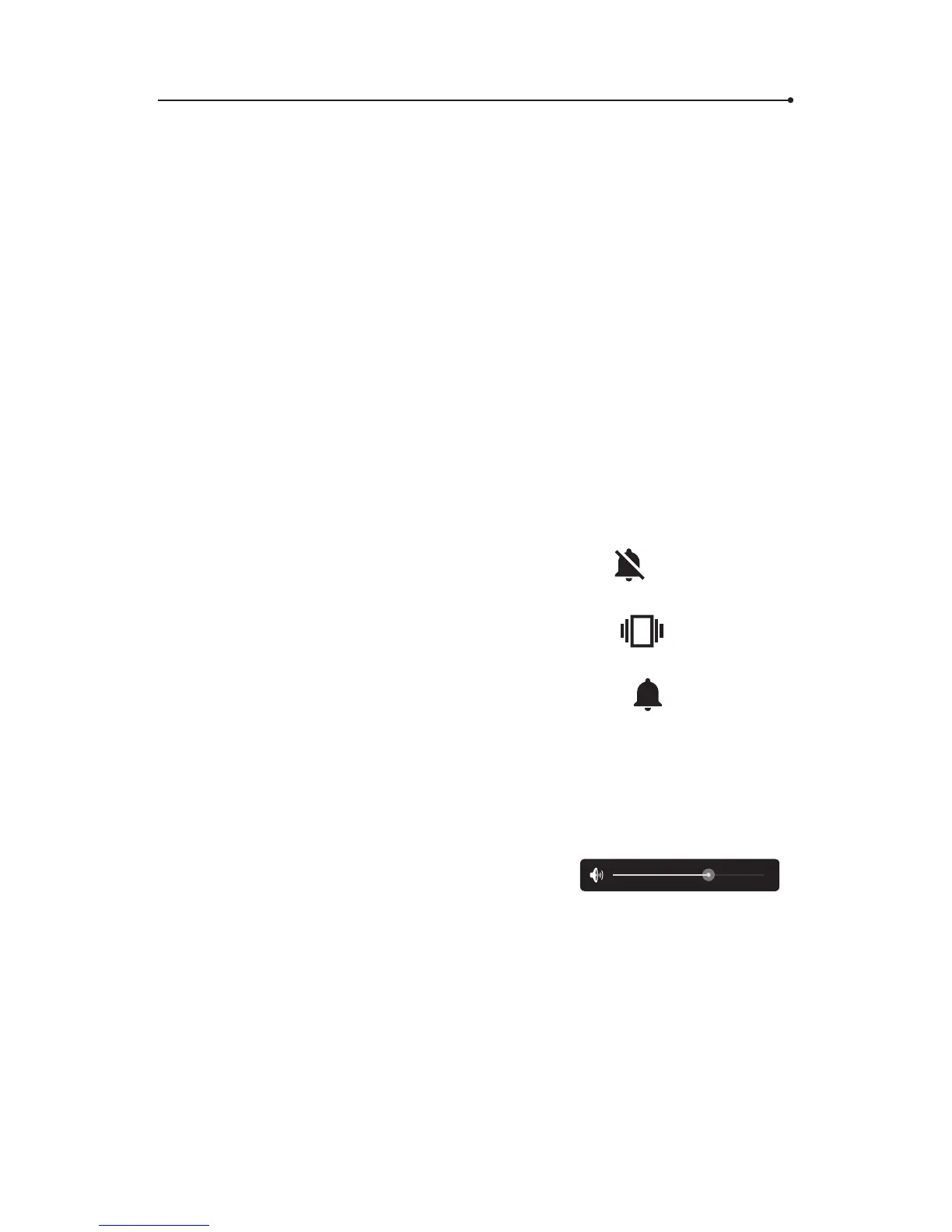
• push and hold the key for 2 seconds and tap
to activate silent
mode, all the sounds will be turned o
• push and hold the key for 2 seconds and tap
to turn o the
sound but turn on vibration
• push and hold the key for 2 seconds and tap
to turn all the
sounds on
Volume
• Working device: push up or down to increase or decrease the volume.
• You will see the following icon. Tap and hold the blue dot and swipe left
to decrease and right to increase the volume:
.
Menu
The menu button is located in the left bottom corner of the device. Tap it
to see the menu of the device.



 To Next Page