13
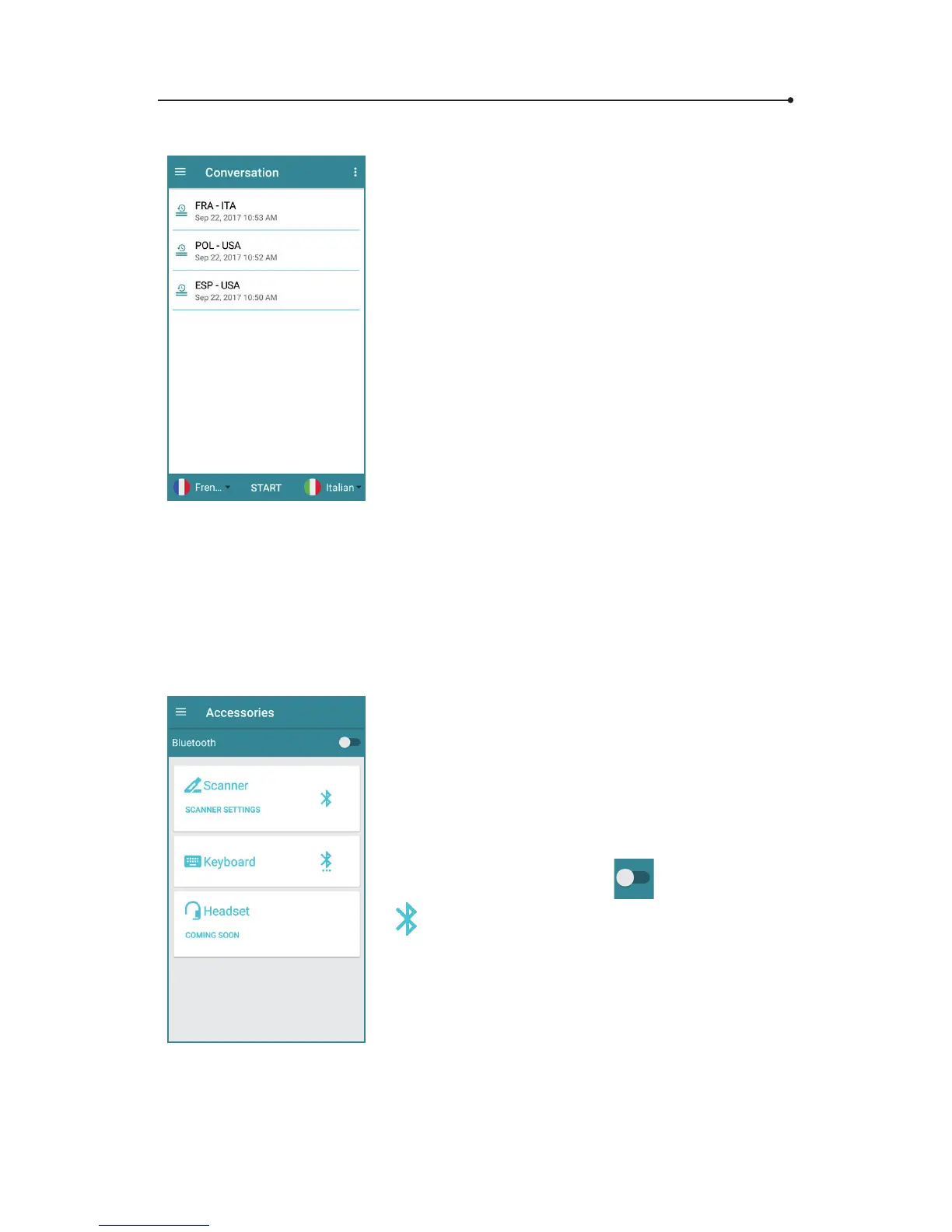
After tapping the « Back » button, the
translation will be saved automatically with
a default name - conversation language and
date.
To rename or delete a saved conversation,
tap and hold it until the settings window
shows up on the screen.
2.6.6 Accessories
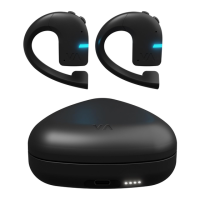
The “accessories” menu allows you to set
up and connect devices compatible with
Vasco Translator such as Vasco scanner,
a hardware keyboard or headset.
To connect to the selected device, turn
Bluetooth on by tapping
, then tap the
icon next to the device's name.
You will nd more detailed information in
the user manuals of individual accessories.



 To Next Page