33
Step 5
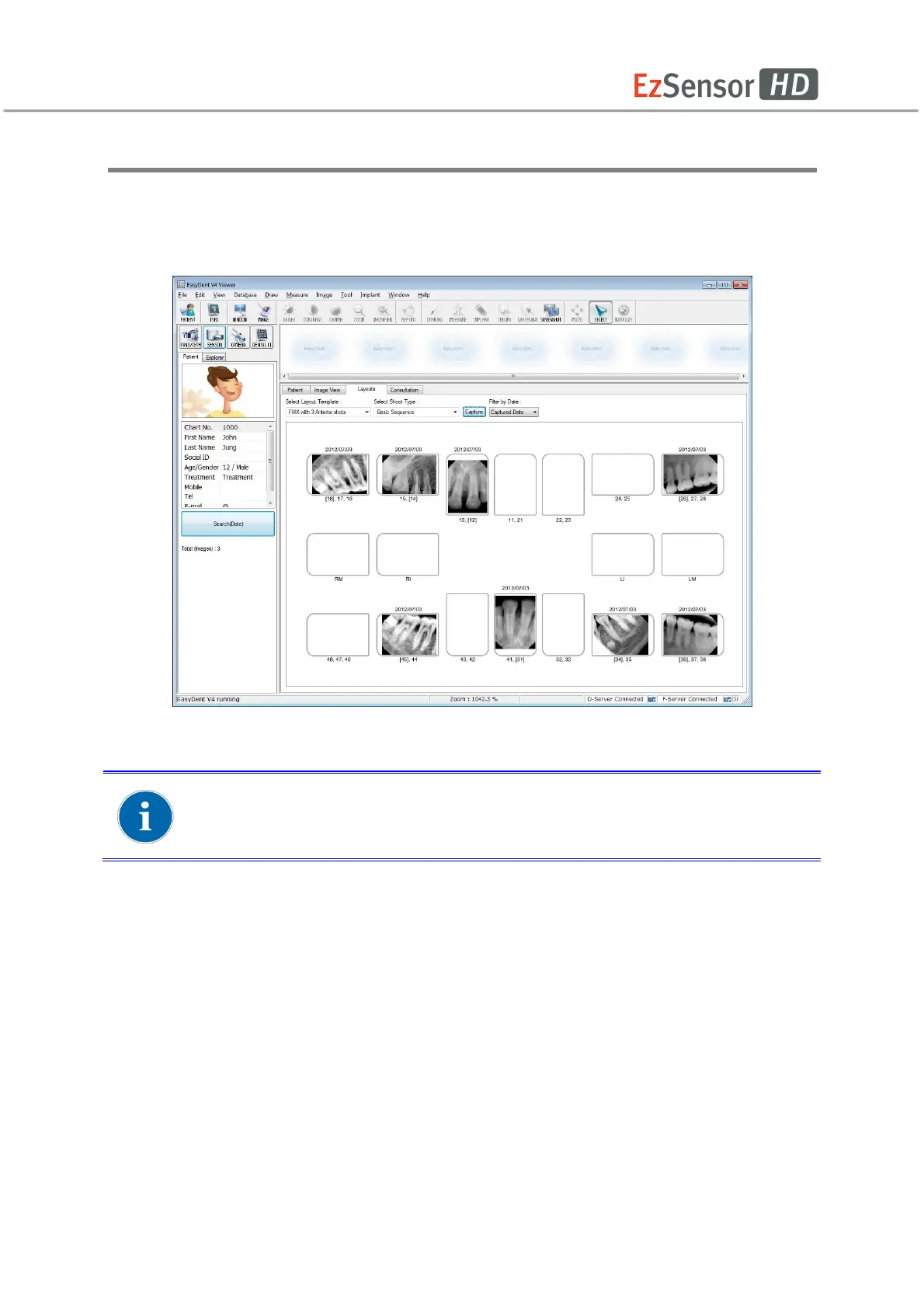
If you want to finish, double click the ‘Press the X-ray (shot) button’ message box. And then
according to the capturing order, the images appear automatically in the correct positions.
All images are saved in the Database server automatically.
By double clicking on the image, the image is shown as large size at any
function’s table.














 To Next Page