3. Acquiring PANO Images
Green X (PHT-75CHS) User Manual 33
English
<TMJ Close Mode (LAT/PA)>
The TMJ Close image can be acquired after the TMJ Open image is acquired.
Steps for TMJ Mode
Patient positioning for TMJ Open > Laser Beam Aligning > X-
ray Exposure > Patient positioning for TMJ Close > Laser
Beam Aligning > X-ray Exposure
Patient Positioning
1. "Do you want to capture a TMJ Close image?" message will appear when the
TMJ Open mode is completed. Press/Click OK button to begin TMJ Close mode.
Console Software
2. Guide the patient to the equipment.
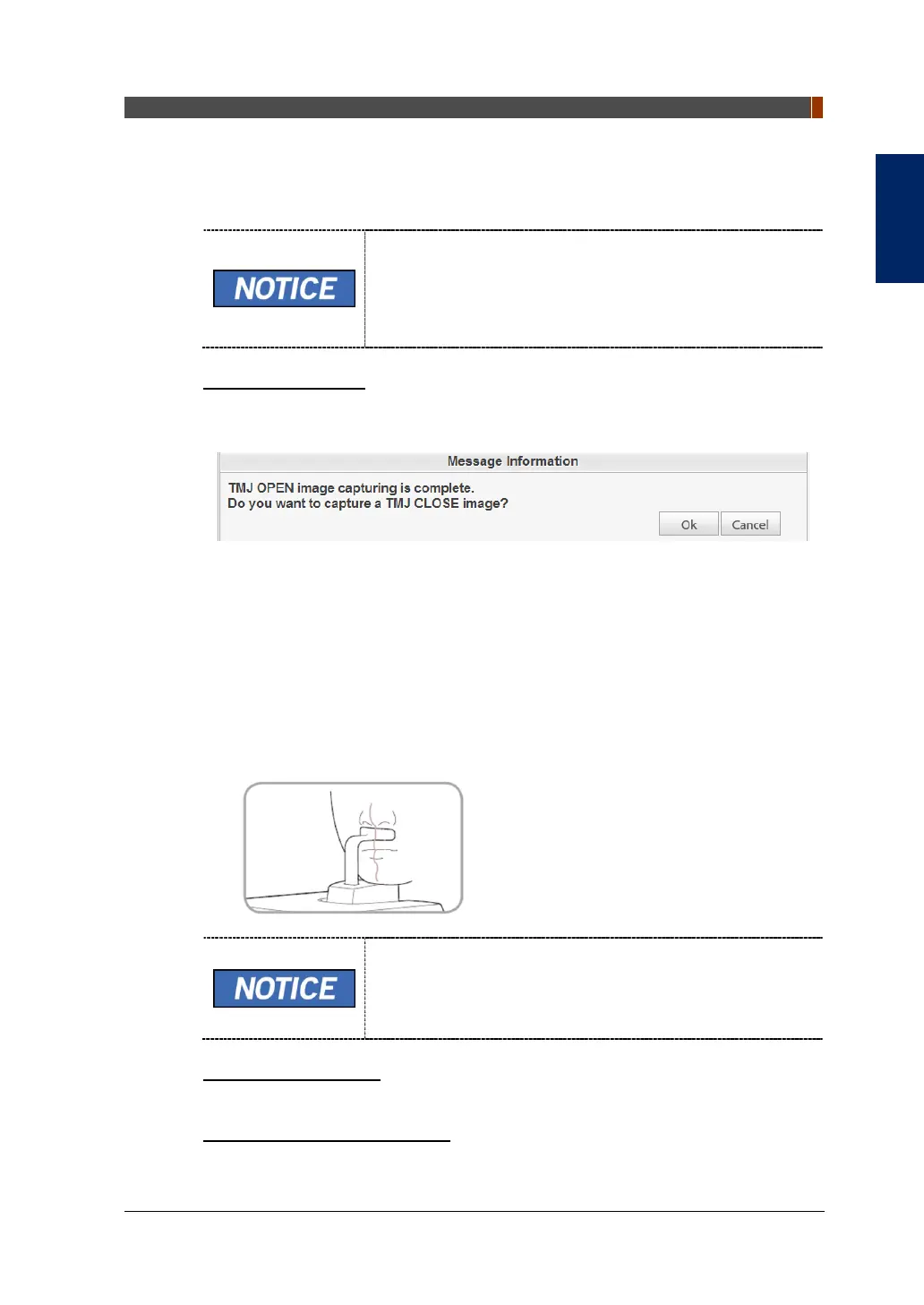
3. Guide the patient to place the base of his/her nose (acanthion point) against the
Chinrest and bend the head forward about 5˚.
4. Let the patient maintain the posture as follows:
Close the mouth.
Place the tongue to the roof of the mouth.
Close the eyes.
As shown in the picture, the support unit of the integrated
Chinrest should touch the patient's acanthion point.
Let the patient maintain his/her position until the operation
is completed.
Laser Beam Aligning
This is the same as the one for TMJ Open mode.
Finishing Patient Positioning
This is the same as the one for TMJ Open mode.


 To Next Page
 Loading...

