4. Acquiring CEPH Images (Optional)
Green X (PHT-75CHS) User Manual 57
English
Patient Positioning
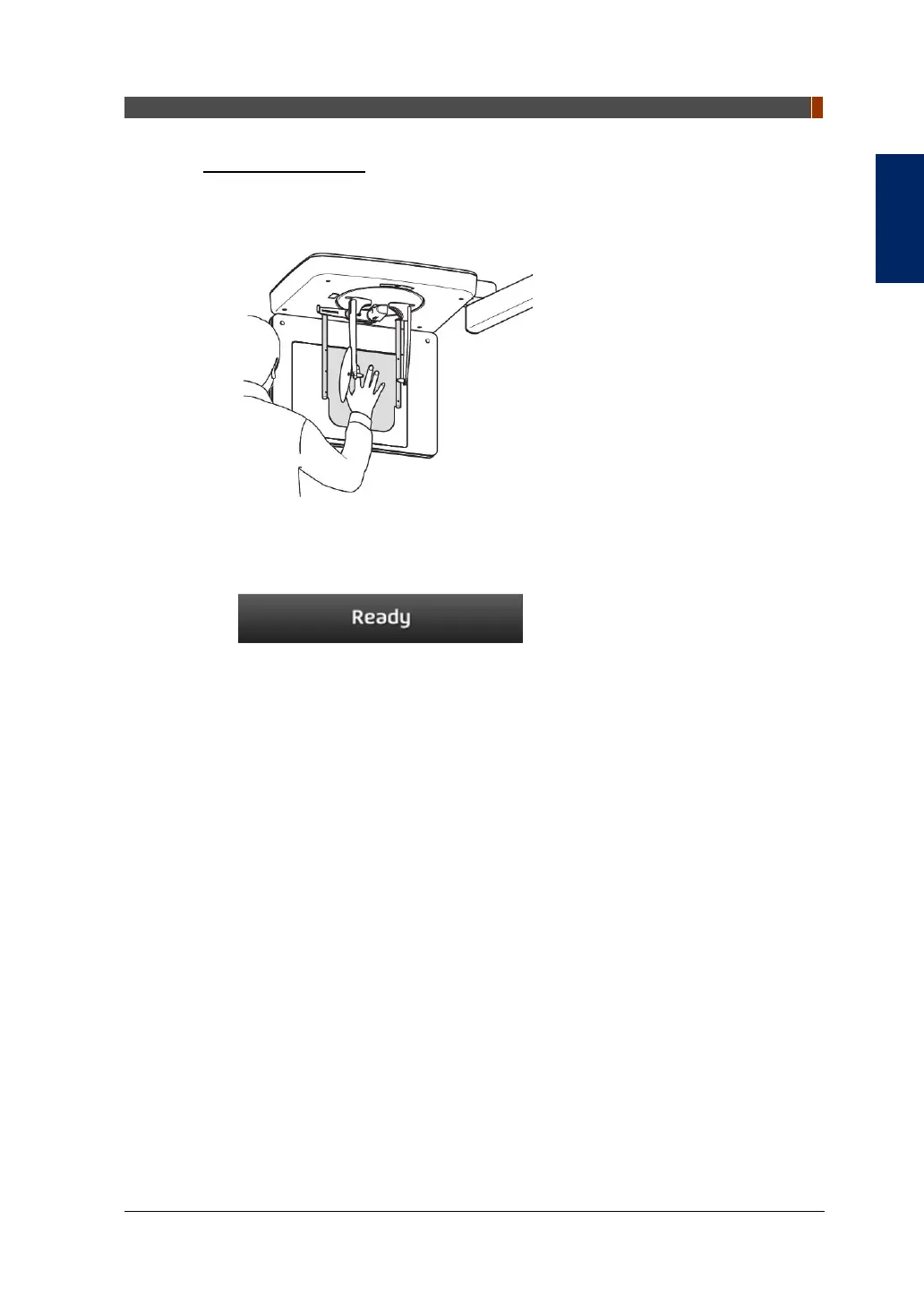
1. Let the patient put his/her right hand splayed on the Carpus Plate as shown
below. Make sure that the patient does not bend his/her fingers.
2. Ask the patient to close his/her eyes and stand still until the image acquisition is
completed.
3. Click the READY button. The x-ray exposure has not started yet.
4. Now go to 4.3 X-ray Exposure to start the exposure.



 To Next Page