5. Acquiring CBCT Images
62 Green X (PHT-75CHS) User Manual
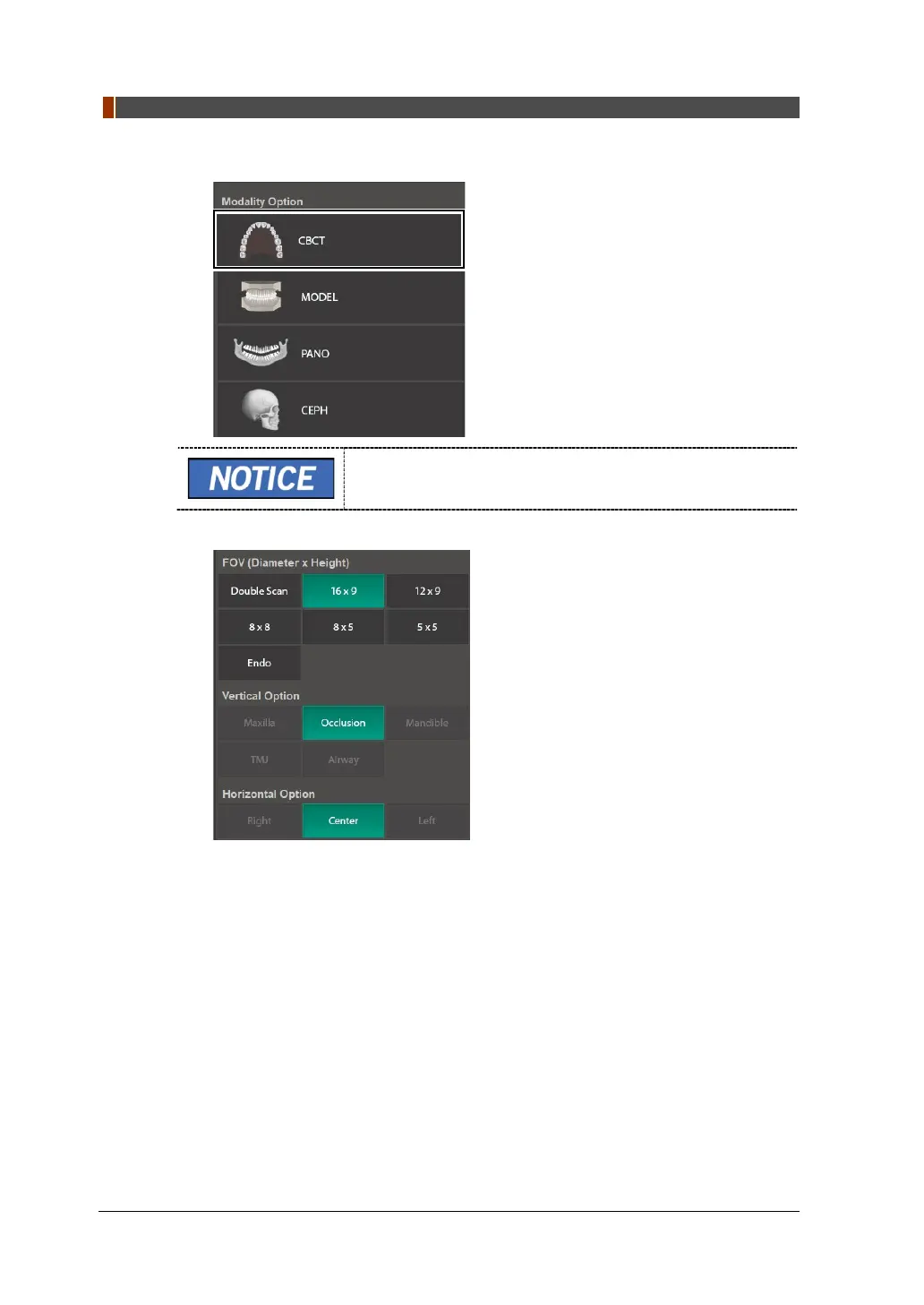
1. Click the CBCT button on the Main Screen.
The CEPH button exists only when the CEPH imaging
program is included in the equipment.
2. Select FOV Size (with Vertical Option, Horizon Option, Tooth Option.)



 To Next Page