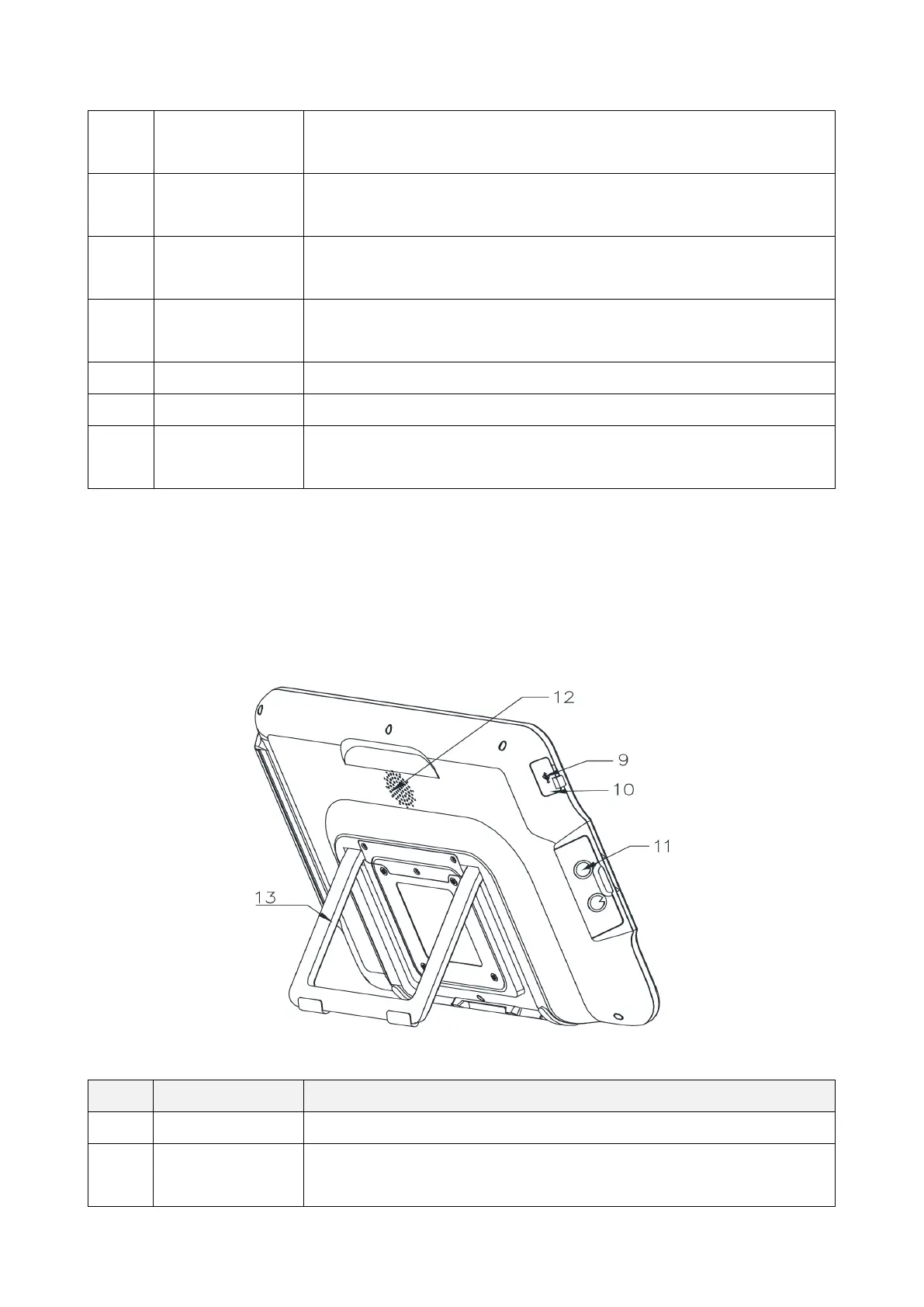
10
The light is blue and keep on when the device is on. And it flashes
when the device is being charged and when the battery is low.
3. Display screen It is used to display the image after the endoscope is connected,
and it is a touch screen.
4. LAN interface It is used to connect to the local area network through the network
5. HDMI interface It is used to connect an external high-definition monitor for display
It is used to connect external devices, such as U disk.
It is used to connect external devices, such as U disk.
8. Power jack It receives 15V DC input, and provides the power supply for the
It can be connected to a PC for image display.
10. Reset button You can insert a pin into the hole and press the reset button in the
hole to restore the factory settings.



 To Next Page