21
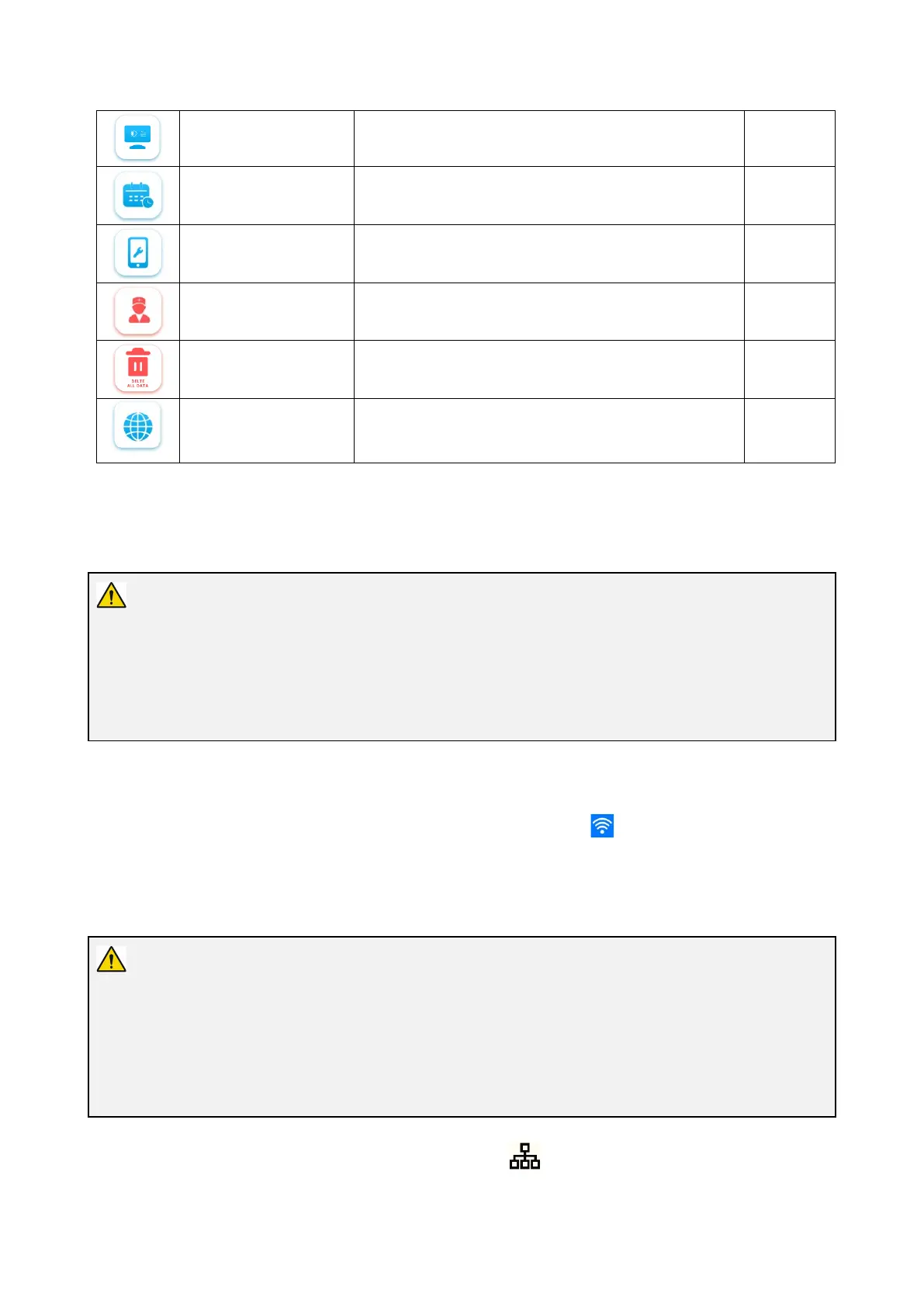
Screen adjustment
Used to adjust the brightness,sharpness,gamma,red
saturation,green saturation,blue saturation
/
Calendar Used to set the date and time /
Equipment information Used to view the equipment information /
User account Used to set the user accounts
Erase data Used to erase internal files and user data
Network setting Used to set languages, Wifi and LAN 6.3.1
6.3.1. WiFi Setting
Warning
Please connect the Digital Video Monitor to a reliable network. An unreliable network may cause data
loss or equipment failure.
Related warning and information about the wifi please refer to Appendix 3. Information About Wifi.
On the area of wifi setting, turn on WiFi, and enter a valid password to connect to the network.
After the network is connected normally, the network connection symbol appears in the status bar of
the screen.
6.3.2. LAN setting
Warning
When connecting to a network, make sure that the device is connected to a private local area network
and that the private network is secure. Reliability of the network needs to be confirmed when network
settings are updated. The unreliable network will cause a certain risk of data loss or function failure of
the device.
Plug the end of the network cable into the Ethernet interface of the device. After the network is
connected normally, the network setting interface displays the network IP address.



 To Next Page