19
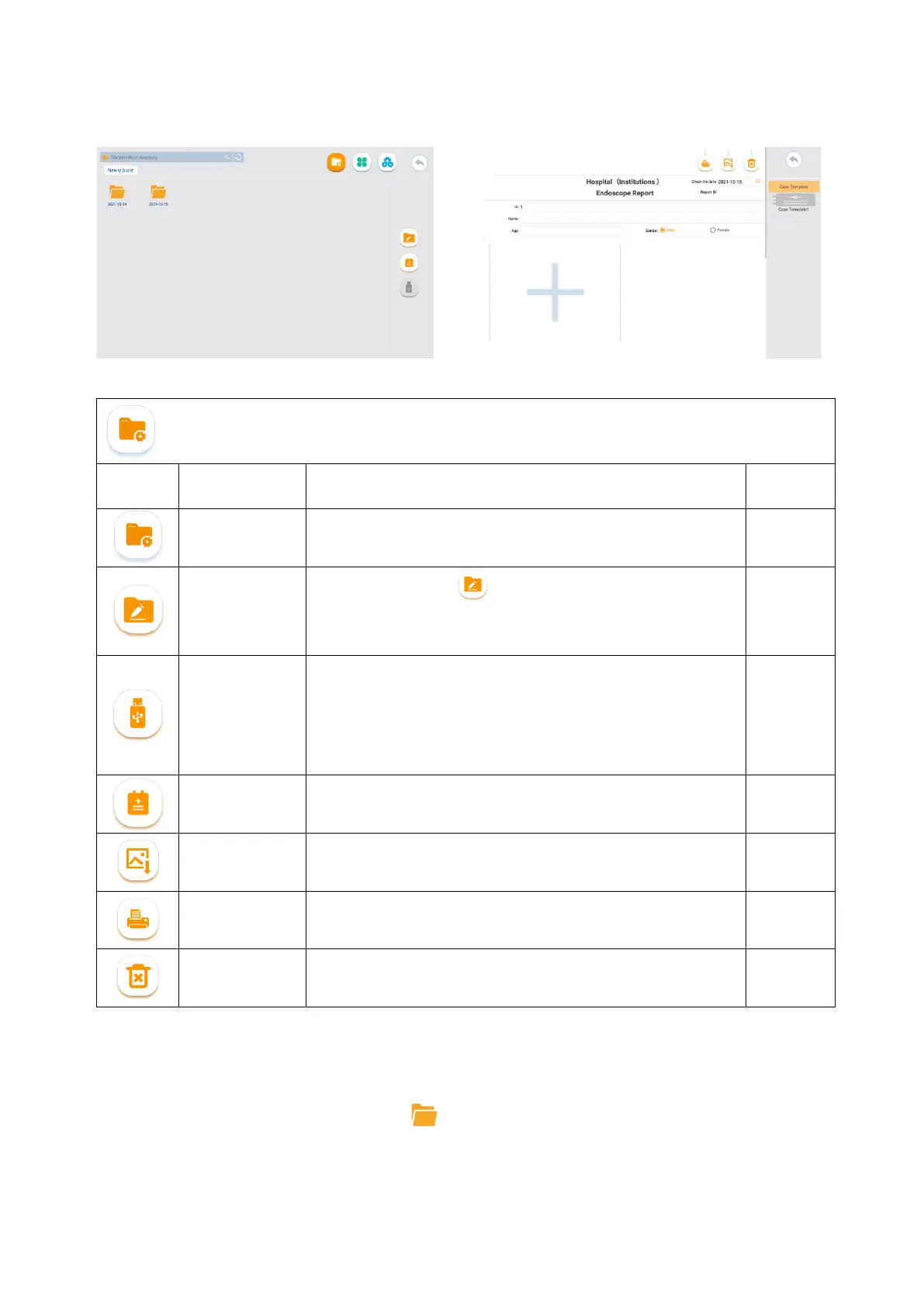
the figure below.
Description of file management-related icons
Icon Name Function
File
management
Icon for the file management interface. 6.2
File editing
You can tap the icon or long press a folder/file to enter
the selection mode, and then perform multiple selection,
cutting, renaming, and deletion operation on the file or folder.
/
USB storage
device
management
Used to indicate the connection of USB storage device.
When connecting a storage device, you can choose to copy/cut
files to a USB storage device.
If no USB storage device is connected, the icon is gray, which
means this function cannot be used.
/
Medical record Used to edit the medical records 6.2.3
Save Medical
record
Used to save pictures of medical records 6.2.3
Print
Used to print the medical records, where Wifi connection is
required
6.2.3
Erase Used to erase the current data 6.2.3
6.2.2. Photos/Videos Replay
In the File management interface, tap the icon to open the intended folder. Tap the corresponding
image/video to replay.



 To Next Page