15
Note
This product sets up user account management and authority management, and related functions are
only open to users with authority. This product manual does not describe the authority of each user, and
the authority of each user is subject to the actual authority provided by this product.
Some key functions need to enter the user password when using,The initial user password of this
product is 123456, you can reset the user password according to the instructions in the manual.
The current interface can be exited by swiping from the right to the left of the screen.
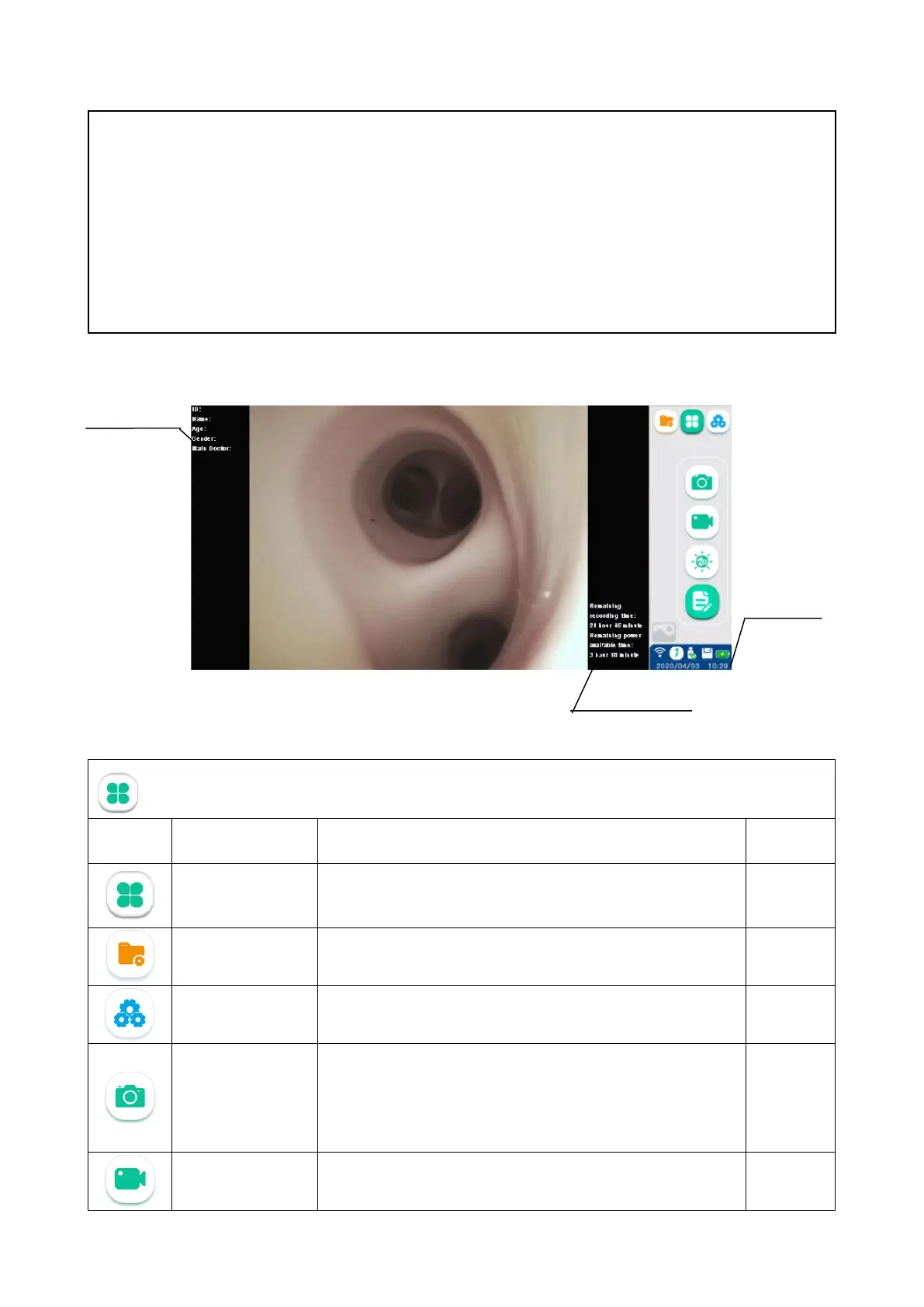
6.1. Basic Function Interface
Description of basic function icons
Icon Name Function
Basic function Icon for the basic function interface 6.1
File management Icon for the file management interface. 6.2
System setting Icon for the system setting interface 6.3
Photo-shooting
Tap this button or the Vathin endoscope camera button to
take the image and automatically save it in the patient file.
The endoscope is connected. And function of the icons are
6.1.3
Video recording
Tap this button to start recording video. Tap it again to stop
recording and save the recorded video in the patient file.
6.1.4
Patient Information
device information



 To Next Page