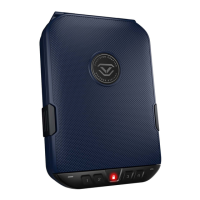
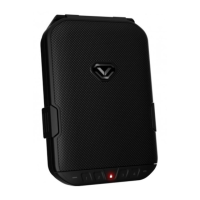
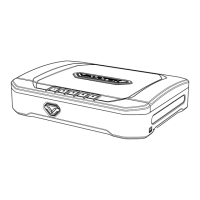
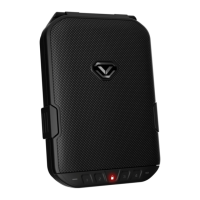
The Vaultek
®
LifePod
®
is a pin access portable lockbox. It can be secured using the side
compression latches to protect the interior from environmental factors such as water, with the
added option of securely locking the unit with the keypad. It’s high impact polymer and portable
design makes it ideal to transport and protect valuables and personal items. Powered by
an Alkaline 9V battery (not included), LifePod
®
combines security with convenient access.
01 Vaultek
®
0202
03 05
04
08
07
06
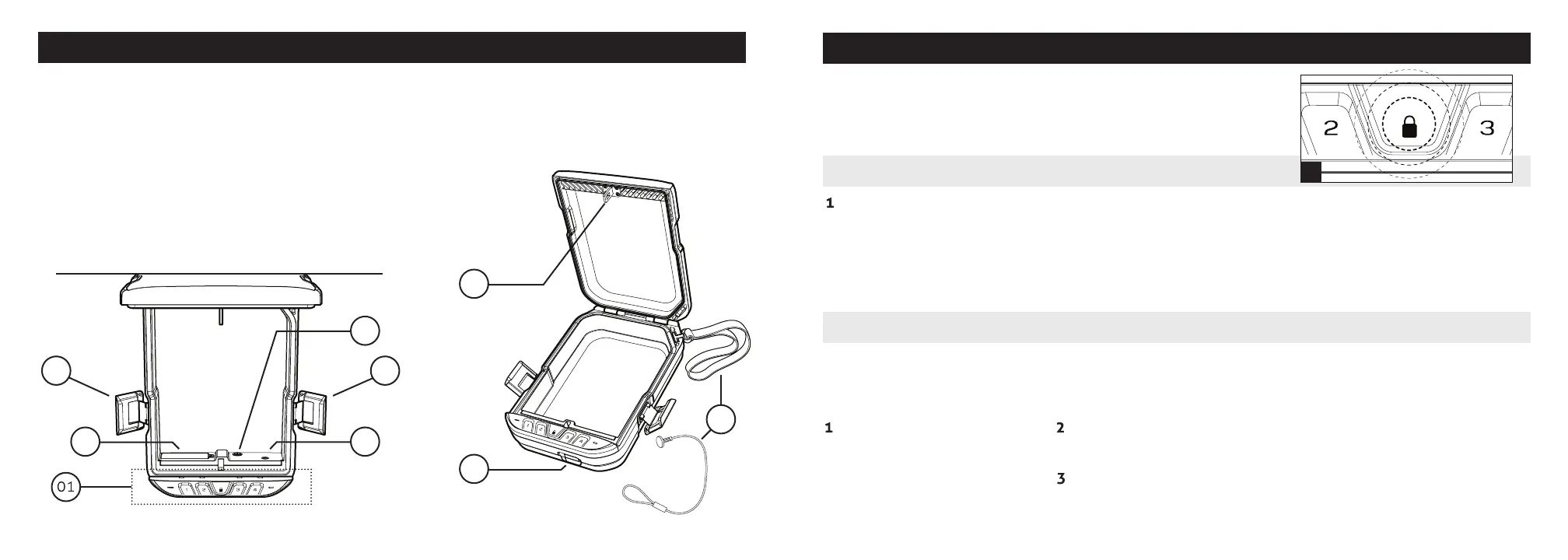
Get to Know Your LifePod
®
Basic Operation
With the battery installed, you can now lock and unlock your
LifePod
®
. Unique to LifePod
®
is a capacitive keypad. There are
no physical buttons, but each key can be pressed by touching
the keypad surface.
Locking: With a simple seamless touch.
IMPORTANT! Before locking your LifePod
®
, always be sure the
side compression latches are latched closed rst. This will
ensure the locking mechanism engages properly.
To lock, simply press and hold
the lock pad for 2 seconds
(Fig A).
Unlocking: Using the touch activated 4-digit backlit LED capacitive keypad or backup keys.
IMPORTANT! Do not undo the compression latches until the unit has been unlocked with the
correct master code rst. Undoing the compression latches rst may cause binding on the lock
mechanism and will not unlock.
First tap the lock pad to wake
the unit up (Fig A). When the
keypad lights up, your
LifePod
®
is awake and
ready to accept the code.
Enter the master code. When the code is correct, the status LED
will turn GREEN and the lock will disengage.
Undo both side compression latches, and you can open the unit.
Tip! Your LifePod
®
can protect your belongings against the elements using the side compression
latches alone. For extra security, lock the unit with the lock pad as needed.
A
02 Vaultek
®
01. Capacitive Keypad
02. Side Compression Latches
03. Battery Cover
04. Anti-Picking Switch
05. Program Button
06. Anti-Impact Latch
07. Keyhole/Micro-USB Cover
08. Tether Lanyard/Steel Security Cable


 To Next Page