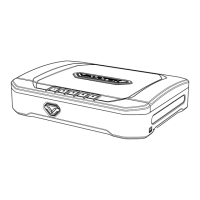
Compression Latches
LifePod’s side compression latches can protect belongings from environmental factors using the
side latches alone without the need for a battery.
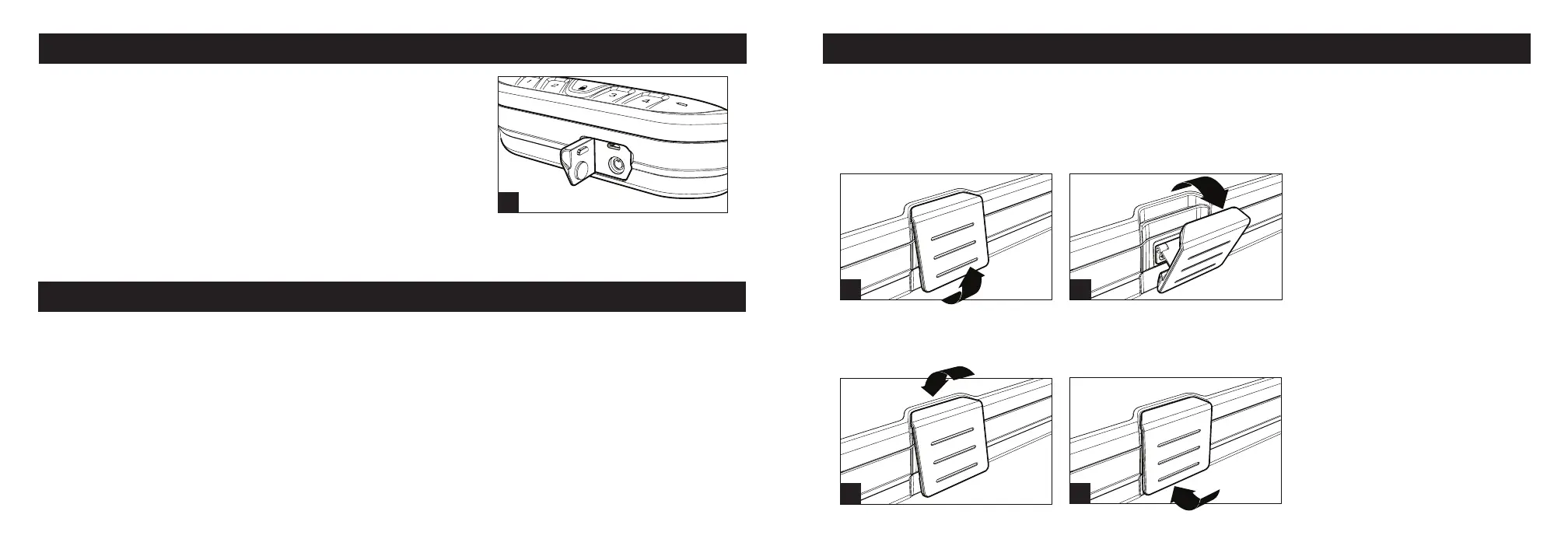
To Open simply lift from the bottom of each latch away from the unit (Fig N). The latches will lift
and disengage, then swing the latches free of the unit (Fig O). The top lid can now be opened.
To Close rest the top of each latch against the top housing (Fig P). The latches will catch and rest
in place on their own. Press the bottom of each latch rmly towards the unit to engage (Fig Q).
You will hear and feel the latches snap in position.
N O
P Q
10 Vaultek
®
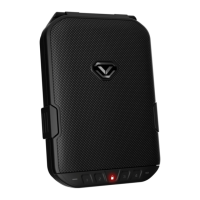
Using the Micro-USB Port
A micro-USB port is built into LifePod
®
behind the front
protective rubber cover (Fig M).
In the event the battery dies while traveling, and you do not
have access to the backup keys, you can power on the unit
using the backup micro-USB port.
Simply open the rubber cover and plug in a micro-USB cable
(not included) into the port. While the cable is plugged into
Backup Key Access
Backup keys can not lock LifePod
®
.
Backup keys are provided in case of electronic failure, allowing you to unlock LifePod
®
. The
keyhole is located beneath the front protective rubber cover (Fig E).
To unlock LifePod
®
, simply open the protective cover (Fig E), insert one of the backup keys, and
turn the key clockwise 90 degrees. If the Anti-Picking feature is enabled, the backup keys can not
open LifePod
®
. See page 09 for details.
IMPORTANT! Always make sure the front protective cover is closed tightly to ensure the unit is
sealed correctly for protection from the elements.
M
an external power source, LifePod
®
will function normally allowing you to enter the code and
open the unit.
09 Vaultek
®


 To Next Page