59
GB
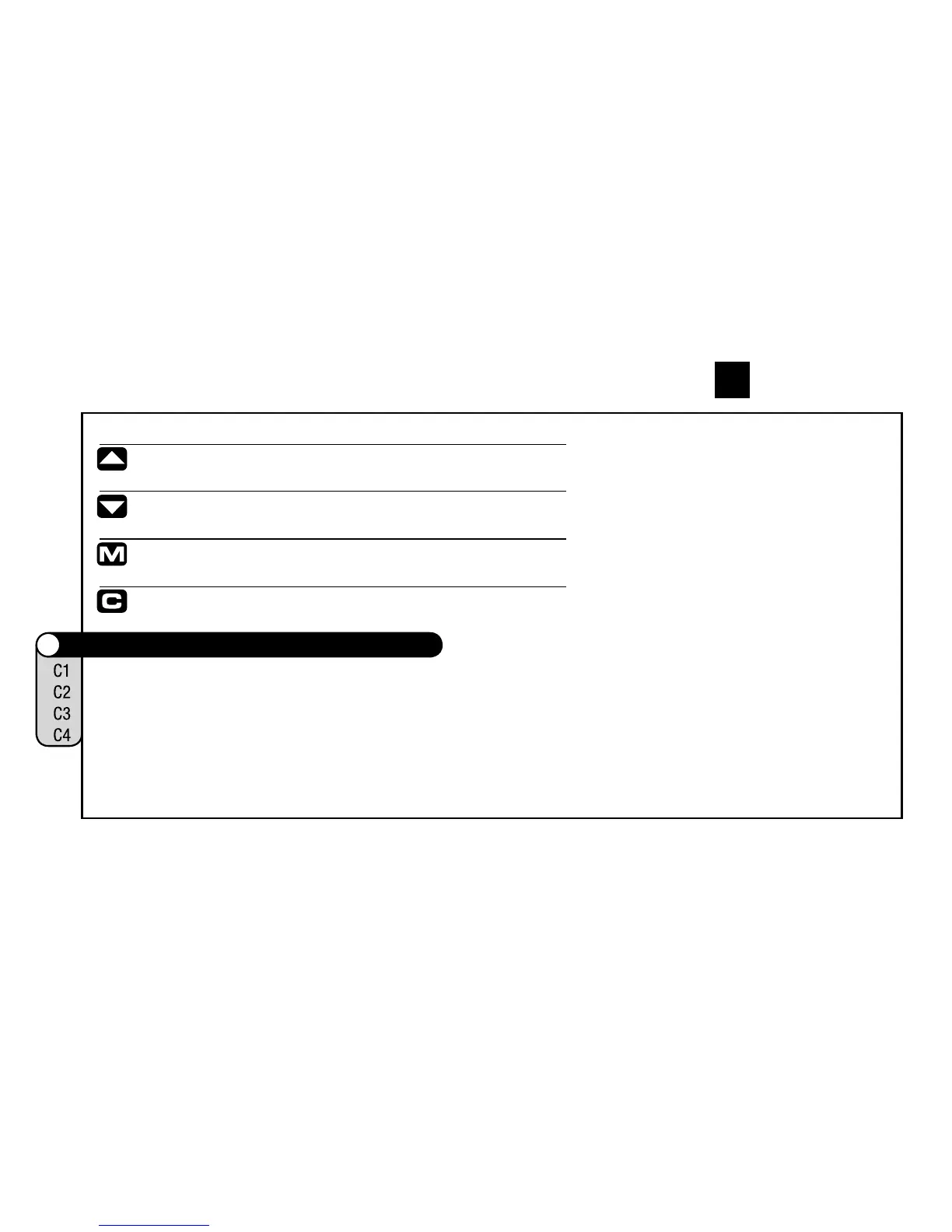
The 4 keys and their functions:
Menu navigation upwards
or in SET-mode (number flashes): increase number
Menu navigation downwards
or in SET-mode (number flashes): decrease number
choose/accept option displayed (enter next menu level)
(push once) cancel last entry / go back one menu level
(hold) return to main menu
2.7 Functions / menu structure
IMPORTANT: In information menu (IM1 to IM7, see below)
the lower text line indicates the entry to a sub-menu.
Within such a sub-menu the upper text line indicates the
chosen information while the lower text line may offer
available options (START/STOP/RESET).
IM = Information Menu • EM = Set- or sub-menu












 To Next Page