BIKE
SET
Operation while cycling
While cycling, the display functions can be accessed
by pressing the BIKE button (scroll forwards through the
functions).
Pressing the BIKE button shows the next function on the
display.
By pressing the SET button you can also scroll backwards
through the functions. This enables you to quickly display the
desired function.
Sleep mode
If you take a break and the M3 is in the bracket,
the computer switches to sleep mode after five minutes.
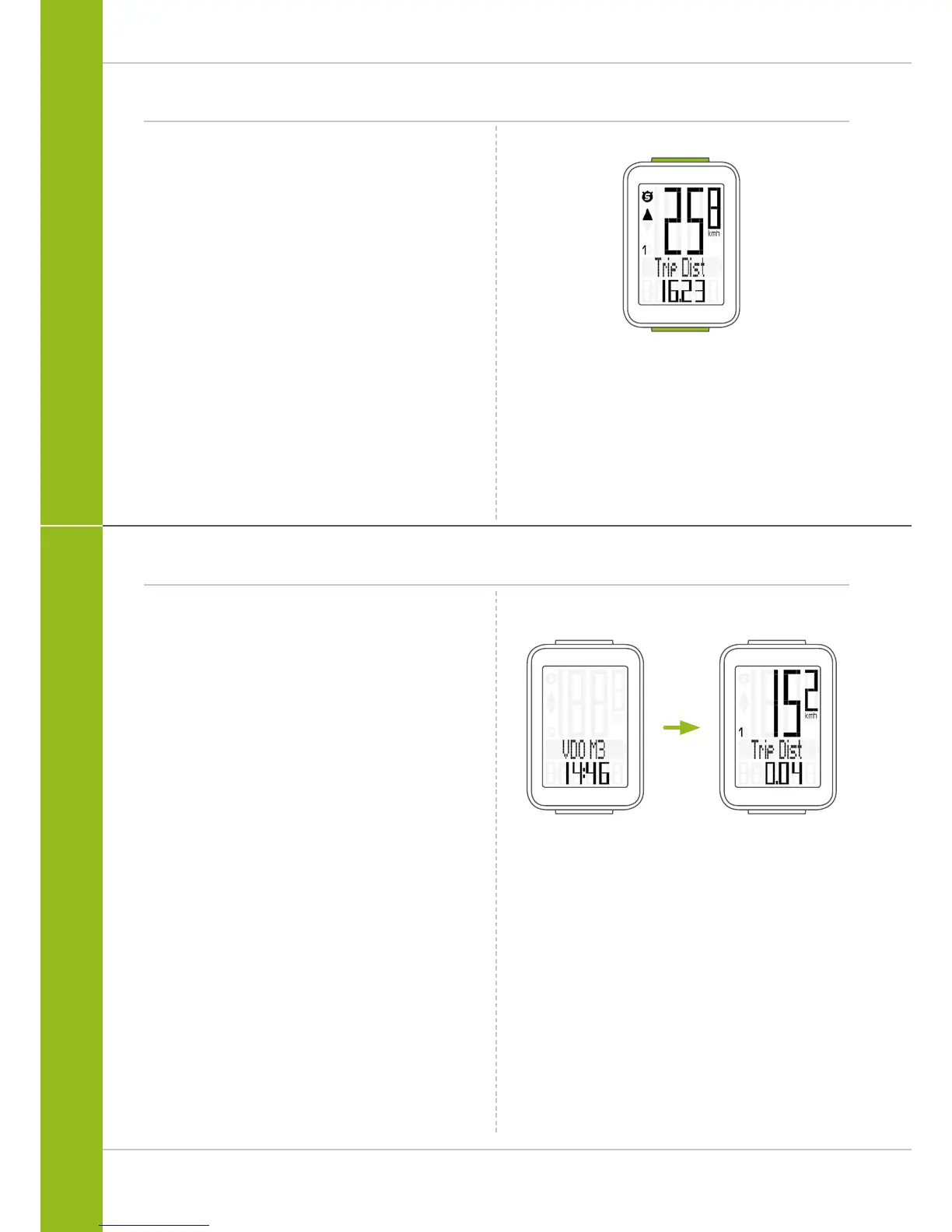
The model name VDO M3 and the time appear on the display.
If you set off again after a break, the VDO M3 has an
auto-start function.
The VDO M3 instantly switches back to the function mode and
the current speed and distance are once again displayed.













 To Next Page