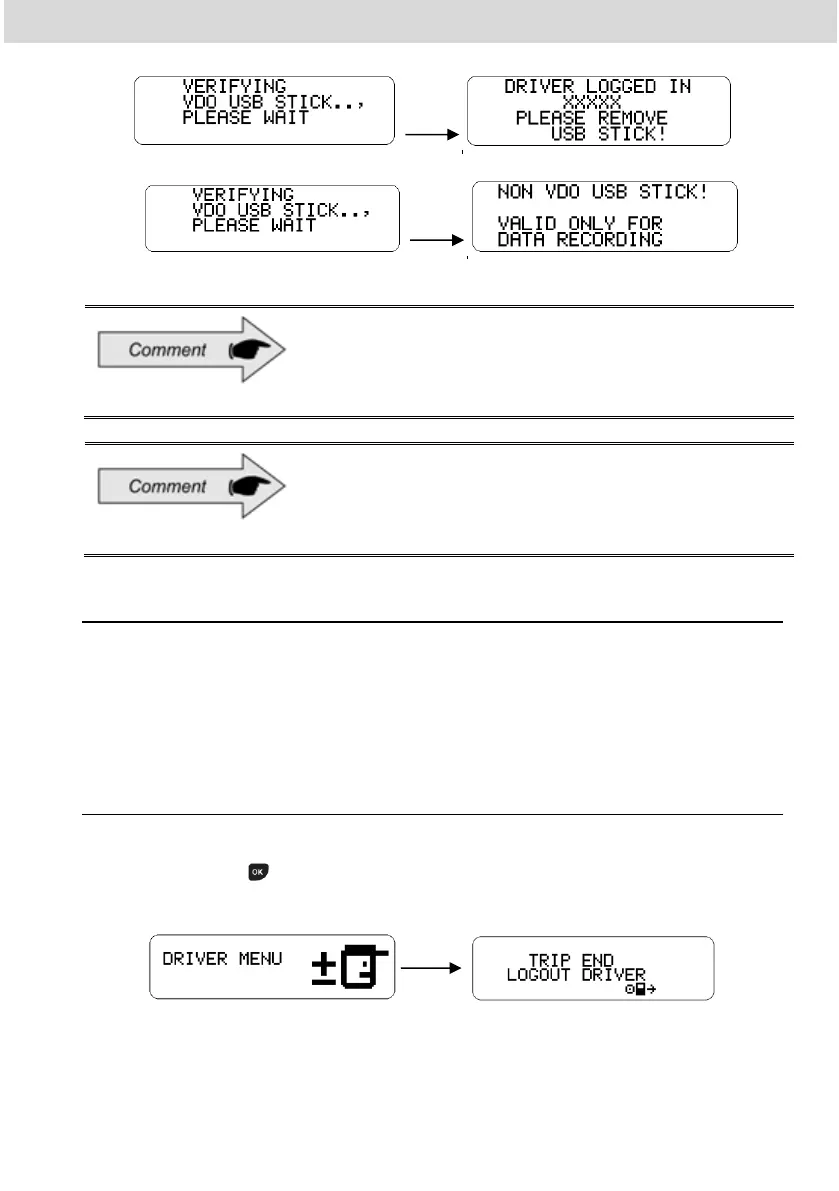
In case of USB login method is not enabled then
the Continental USB stick shall work as general
purpose USB stick (only USB data upload).
If no driver is identified, the driver code, on the main
screen, will be like "?????" and in case of verification
by the competent authority and with this failure, the
vehicle can be seized and the driver fined.
2.4.5 Disconnect driver code (Logout)
The disconnection of a driver code can be done in two ways:
- Via the display, where only the front buttons of the BVDR will be used.
- Via USB, where it is necessary to use the VDO USB Stick.
2.4.5.1 Driver logout via Display
In the driver menu, select the option “trip end – logout driver” to disconnect
driver and press . Done this, will appear a screen informing that it was
disconnected. Remember that this function logs out the driver.
This menu is only available if a driver is logged in.



 To Next Page