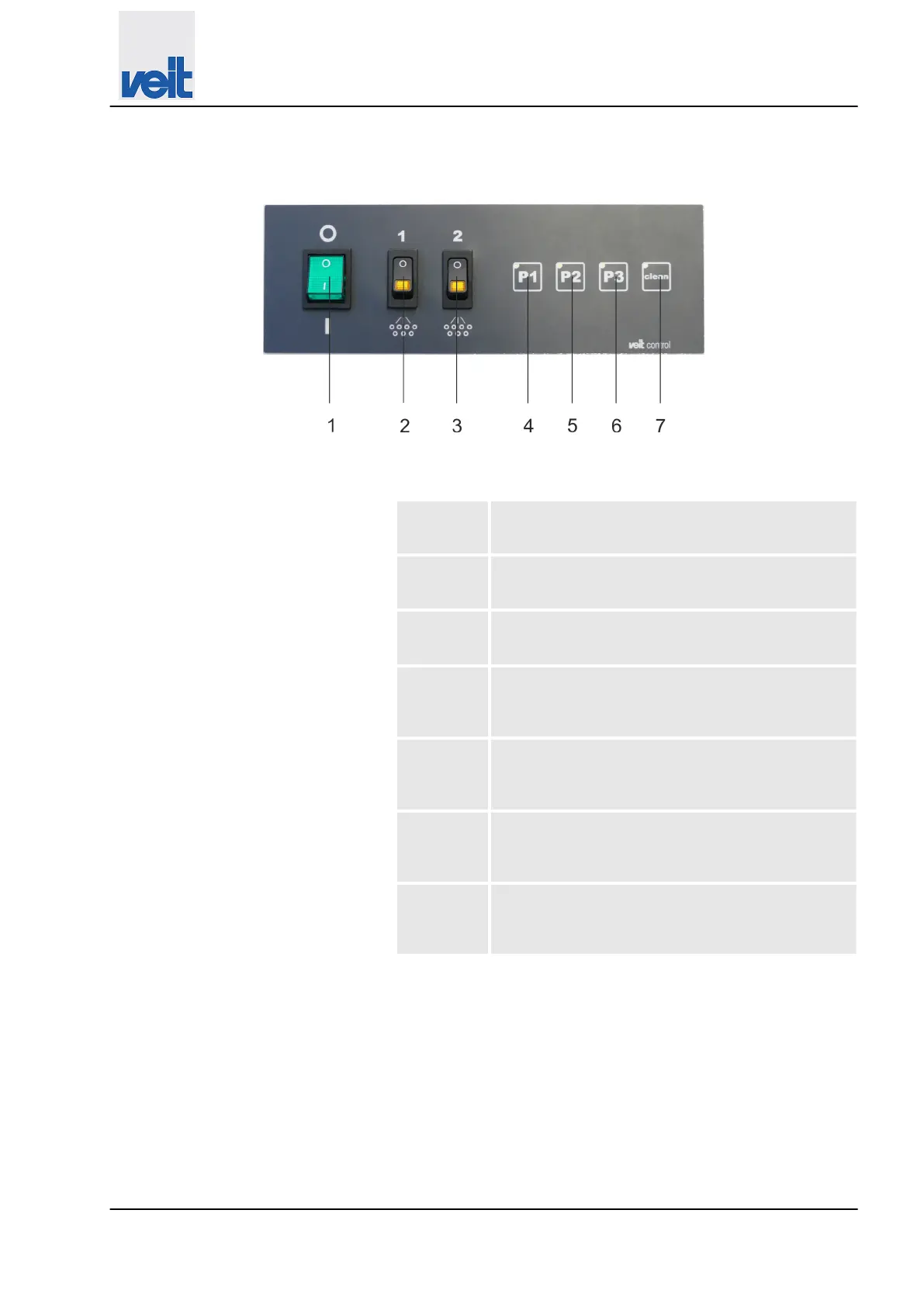
7.1.2 Control panel on cleaning version
Fig. 13: Control panel on cleaning version
1 On/off switch
Pressing the switch switches the device on/off.
2 Switch for iron 1
Pressing the switch switches iron 1 on/off.
3 Switch for iron 2
Pressing the switch switches iron 2 on/off.
4 P1 button
Pressing the button activates the pressure level
with 3 bar, 130°C, approx.
5 P2 button
Pressing the button activates the pressure level
with 4 bar, 140°C, approx.
6 P3 button
Pressing the button activates the pressure level
with 5 bar, 150°C, approx.
7 Clean button
Pressing the button starts the the cleaning pro-
gram.
Operation
Controls and indicators > Control panel on cleaning version
30.09.2022
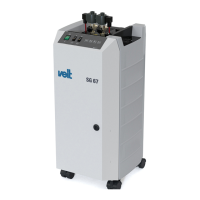
Steam generator VEIT SG67
37


 To Next Page