AUX-INPUT
AUX-IN OPERATION
Turn the HEADPHONE volume level on your device to its 100%
level
Tips:
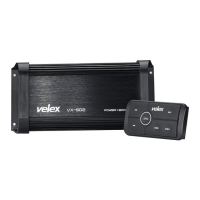
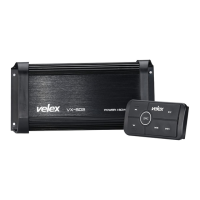
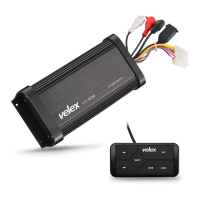
Vx508 can play audio from any device that has a pair of RCA output
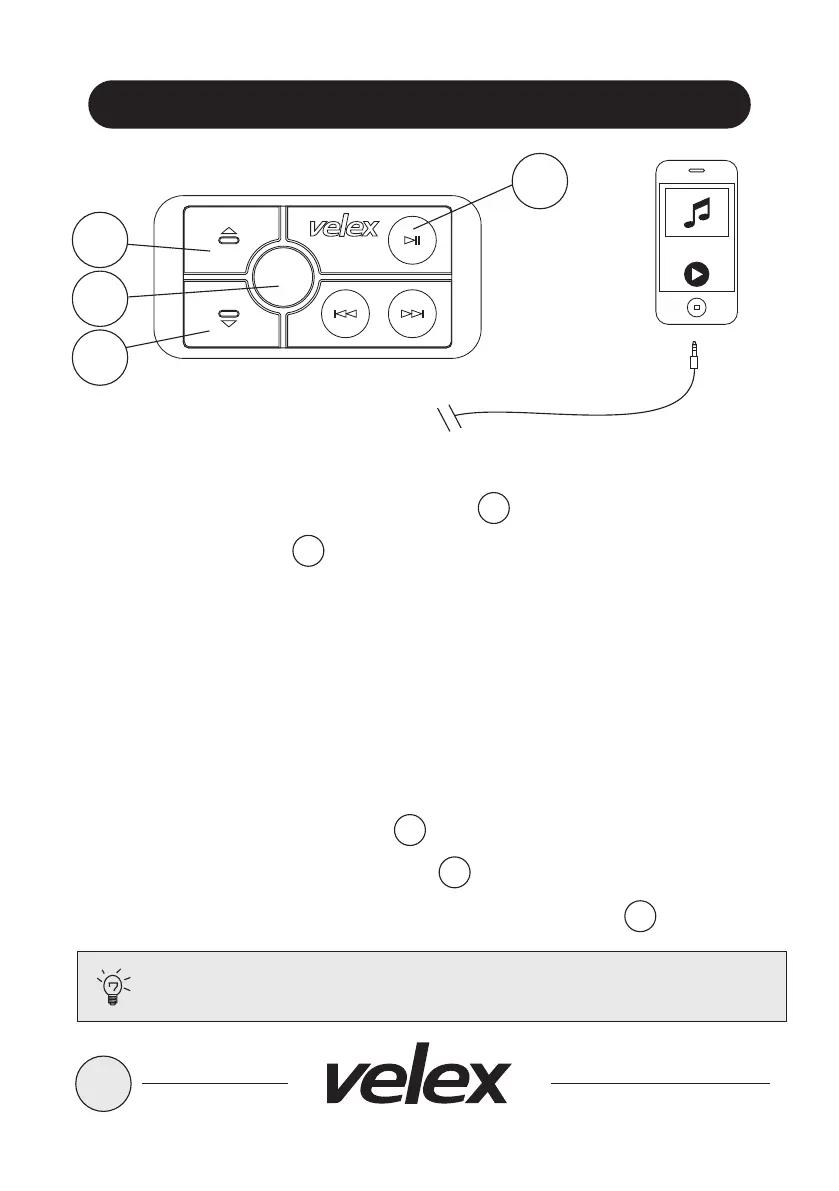
1. Power on the VX508 by short press SRC button
2. Short press the SRC button again once, the controller LED lighting will
change to RED, indicating the system is in AUX-IN mode.
3. Bluetooth devices will remain paired even in AUX-IN MODE
4. Connect the integrated RCA AUX-IN cable on the amplifier (if you have a
3.5mm jack device, please use the 3.5mm to RCA adaptor, 3.5mm to RCA
adaptor is not included)
5. Route the audio wires back to a convenient storage place, secure your device.
VOLUME CONTROL
1. To raise the VOLUME press UP button
2. To lower the VOLUME press DOWN button
3. To MUTE / UN-MUTE the VOLUME press PLAY / PAUSE button
10
2
2
3
6
5
SRC
3
2
6
5
YOUR DEVICE


 To Next Page