8
THE OSCILLOSCOPE MODULE :
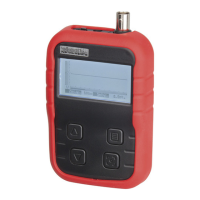
What ? : The Oscilloscope module offers a feature-packed, easy to use digital storage oscilloscope.
How ? :
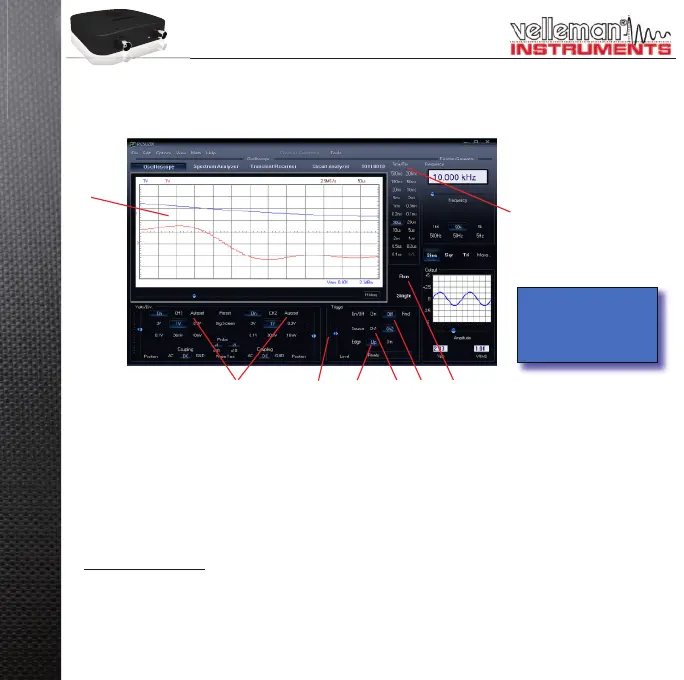
Connect the circuit under test to the scope input (observe the max. input rating of the scope!) or connect to •
the generator output.
Start measuring with “trigger off” (• 6)
Press ‘RUN’ (• 7)
Choose the desired channel and volts/div setting or press “Auto-set” (• 2)
Choose the appropriate time/div setting (• 8)
To enable triggering :
Select trigger channel (• 5)
Select trigger edge (• 4)
Set trigger to ‘ON’ (• 6)
Set trigger level by sliding (• 3). The trigger mark is displayed on the left hand side of the signal display (1)
1
2 3 4 56 7
8
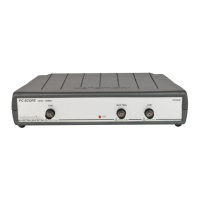
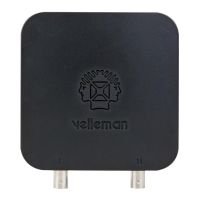
Channel On / Off and
generator output are
indicated by a LED on
the unit.
T
W
F
H
•
•
•
•
•
•
•


 To Next Page