_________________________________________________________________________________________________________________________________________________________
*The pictures may differ depending on the type of PersonalScope
22
SENDING A SCREEN CAPTURE TO THE COMPUTER (Only for HPS40)
It is possible to send a screen picture to your computer using the RS232 output.
During „hold‘ mode press and keep pressing the memory key. A screen bit map (BMP) file will be send to the computer.
A capture program can be downloaded from our site.
During normal measuring, press and hold the „memory“ key, to
capture the screen.
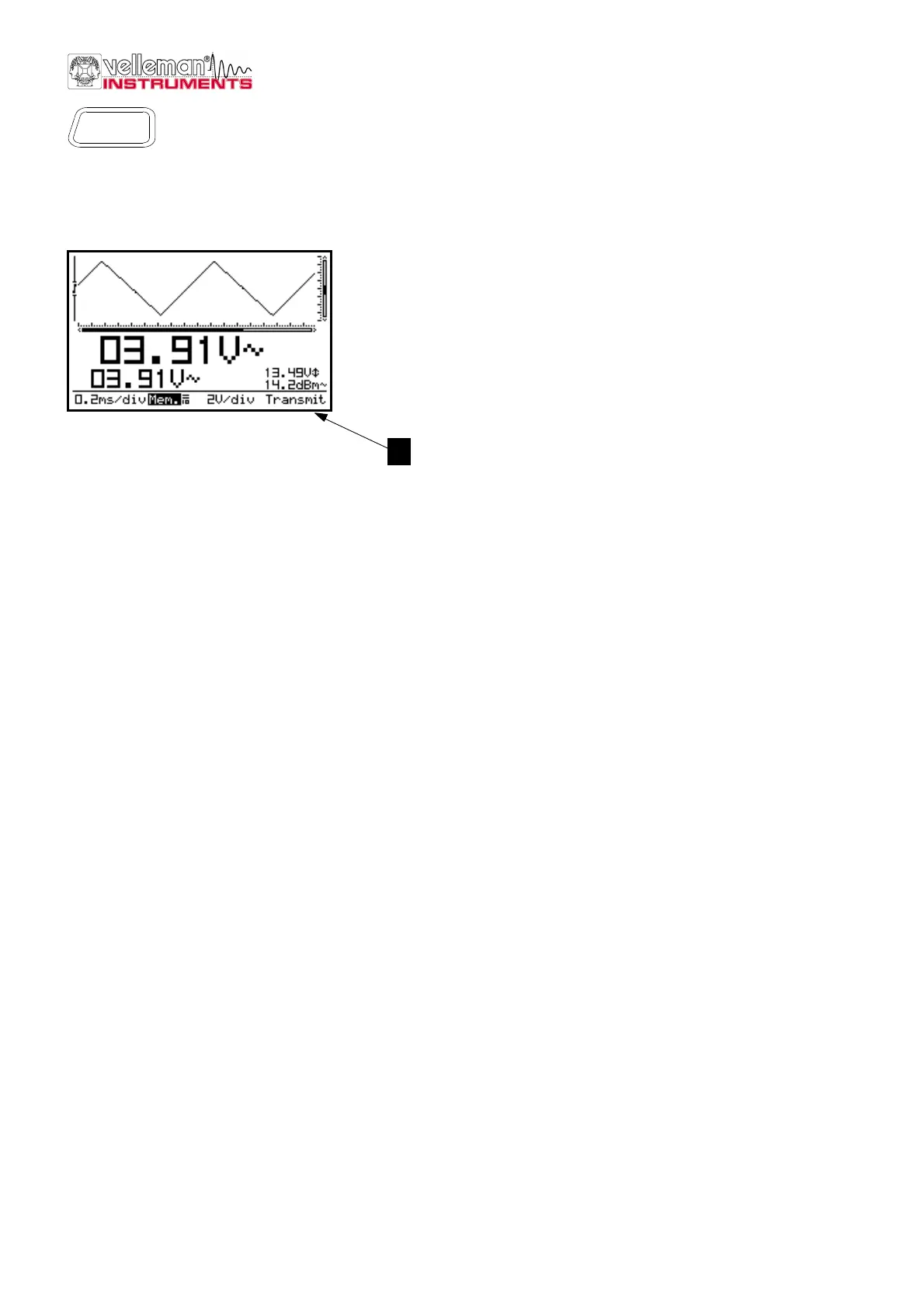
„Transmit“ (1) is displayed briefly during the file transmit. (Fig.46)
Memory
Fig 46
1



 To Next Page