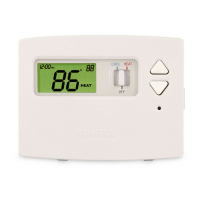
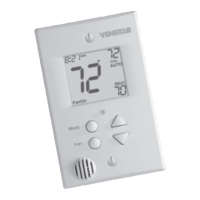
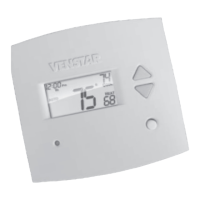
Press
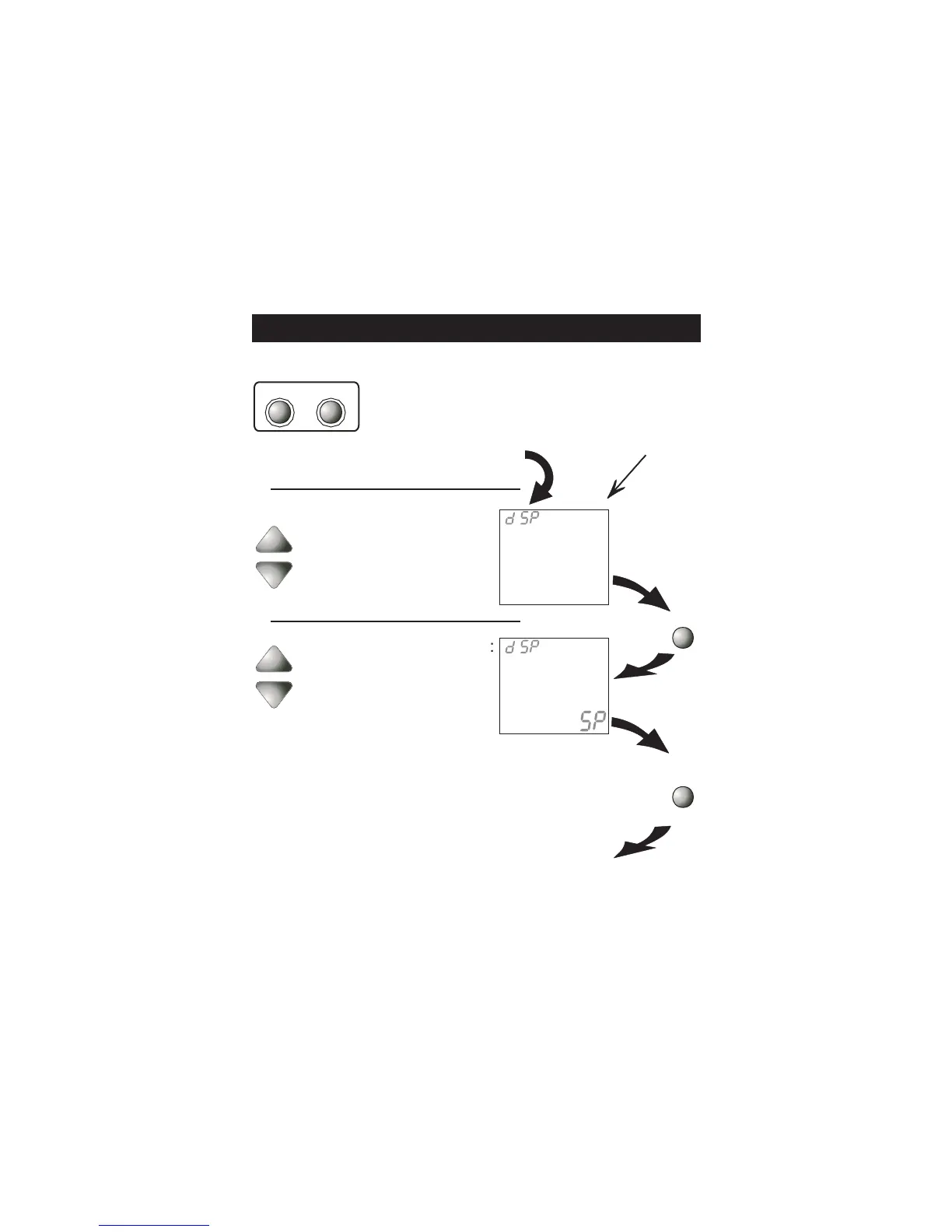
Select Display operation:
On = Full Display
Off = Minimal display
Display On
Display Off
See Page 20
MODE
NOTE: Each step
# is located at the
top right corner of
the display for easy
reference.
Press the MODE and
FAN buttons at the
same time for 10
seconds to enter
A d v a n c e d S e t u p
screens.
Advanced Setup
MODE FAN
I
ON
Setup
Press
MODE
Continued
Page 10
Select Display operation:
1 = Single Setpoint
2 = Dual Setpoint
See Page 24
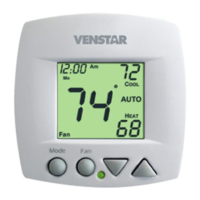
cooling setpoint will always be displayed. To
display the room temperature, press and hold
the MODE button for two seconds. The
degree icon will blink when the large number
is displaying room temperature and will
remain solid when displaying the heating or
cooling setpoint.
2
Setup
2
Note: When Single Setpoint
is selected, the heating or


 To Next Page
 Loading...