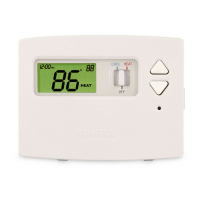
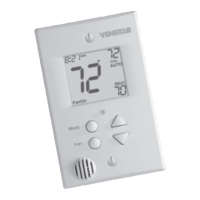
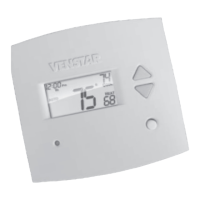
About Advanced Features & Operation
OUTSIDE SENSOR - To view an Outside Sensor
press and hold the FAN button for two seconds
until the Outside icon appears. If an optional
outside sensor is connected, the outside
temperature will appear on the display. To exit
the outside temperature display, press any button.
LOCKING COVER
w/Tamper Proof Screws
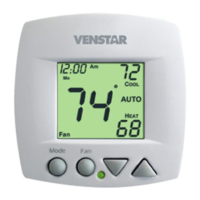
72
72
74
74
70
70
COOL
COOL
HEAT
HEAT
AUTO
AUTO
Page 22
Mode Fan


 To Next Page
 Loading...