
 Need help?
Do you have a question about the Vent-Axia Multihome Basic NL and is the answer not in the manual?
Guidelines for minimizing duct system resistance, pressure drop, and ensuring proper airflow and installation.
Instructions for secure mounting, correct orientation, and maintaining IPx2 rating for optimal performance.
Crucial safety warning to isolate power and earth the unit before installation or maintenance.
Step-by-step guide for connecting mains power and low voltage control signals to the unit.
Details for connecting the main power supply to the unit's terminal block.
Details for connecting low voltage accessories and sensors via the IO PCB.
Information on connecting compatible sensors and switches using RS485 communication.
Instructions for pairing and removing wired or wireless sensors from the unit.
Defines the order of precedence for sensor inputs in setting motor speed.
Describes how the unit behaves in Comfort mode based on LS input status.
Details on Delay On, Overrun Timer, Humidity, CO2, Analogue, and Digital input functionalities.
Information on enabling a pin code to protect unit settings and the default code.
Guide to commissioning, configuring settings, and performing factory resets via the unit's interface.
Procedure for enabling Bluetooth pairing and connecting the unit to the Vent-Axia App.
Instructions for safe servicing and maintenance of the unit, including scroll assembly removal.
List of fault codes displayed on the HMI and their corresponding descriptions and actions.
Information on compatible accessories and how to obtain spare parts.
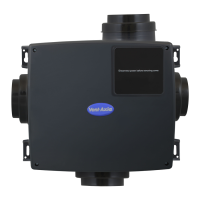

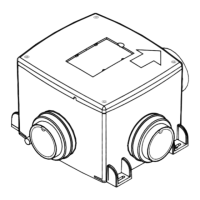



 To Next Page
 General