External | P400+ User Manual | Version 2.3 | March 22nd, 2021
P400+ User Manual
49
3.3 CONFIGURING THE TERMINAL FOR RNDIS
PROTOCOL
This section will cover the process of setting up the terminal for RNDIS, to allow the terminal
to have a separate connection to the ECR via IP over USB.
3.3.1 Configuring the payment device to support RNDIS
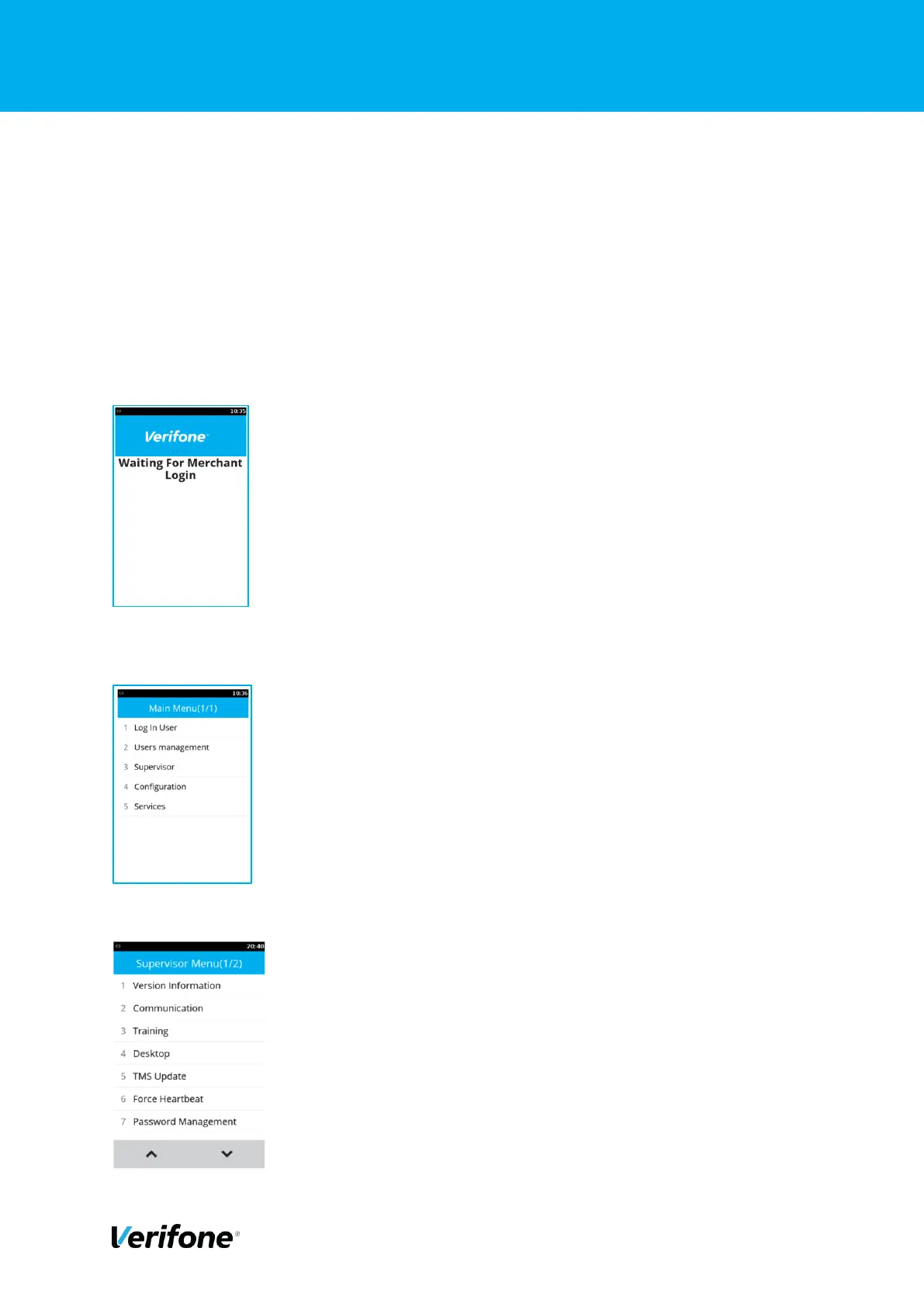
The P400+ needs to be configured to support RNDIS. Turn on the P400+, by plugging the
device in to a power source. The Following screen is displayed:
Press the
*
key on the keypad, our touch the Blue Verifone logo banner.
Select Supervisor and enter the supervisor password



 To Next Page