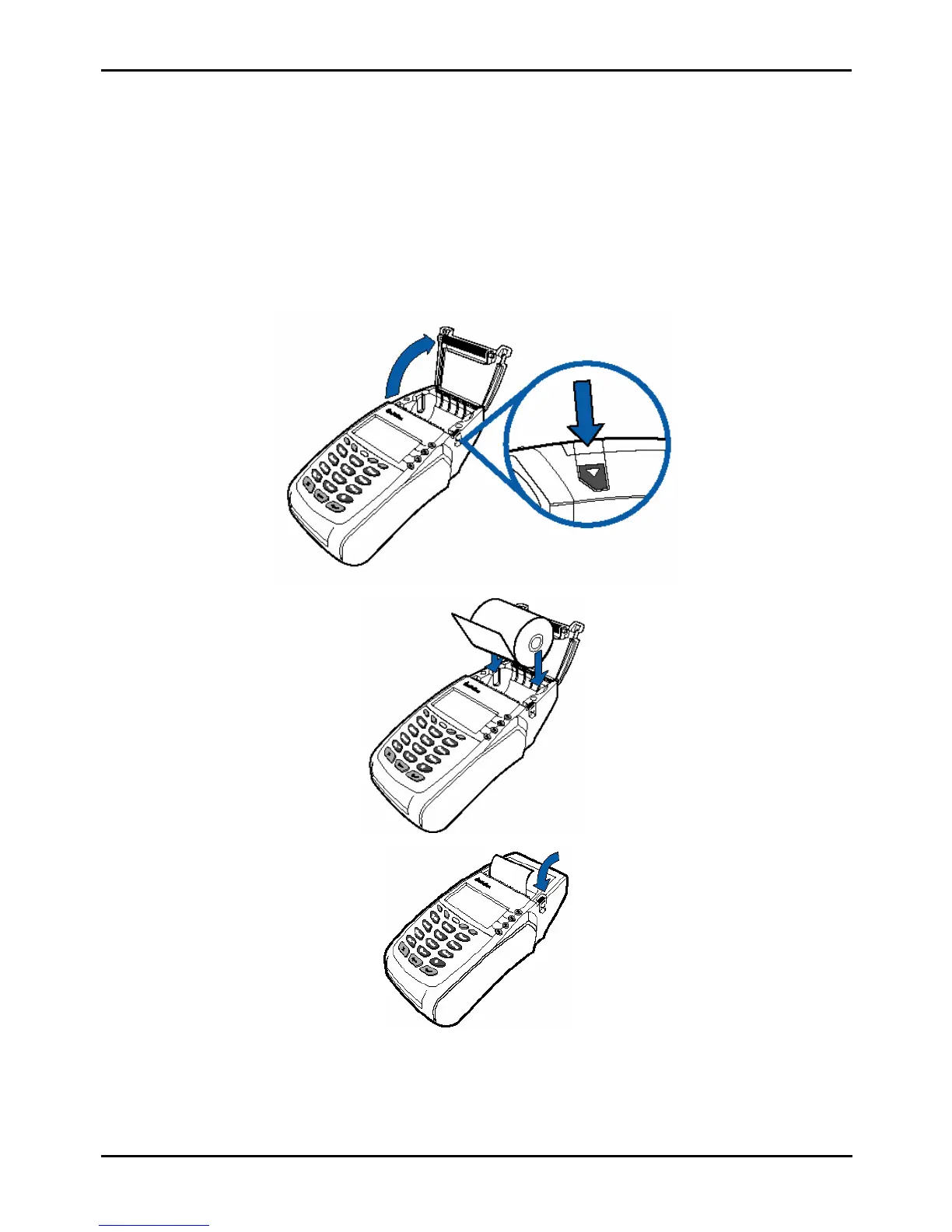
15. Reloading the paper of terminal
Terminal is using special thermal paper only.
When red stripes appears on reciept, this means that the paper remains for few reciepts only. Therefore a new paper
roll must be ready beforehand, to change the used one.
How to insert a new roll:
1. Terminal must be switched on.
2. Open the cover over a paper roll by pressing down the button at the right side of terminal.
3. Remove old paper roll.
4. Take a new paper roll and insert it according to paper’s insertion scheme, which figured on the terminal’s cover.
5. Close the cover, which hides paper roll.
Step 1
Step 2
Step 3



 To Next Page