PROCESSING A CREDIT CARD TRANSACTION (CHIP CARD)
Perform SECURITY CHECKS on the card presented by the customer
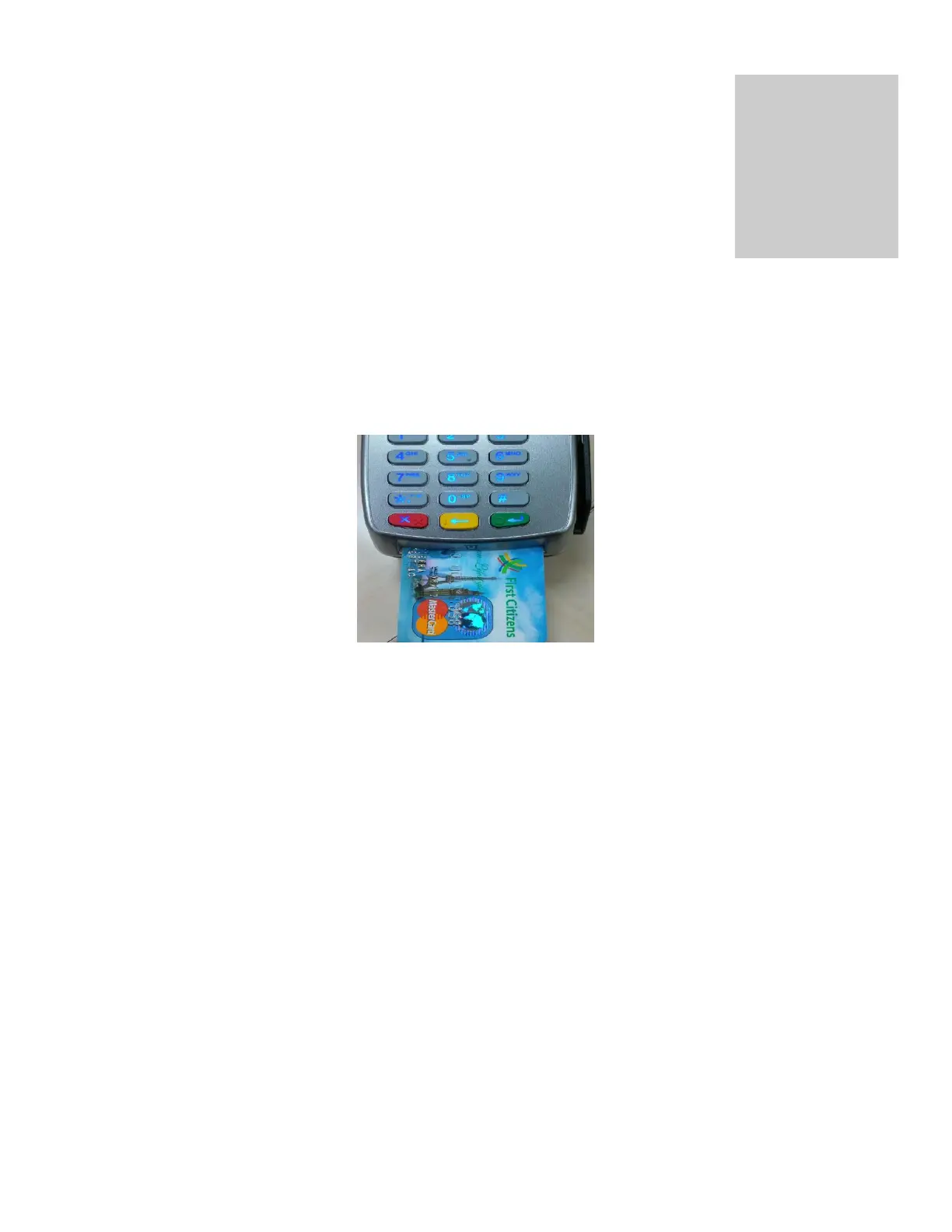
Insert the customer’s card into the slot as follows:
Enter SALE AMOUNT and then press the ‘ENTER’ key
The terminal’s screen then reads ‘Enter Pin’; the customer must enter their PIN at this time.
The terminal then goes through a process of communicating and upon completion prompts
‘APPROVED’
The terminal generates a receipt automatically. (
This is the merchant’s copy
)
The screen then reads ‘Print Cust Copy’ , prompting the merchant to select
F1 – Yes
F2 – No
The second receipt is generated once ‘F1 – Yes’ is selected
The terminal then reads ‘Return Customer Card’
Press ‘Cancel’ (
red key
) to revert to the ‘Home Screen’


 To Next Page
 Loading...













