EasyManua.ls Logo

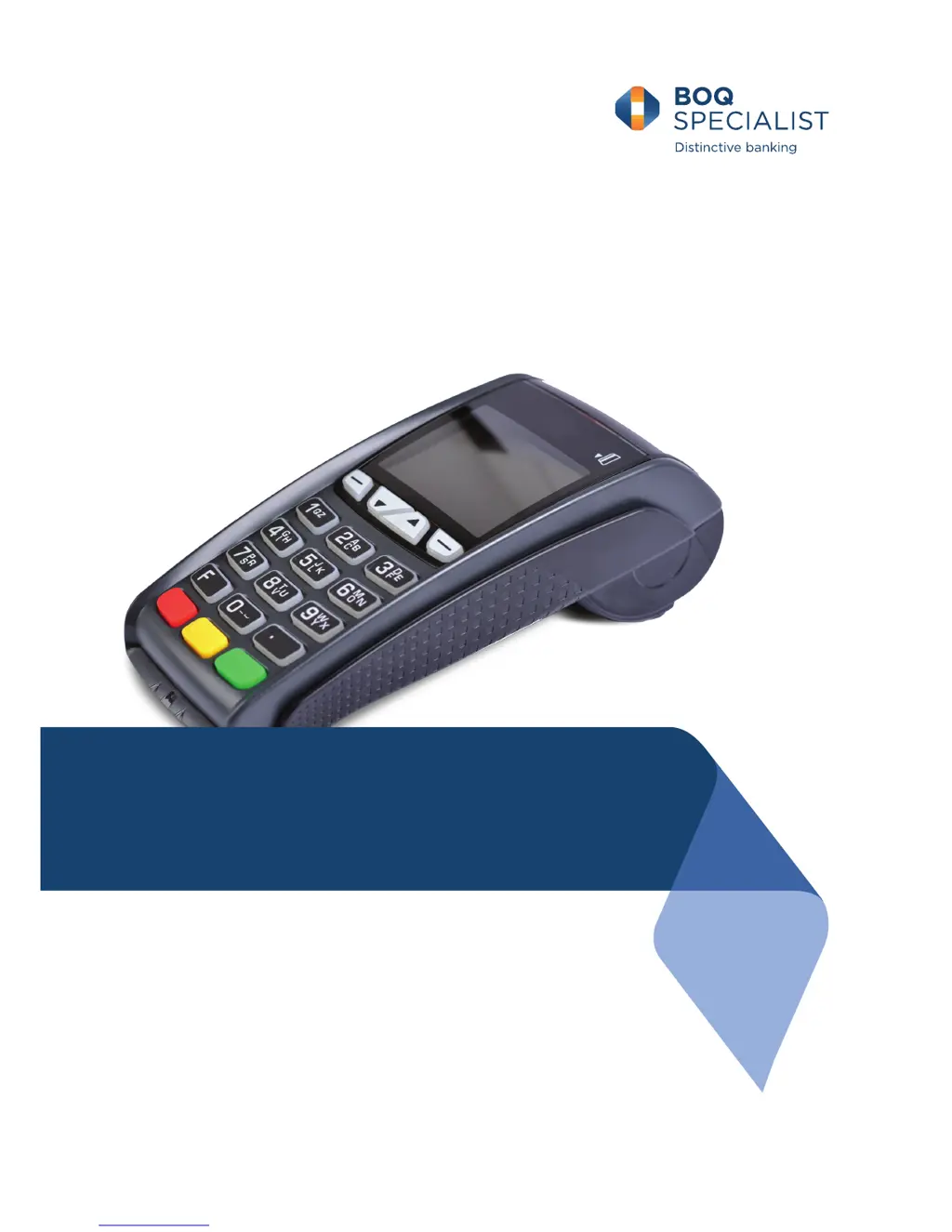
VeriFone VX675 - User Manual

VeriFone VX675
76 pages
Print Icon
To Next Page IconTo Next Page
Loading...
Merchant Operating Guide
VX675

Table of Contents

Other manuals for VeriFone VX675

Questions and Answers

  • A
    Andrew SmithAug 2, 2025
    What to do if my VeriFone VX675 Payment Terminal is not responding?
    • M
      Marc VaughanAug 2, 2025
      If your VeriFone Payment Terminal isn't responding, try these steps: 1. Make sure the power cable is properly connected. 2. Turn the terminal off for 10 seconds, then turn it back on. 3. Try the transaction again. 4. If it still doesn't work, contact the Merchant Helpdesk.
  • J
    Jonathan ClarkAug 12, 2025
    What to do if VeriFone VX675 Payment Terminal is not reading cards?
    • R
      Robert MartinAug 13, 2025
      If your VeriFone Payment Terminal is not reading cards, here’s what you can do: 1. Try re-inserting or swiping the card according to the instructions. 2. If the card reader still doesn't respond, power off the terminal for 10 seconds. 3. Power the terminal back on. 4. Attempt the transaction again. 5. If the issue persists, contact the Merchant Helpdesk.
  • K
    Kimberly HawkinsAug 22, 2025
    What to do if I have paper or printing faults on VeriFone VX675?
    • P
      Paul RowlandAug 22, 2025
      If you're experiencing paper or printing faults with your VeriFone Payment Terminal, try the following: 1. Remove the paper roll to check for any stuck paper. 2. If the paper roll is damaged, replace it with a new one. 3. If the problem continues, turn off the terminal for 10 seconds. 4. Turn the terminal back on. 5. If issues continue, contact the Merchant Helpdesk.

Summary

2.4 Terminal Display

2.5 Power Supply

Details the power supply options and battery charging for the VX675 terminal.

2.6 Paper Roll Installation

3 Power Up

3.1 Power On

Guides the user on how to turn on the VX675 terminal and the start-up process.

3.2 Power Off

4 Card Presentation Procedures

4.1 Inserting a Chip Card

Details the process of inserting a chip card for transactions.

4.2 Swiping a Magnetic Stripe Card

Explains how to swipe a magnetic stripe card for transactions.

4.3 Contactless Card Transactions

5 Transaction Processing

Covers the various methods and steps for processing different types of financial transactions.

5.1 Processing a Purchase

5.2 Processing a Purchase with Cashback

5.3 Processing a Purchase with Tip

5.5 Processing a Refund

5.6 Processing a Mail Order;Telephone Order (MOTO)

5.7 Processing a Pre-Authorisation

5.8 Processing a Pre-Authorisation Completion

5.9 Processing a Pre-Authorisation Cancellation

6 Settlement and Reporting

6.1 Close Batch (Settlement) Overview

Provides an overview of the settlement process and types.

6.2 Close Batch (Settlement) - Auto

Explains the automatic daily settlement process for the terminal.

6.3 Close Batch (Settlement) - Manual

6.3.1 Close Batch (Settlement) - Manual Procedure

Step-by-step guide for manual close batch settlement.

7 Terminal Functions

7.1.2 Stationery Order Receipt

7.2 Load Parameters

Covers automatic and manual downloading of terminal software and configuration updates.

7.3 Merchant Password

8 Multi-Merchant Facility

8.2 Multi-Merchant Settlement

9 Troubleshooting

9.1 Transaction Response Codes

Lists and explains various transaction response codes and their actions.

9.2 Hardware Faults

Terminal Power & Settlement Issues

VeriFone VX675 Specifications

General IconGeneral
ConnectivityBluetooth
BatteryLi-ion battery
Card ReadersMagnetic stripe, Contactless
Operating SystemVerix OS
SecurityPCI PTS 3.x approved

Related product manuals