12
5. If you swipe a chip card the terminal will prompt you to insert the card, once you have entered
in the transaction amount.
CONTACTLESS CARD TRANSACTIONS 4.3
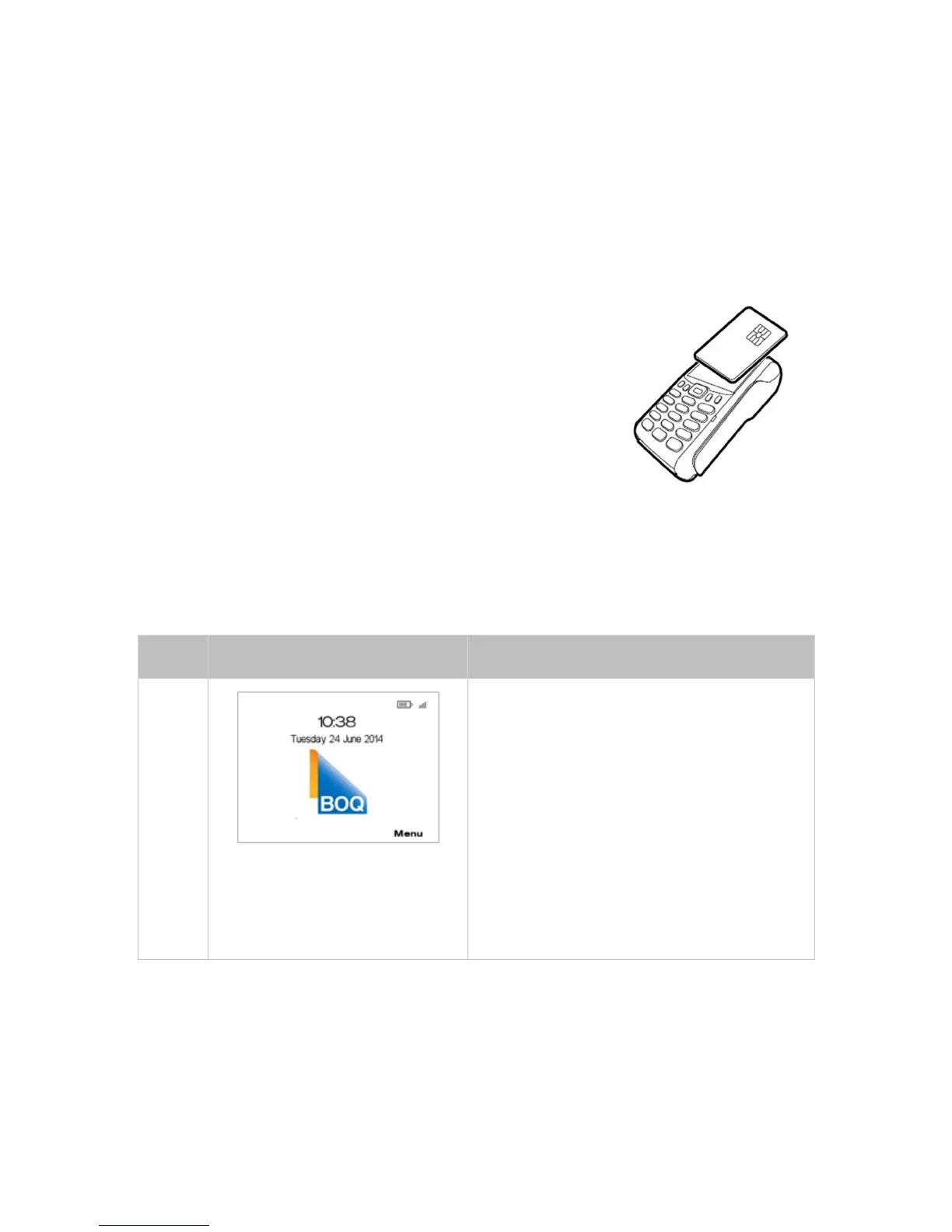
Contactless card transactions can be processed on the VX675
terminal.
The contactless card reader is located behind the
display screen.
Instructions:
1. Firstly enter in the transaction amount, and enter through
until you get to the Tap/Insert or Swipe Card screen.
2. Position the contactless card above the terminal screen
(the reader is mounted behind the display screen).
3. Await the confirmation beeps before removing the card,
also the screen status LEDs will indicate the progress of
the read.
4. The display screen will say ‘Please Wait’.
5 Transaction Processing
PROCESSING A PURCHAS E 5.1
There are two methods for initiating a purchase on
the VX675 EFTPOS terminal, either:
• Amount Entry Method - Press a number key
on the terminal key pad to begin amount entry.
The amount is entered without the decimal
point. The terminal will update its display with
the amount entered. This is the only method
that allows your customers to perform a
contactless transaction.
or
• Card Presentment Method - Swipe / Insert
the customer’s card on the terminal and the
terminal will update its display requesting the
amount to be entered. Proceed to Step 2
.
Contactless ‘taps’ will not be accepted by the
te
rminal from main screen.



 To Next Page