VX675 MERCHANT OPERATING GUIDE
9
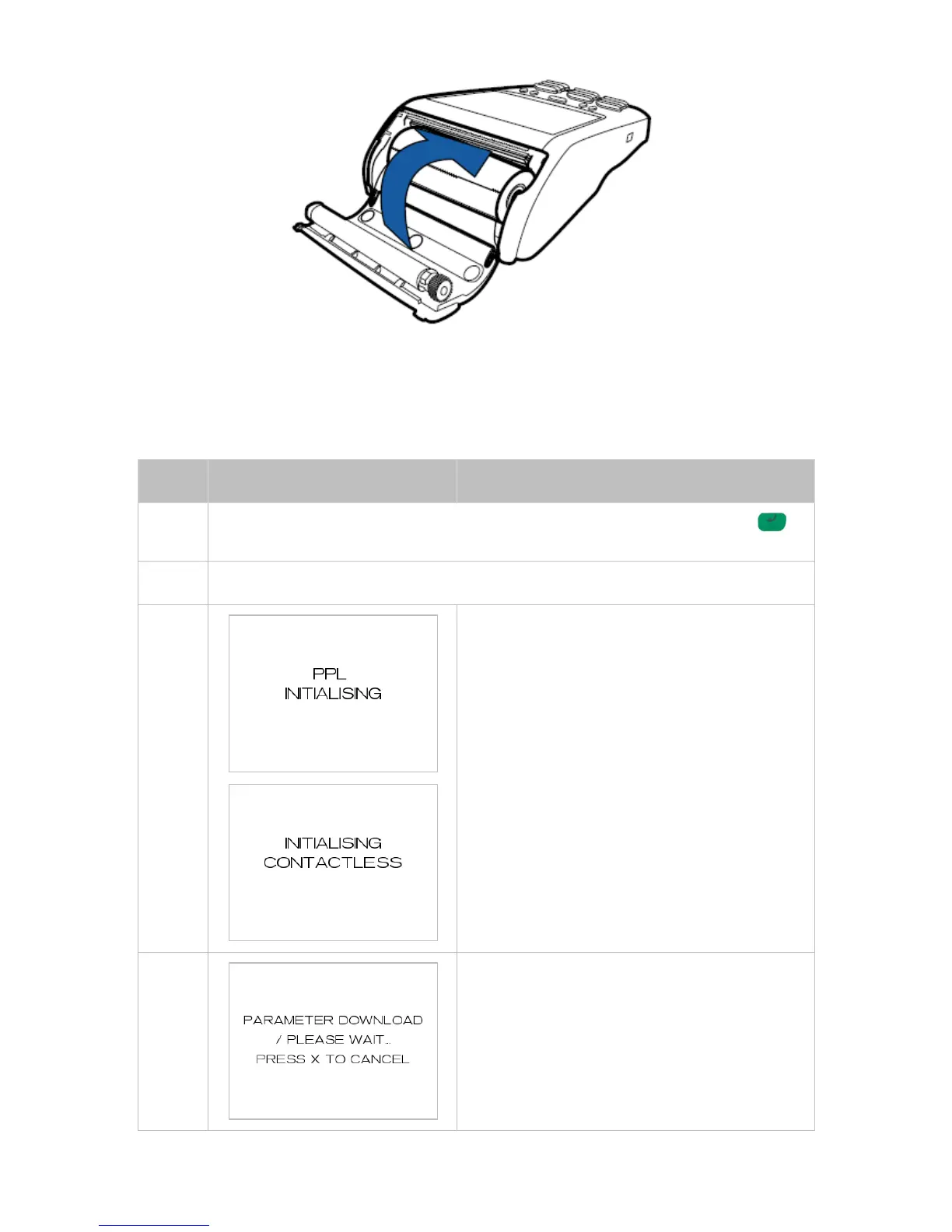
8. Tear the paper off against the serrated metal strip in the printer.
3 Power Up
POWER ON3.1
Ensure the power cord is attached or battery is charged and hold down the ENTER
key for 4 seconds until you hear a beep.
The screen will light up and a welcome screen will appear.
The application will go through multiple verification
and initialization steps before it’s ready for use.
If the terminal has been turned off or has not been
used for an extended period of time, it may perform
a forced parameter download during start-up.
Do not switch off the terminal during the download
process.



 To Next Page