EasyManua.ls Logo

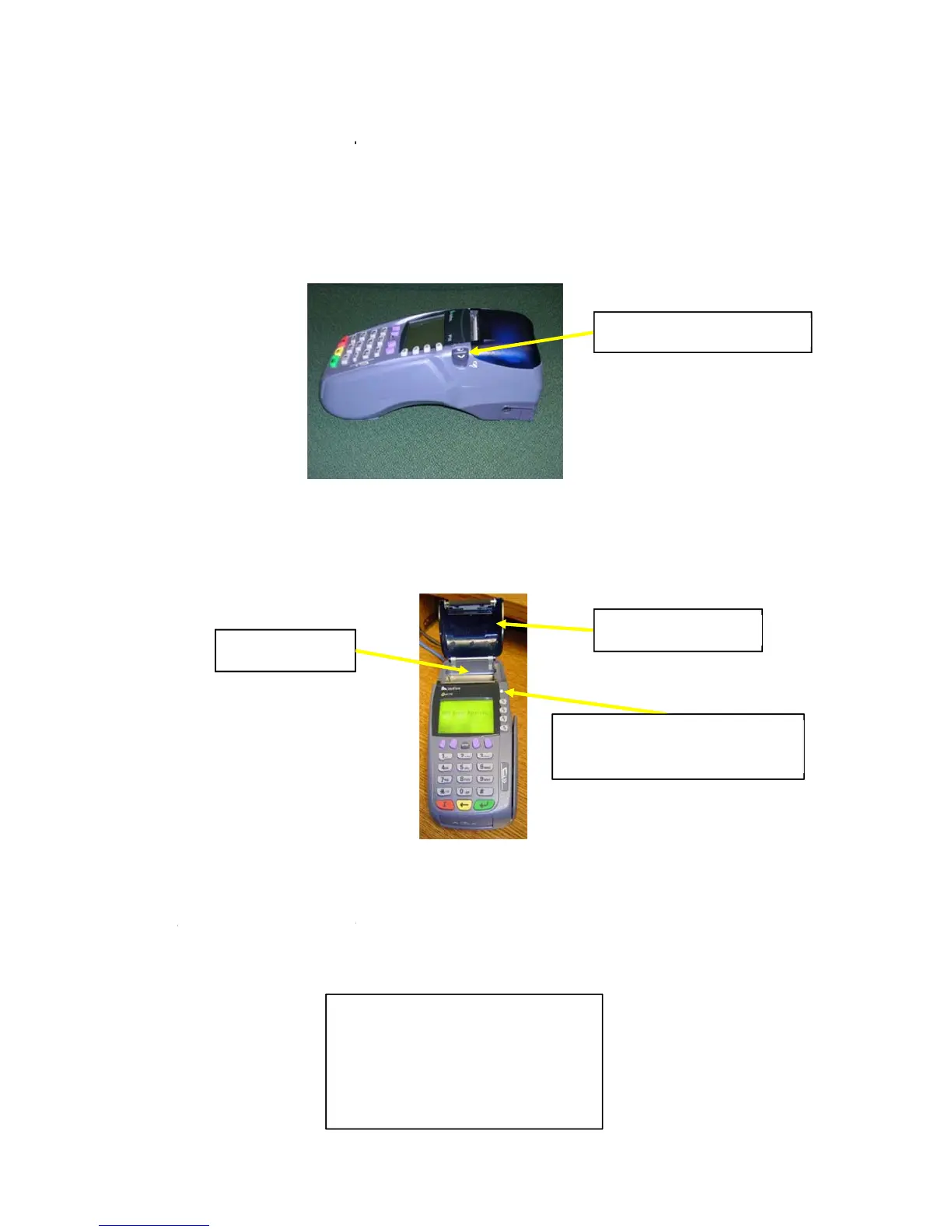
VeriFone VX570 - Loading Thermal Paper

VeriFone VX570
30 pages
Print Icon
To Next Page IconTo Next Page

To Previous Page IconTo Previous Page
Loading...
Chapt
e
1.
The
p
2.
The
p
cove
r
3.
Loos
end
c
4.
Gent
a sm
a
displ
a
refle
c
R
Pri
n
Figure 5 – T
e
e
r 3- Loa
d
p
aper statu
s
p
rinter cove
r
r
by pushin
g
e
n the end
o
c
oming out
f
ly close the
a
ll amount
o
a
y (the v.0.
0
c
ting the nu
m
R
GA VeriF
o
n
ter Tray
e
rminal Fron
t
d
ing the
T
s
light blinks
r
release is
o
g
down on t
h
o
f the new r
o
f
rom undern
e
cover until i
t
o
f paper to
e
0
.0.0 will sh
o
m
ber of doc
u
v.
0
0
(
c
(
o
o
ne Vx 570
1
t
View
T
hermal
green (see
o
n the right
s
h
e printer co
v
o
ll of paper
a
e
ath the roll
t
clicks shut
.
e
xtend outsi
d
o
w a real ve
r
u
ments load
Figure 4 –
0.0.0.0
0
00 Enter
c
urrent d
a
o
nline)/(
d
Money Or
d
1
0/26/2012
Paper in
t
Figure 5) w
h
s
ide of the
T
v
er release.
a
nd drop it i
n
towards th
e
.
The green
d
e the cover
r
sion numb
e
ed in the d
o
Terminal Si
d
Passcode
a
te &
t
im
e
d
ialup)/e
r
d
er Trainin
g
P
r
Paper
S
(blinks g
t
o the Te
h
en the ter
m
T
erminal (se
e
n
to the print
e
e
front of th
e
light should
r
. The termi
n
e
r and the 0
0
o
cument pri
n
d
e View
P
r
e
)
r
ror
g
Manual
r
inter Cove
r
S
tatus Lig
h
g
reen when p
a
rminal
m
inal is out
o
e
Figure 4).
e
r tray with
t
e
terminal (S
now stay ill
u
n
al window
s
0
00 will hav
e
n
ter):
r
inter Cove
r
r
h
t
a
per is out)
o
f paper.
Open the p
r
t
he loose p
a
ee Figure 6
)
uminated.
A
s
hould now
e
a number
r
Release
6
r
inter
a
per
)
.
A
llow

Other manuals for VeriFone VX570

Related product manuals