Closing a day
Automatic transfer of transactions
Manual transfer of transactions
Transactions completed during a day can be transferred
to the bank either automatically or manually.
Automatic transfer will be activated at the time configured for
the terminal.
If automatic transfer fails
Transfer the transactions manually or wait for the next
automatic transfer (in this case transactions that failed to be
sent will also be transferred this time).
Should transfer of transactions fail again during the
next automatic transfer, contact Verifone Baltic SIA
67251111.
Verifone VX520+Vx805 CTLS Payment Terminal
To transfer transactions,
press F2
By pressing F3 , the
terminal prints the
transaction report
without transferring data
to the bank.
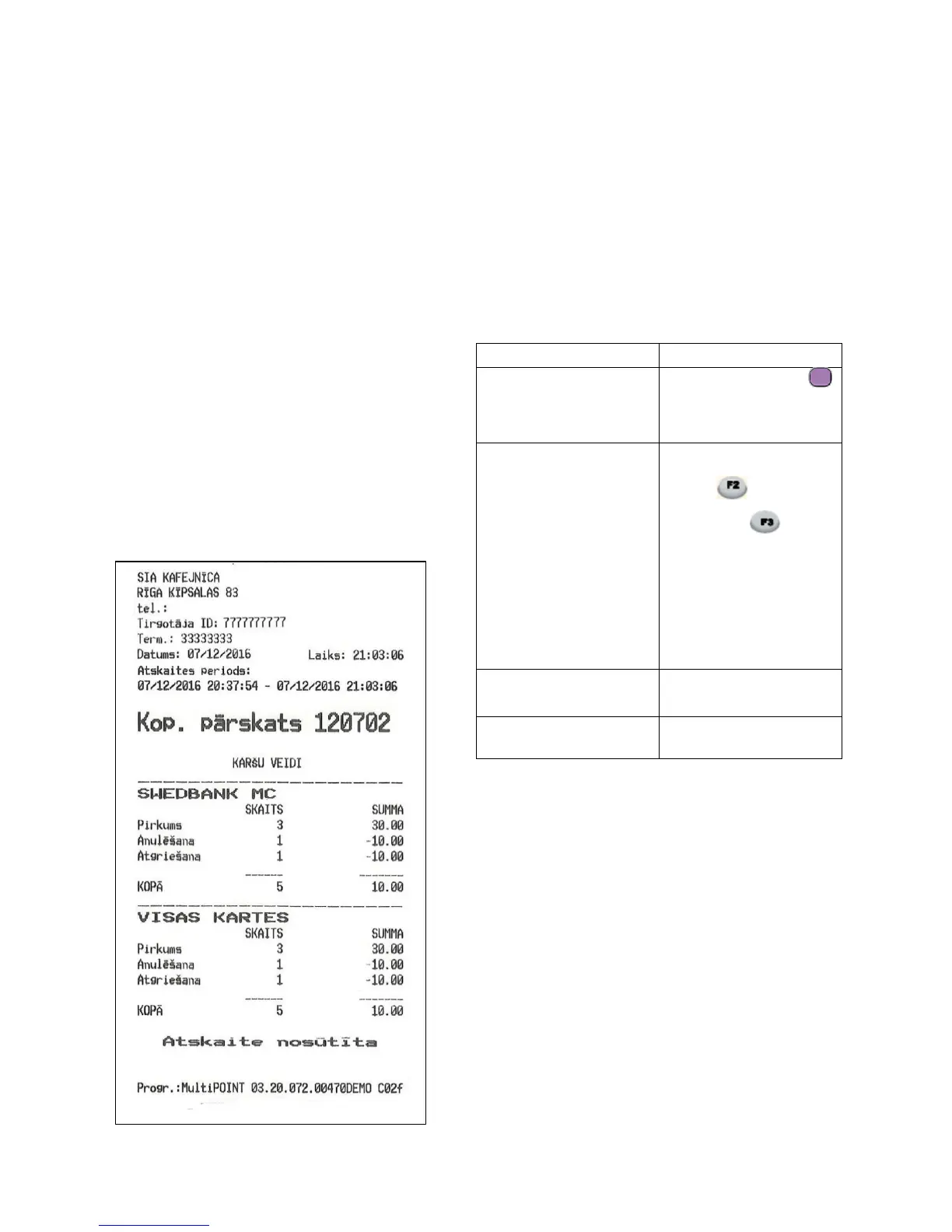
The terminal issues a response on the transfer report, indicating
the number and total amount of completed transactions. To
confirm successful transfer of transactions, the terminal prints
the response on the transfer report: “SENDING TRANSACTIONS
OK”.














 To Next Page