Verifying Successful Installation
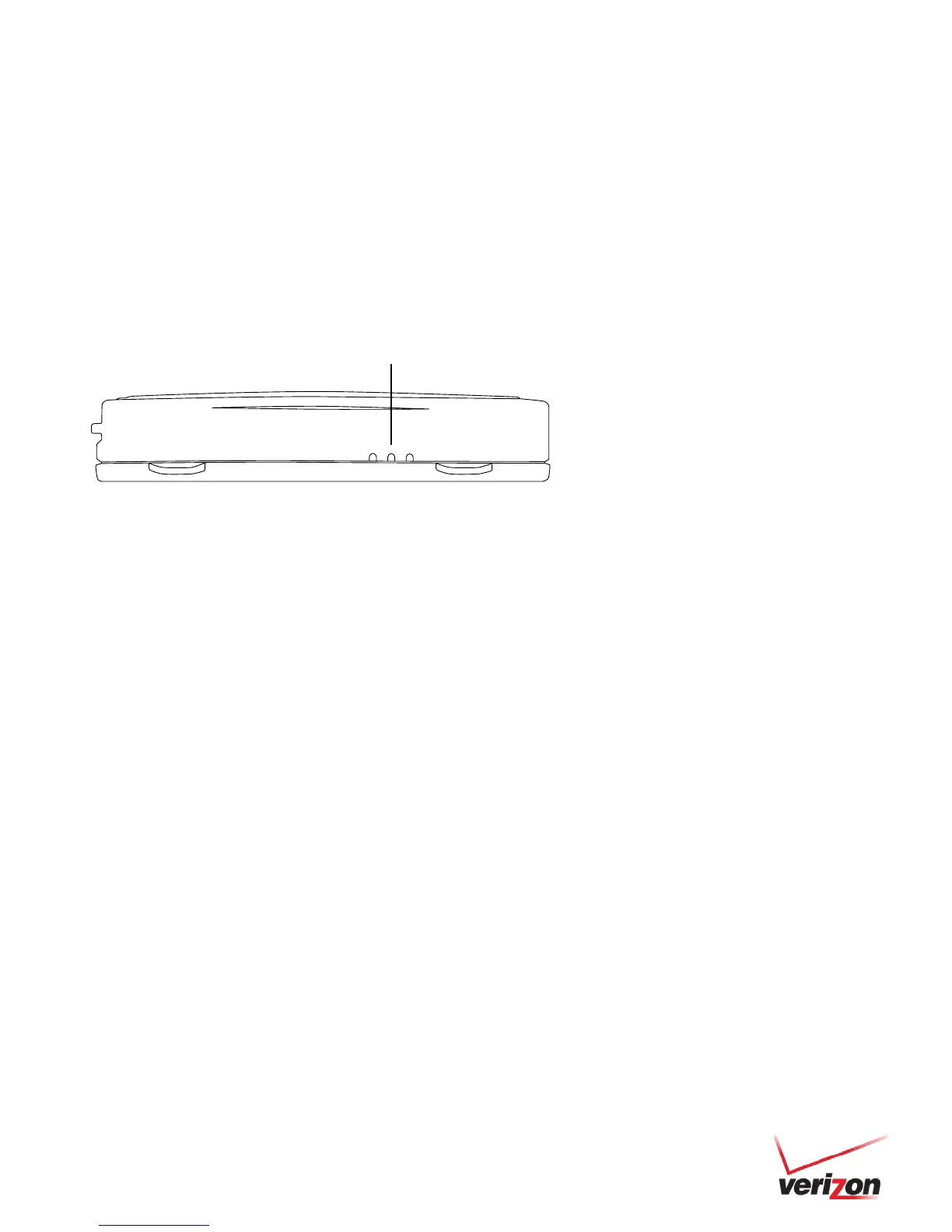
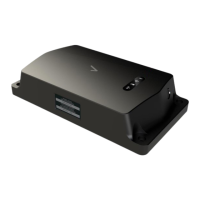
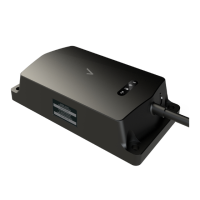
1. Start the vehicle’s engine. All lights (Red, Yellow, and Green) on the device should turn on solid for 15 seconds
and then begin blinking rapidly (twice a second).
2. The device is operating normally when the rapid blinking ceases and the Green and Yellow lights begin to blink in
a slow pattern (ON for 5 seconds and OFF for 1 second). The Red light pattern will continue to vary and should
not be used to verify installation.
3. The vehicle must be idled or driven for at least 15 minutes to reach normal operating mode and ensure activation
is complete.


 To Next Page