Completing Installation
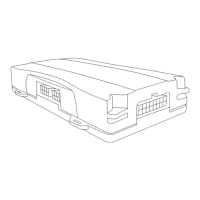
Before securing the device under the dashboard, make sure that
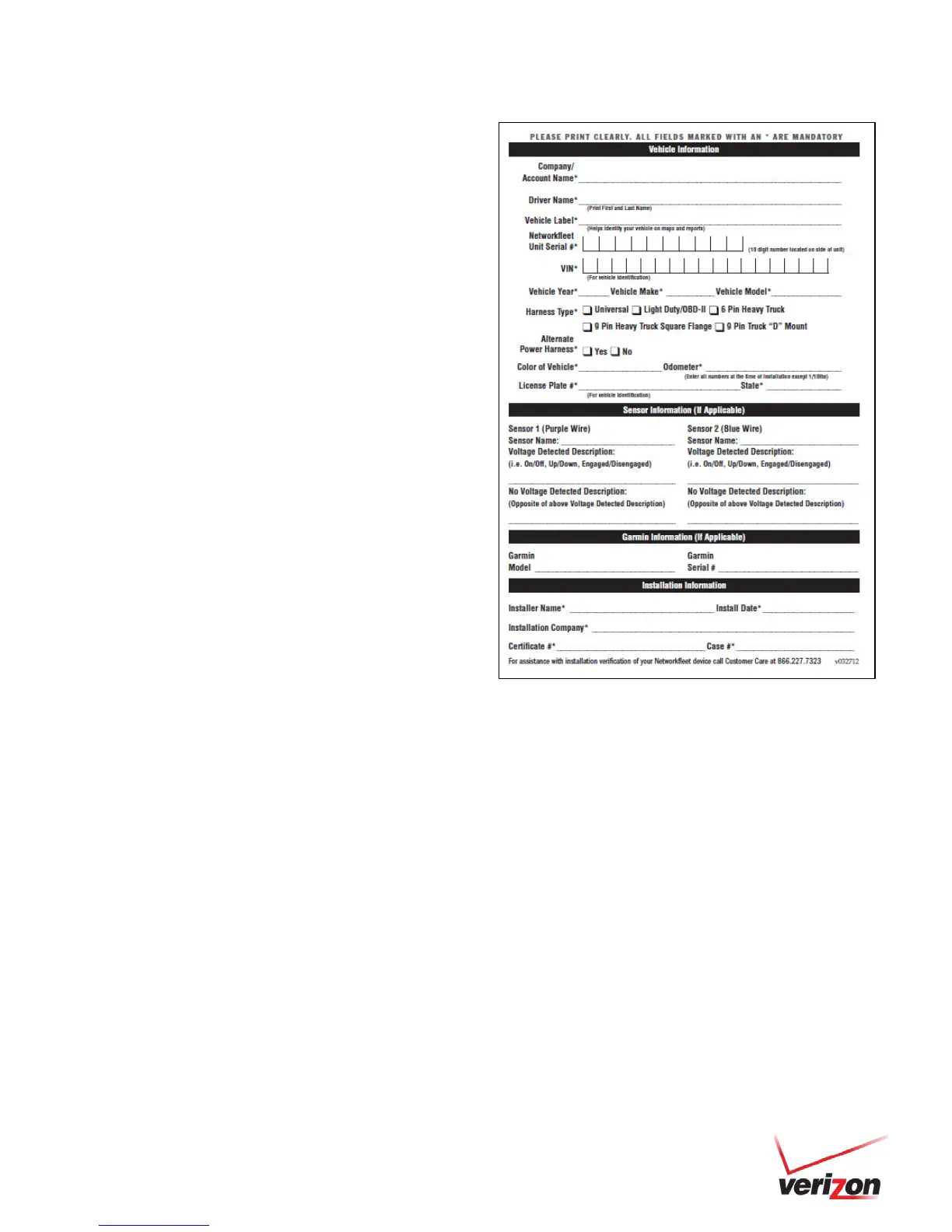
you have recorded the VIN, hardware serial number and odometer
reading on the registration form. Also verify that you have checked
the light indicators. After installation, provide the registration form
to the fleet manager for delivery to Networkfleet or if you are a
Networkfleet Certified Installer, please fax to 866.616.2131 or
email to installs@networkfleet.com.


 To Next Page