To Install
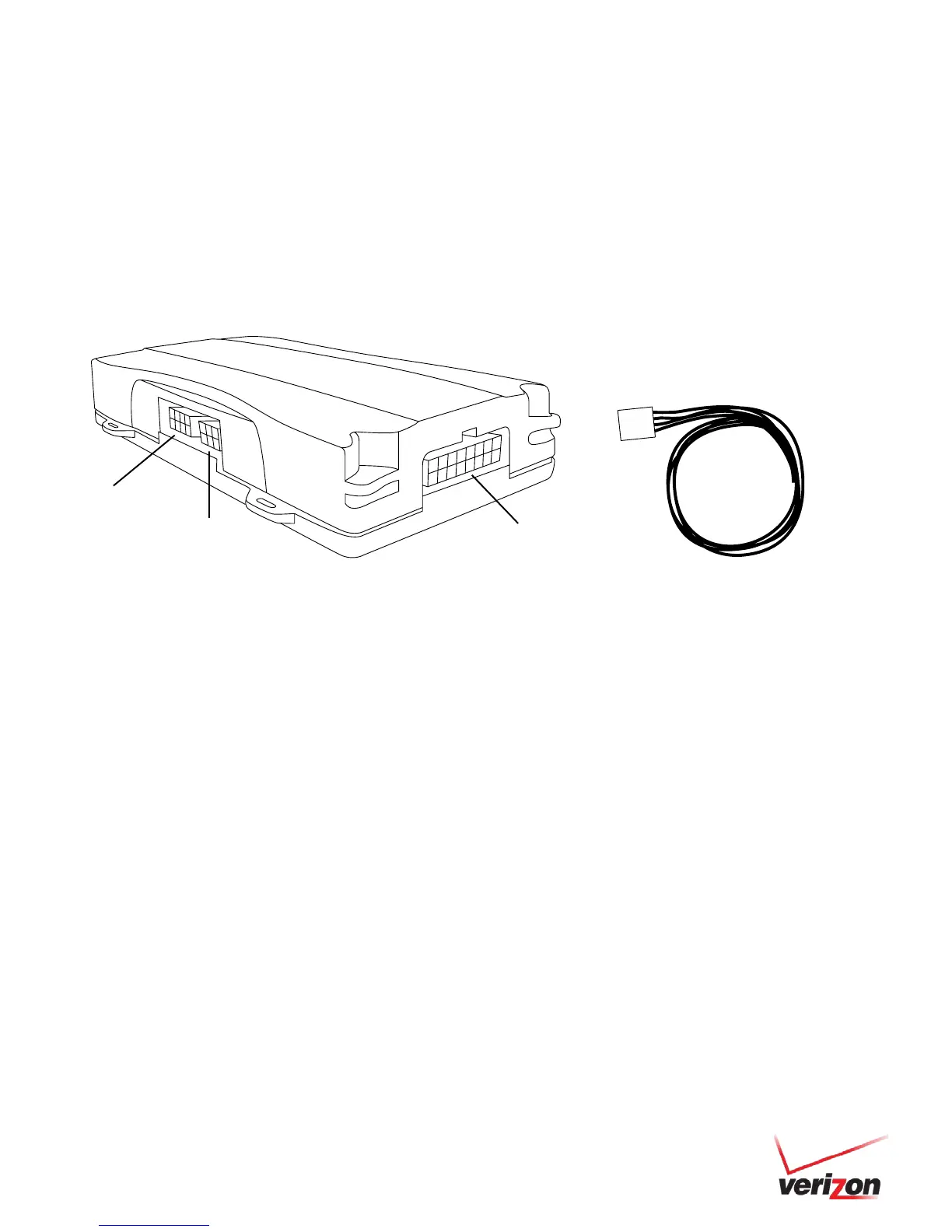
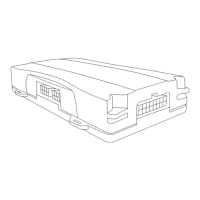
1. Units are shipped with a knock-out panel covering the sensor/serial ports. First, use an X-ACTO knife to slice off
2 of the 3 tabs in order to remove the knock-out panel.
2. Connect the Sensor Input Harness to the Sensor Port on the 5500 or 5200 device.
3. Verify installation by checking the LED behavior of the device (see page 23) and call Customer Care at
866.227.7323 and select Option 5.
4. Before securing the device under the dashboard, make sure you have recorded the appropriate information on
the Sensor Installation Card included with the Sensor Input Harness. Once all information is recorded, follow the
instructions detailed on the card to update your fleet on www.networkfleet.com.
(Blue & Purple)


 To Next Page