Need help?
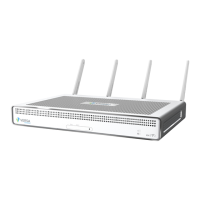
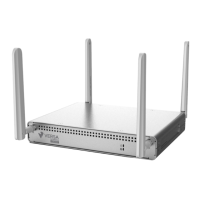
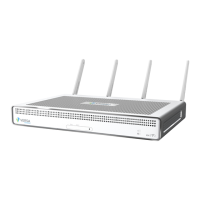
Do you have a question about the Versa Networks CSG730 and is the answer not in the manual?
Details the front panel's two status LEDs and two SIM card slots, explaining their functions and states.
Provides crucial safety precautions for installing and removing the appliance, including ESD protection and electrical safety.
Provides detailed instructions and considerations for securely mounting the appliance into a rack using mounting ears.
Explains the critical procedure for connecting the appliance to earth ground for safety and EMI compliance before powering.
Details the steps required to connect the appliance to a standard AC power source using the provided power cord.
Guides on establishing a connection to the appliance for configuration and management via the console port and cable.
 General
| Model | CSG730 |
|---|---|
| Category | Gateway |
| Manufacturer | Versa Networks |
| VPN Support | IPSec, SSL VPN |
| Form Factor | 1U Rack-mountable |
| Power Supply | Dual AC Power Supplies |
| Interfaces | 8 x 1GbE, 2 x 10GbE SFP+ |
| Security Features | Firewall, IPS, Anti-malware, URL Filtering |
| Management | Versa Director, CLI, REST API |
| Redundancy | High Availability (Active/Standby) |


 To Next Page