~|}ïï),2!"/3& "01"46||"/&"0
Components and Specificationsïï9
2.1 Front and Rear Panel Components
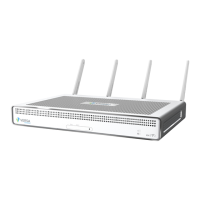
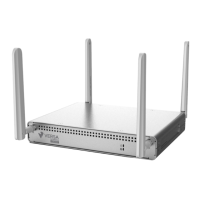
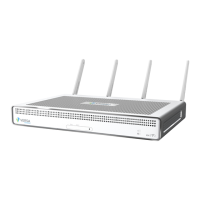
This article describes the front and rear panel components of a CSG700 series appliance. For the exact location of
these components on the appliance, see At a Glance (see page 5).
2.1.1 Front Panel
The front panel of a CSG700 series appliance has two status LEDs and two SIM card slots.
2.1.1.1 LEDs
Table 1 lists the LEDs, their colors and states, and the status they indicate.
Table 1: Front Panel LEDs in a CSG700 Series Appliance
LED Color Status
Power Green Off: Appliance is not powered on.
Green: Appliance is powered on.
Status Green, Red Off: Appliance hardware is up, but
there is a problem with the software.
Solid green: Appliance is up and
running.
Blinking green: Appliance is in the
process of booting up.
Red: Major error condition exists in the
system or there is a corrupt software
configuration.
Blinking red: System crash,
overheating, or a persistent error
condition exists.
2.1.1.2 SIM Card Slots
The front panel of a CSG700 series appliance has two nano-SIM card slots. If you subscribe to a single wireless
service, use the SIM 1 slot to install the LTE device. If you are subscribing to dual wireless service, use both the SIM 1
and SIM 2 slots to activate the LTE devices.
Note: It is strongly recommended that you use only preactivated SIMs in the SIM card slots.
2.1.2 Rear Panel
The rear panel of a CSG700 series appliance has six status LEDs, power and reset buttons,ï"+0&+$1,+0" 2/&16
), (0),1+!+&+-21#,/+1"++ï



 To Next Page