~|}ïï),2!"/3& "01"46||"/&"0
Planning and Installationïï19
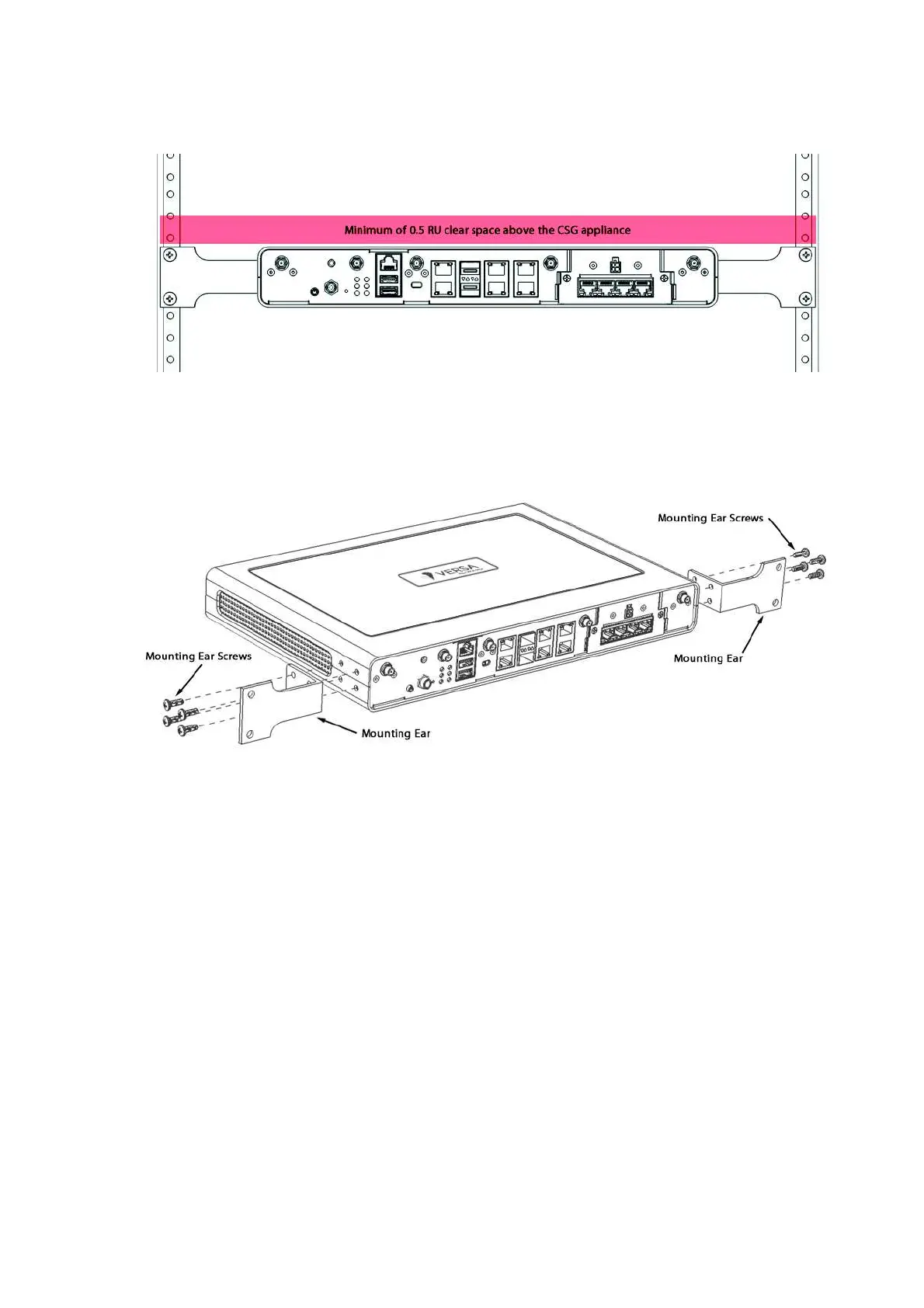
4. Attach the two mounting ears to each side of the appliance chassis using the eight mounting ear screws that
/"0%&--"!4&1%1%"--)&+ "0"#,2/0 /"401,11 %" %*,2+1&+$"/ï
&$2/"11 %1%",2+1&+$/01,||"/&"0--)&+ "ï
5. Grasp both sides of the appliance chassis, making sure that the front of the chassis is facing you.
6. Stand in front of the rack and lift the chassis. Then, gently insert the chassis into the rack and slide it as far
(0-,00&)"ï
&$2/"+0"/1&+$||"/&"0--)&+ "&+1,1%" (ï



 To Next Page