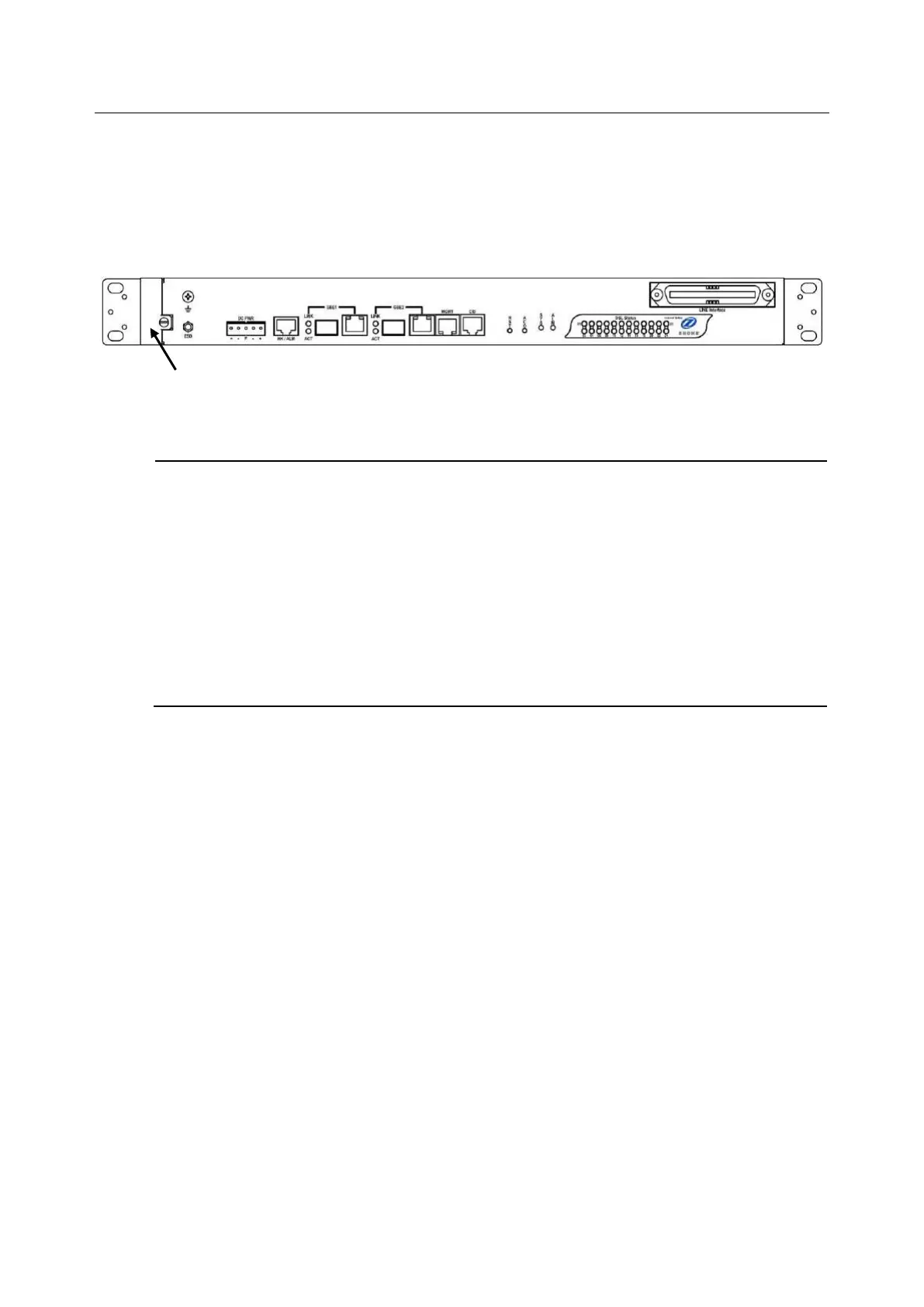
Note — You must loosen the connection of the Air Filter Panel to the DSLAM and pull out
the Air Filter before replacing the air filter.
1 Put on the antistatic wrist strap and connect it to a grounding point.
2 Turn the screw on the Air Filter Panel counterclockwise until it loosens the connection of the
panel to the DSLAM. Remove the Air Filter Panel.
3 Pull the air filter out of the DSLAM.
4 Slide the replacement air filter into the air filter slot of the DSLAM.
5 Reinstall the Air Filter Panel.


 To Next Page