34 www.versitron.com
6.4 System Status
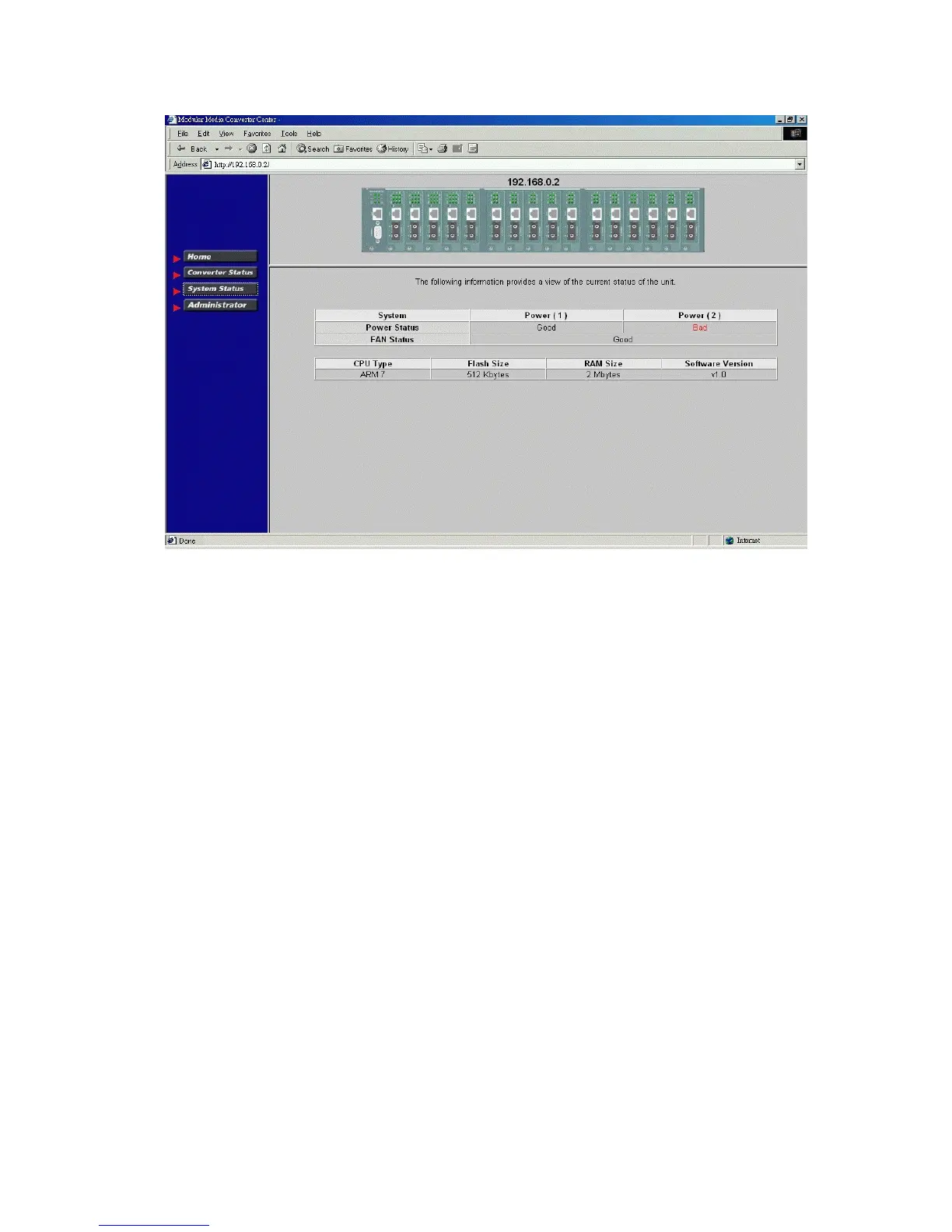
Click [System Status] to view system related status in a table format. The information includes:
Power Status : System power 1&2 chassis condition
FAN Status : System fan status
CPU type : CPU model equipped in management module
RAM size : Memory size equipped in management module
Flash size : Flash memory equipped in management module
Software version : Software version built in management module



 To Next Page