46 www.versitron.com
6.6 Slot Icon Operations
In addition to the menu supported, you may click the following image icons to show specific status.
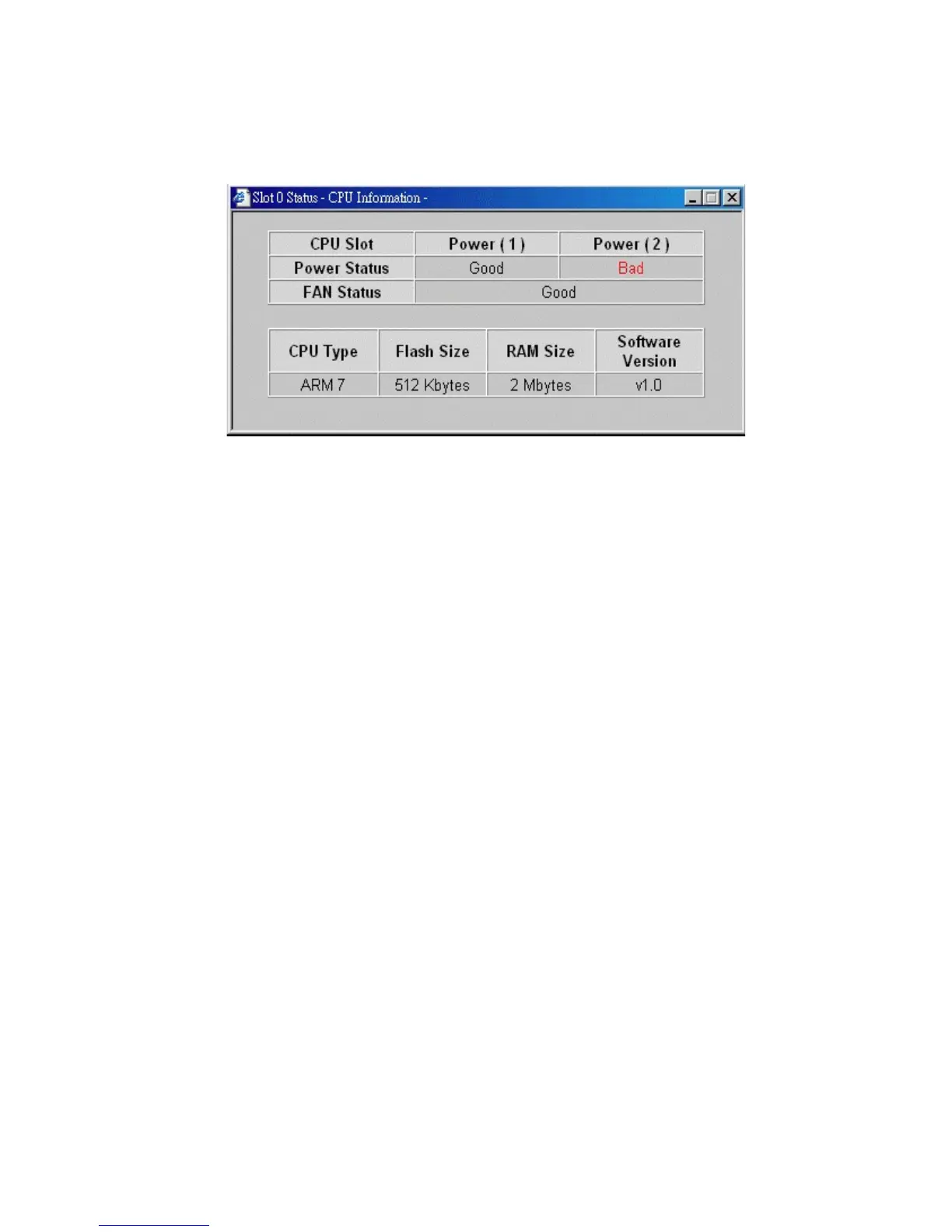
Click slot 0 on the system image shown on the screen
Power Status : System power 1&2 condition
Fan Status : System fan status
CPU type : CPU model equipped in management module
RAM size : Memory size equipped in management module
Flash size : Flash memory equipped in management module
Software version : Software version built in management module



 To Next Page